




What Toner Does the Brother DCP-L5600DN Use?
Nov 3rd 2026
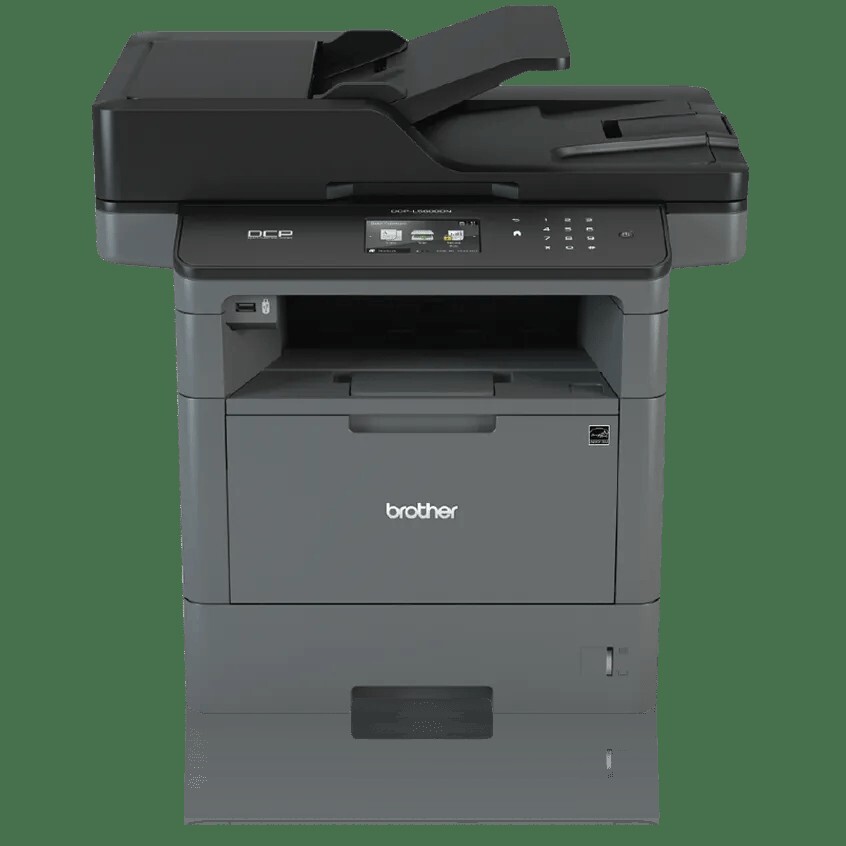
Quick answer: The Brother DCP-L5600DN takes black TN820 toner (about 3,000 pages) or the high-yield TN850 (about 8,000 pages), paired with a DR820 drum unit rated for roughly 30,000 pages. It does not accept the TN880. And here's the twist that defines this model: the best reason to own one — its big, fast document feeder — uses no toner at all, which completely changes how you should think about cartridge life.
The Feeder Is the Headline
Brother's DCP-L5600DN differs from the L5500DN below it mainly above the glass. The automatic document feeder swallows 70 sheets instead of 40 and scans at up to 28 images per minute in black and white (20 in color), so a banker's box of contracts becomes a searchable folder in an afternoon rather than a week. A 3.7-inch color touchscreen runs the show, a front USB host port lets you print from or scan to a flash drive without a computer, and the legal-size flatbed handles bound material the feeder can't.
The print engine underneath is the family's familiar one: up to 42 pages per minute, automatic duplex printing, Gigabit Ethernet and USB (this is another wired-only DN model), a 250-sheet tray plus a 50-sheet multi-purpose tray, optional trays up to 1,340 sheets total, and a 50,000-page maximum monthly duty cycle. It ships with a ~3,000-page TN820 in the box.
Why does the feeder matter to a toner guide? Because offices buy this machine to digitize paper, and scanning spends zero toner. A unit that scans 500 pages and prints 50 in a day is barely sipping its cartridge, while the same machine on copy duty spends toner at full print speed. Judge your cartridge interval by printed and copied pages only.
Cost per Page on the L5600DN
| Supply | Rated yield | Our compatible price | Cost per page |
|---|---|---|---|
| TN820 | ~3,000 pages | $29.07 | ~0.97¢ |
| TN850 | ~8,000 pages | $29.07 | ~0.36¢ |
| DR820 drum | ~30,000 pages | $30.04 | ~0.10¢ |
Prices checked November 2, 2026; yields follow Brother's ISO/IEC 19752 standard. In our compatible range the standard and high-yield cartridges are priced identically — $29.07 each — so the TN850 prints at close to a third of the TN820's per-page cost and, for a scan-led office, may last the better part of a year. The DR820 drum underneath, at about 30,000 pages for one-page jobs and up to 50,000 on longer runs, will outlast roughly four TN850s; on a digitizing workload, where printed pages accumulate slowly, a drum can serve for years.
The Drum, Bought Separately and Rarely
There is no TN850 toner-and-drum set in our catalog to recommend — every compatible set for this platform is built around the TN880, which this DCP cannot use. That is no hardship. The standalone DR820 is $30.04, adds about a tenth of a cent to each printed page, and is the kind of part you order when the printer's drum warning appears, not before. Money spent on a spare drum for a young L5600DN is money sitting in a drawer; a spare TN850 is the shelf item that actually prevents downtime.
Replacing the Cartridge
With the machine on, open the front cover and slide the drum-and-toner assembly out. Press the green lock lever to release the empty cartridge, rock the new cartridge gently from side to side to distribute the toner, strip its protective cover, and click it into the drum. Slide the green tab across the drum once to clean the corona wire, put the assembly back, and close the cover. If the touchscreen continues to show the old cartridge as empty, apply the counter reset in our TN820, TN850 and TN880 troubleshooting guide.
Questions DCP-L5600DN Owners Ask
Our cartridge is lasting far longer than 8,000 pages of documents. Is the counter wrong? Probably not — the yield counts printed and copied pages only. If most of your 8,000 "documents" were scans, they never touched the toner, and the cartridge is simply living up to its rating on the pages that did print.
What is the difference between this and the DCP-L5650DN? Paper handling at the top: the L5650DN's 70-sheet feeder scans both sides of a page in a single pass, while this model's feeder, though equally large and fast for one-sided work, is the step below. Print engine and supplies are identical.
Can I print from a USB stick at the machine? Yes — the front USB host port handles direct printing and scan-to-USB, a genuinely useful feature when the network is down or a visitor needs a document.
Does it have Wi-Fi? No. It is Ethernet and USB only. Anything on your office network, including phones connected by Wi-Fi to the same router, can still print to it.
Which cartridge should a scanning-focused office stock? The TN850. At price parity with the TN820 in our store, its only cost is shelf space, and it removes toner changes from your calendar almost entirely at scan-led volumes.
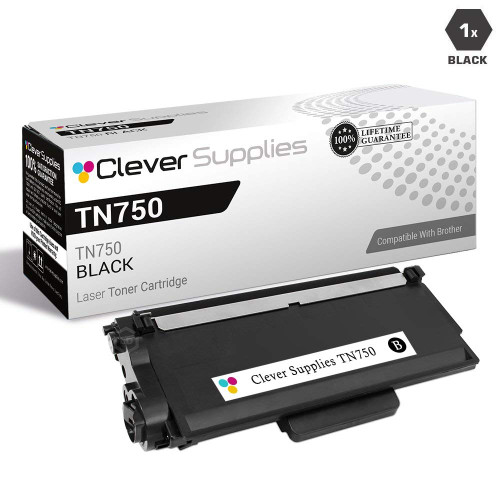 brother tn820 laser toner cartridge compatible black
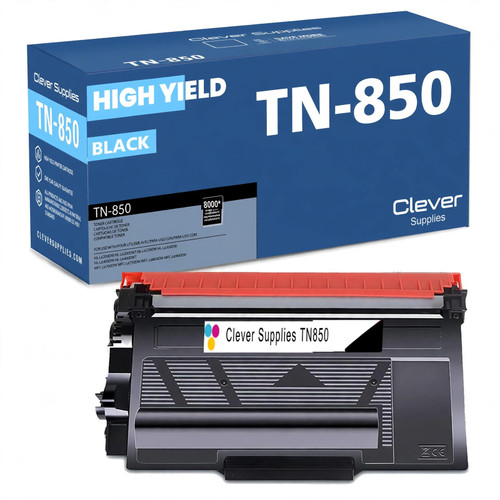 brother tn850 laser toner cartridge compatible high yield bl
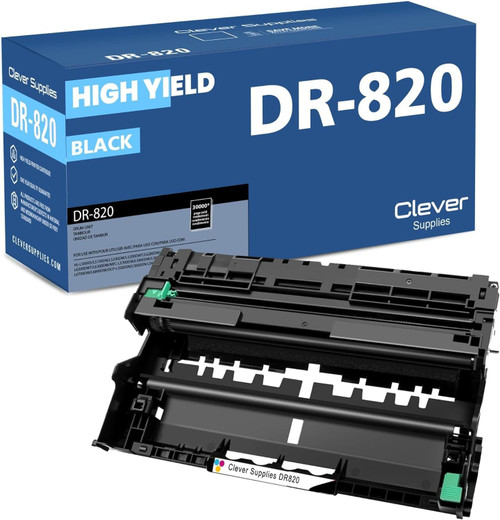 brother dr820 drum unit high yield black
Key takeaways
- The top cartridge here is rated at 8,000 pages — fewer swaps, lower cost per page.
- Lowest cost per page in this family: ~0.36¢ with the highest-yield cartridge.
- Toner and drum are separate parts on this printer — replace only the one the printer asks for.
Other Printers That Use TN850 and DR820
Fourteen other catalog models share this DCP's TN850 and DR820. Within the DCP line, the DCP-L5500DN is the smaller-feeder sibling and the DCP-L5650DN adds single-pass two-sided scanning. The print-only models are the HL-L5200DW, HL-L5200DWT, HL-L6200DW, HL-L6200DWT and HL-L6300DW — note that the three HL-L6xxx models also accept the TN880, which no DCP in the family can use. The fax-equipped all-in-ones complete the set: MFC-L5700DW, MFC-L5800DW, MFC-L5850DW, MFC-L5900DW, MFC-L6700DW, MFC-L6800DW and MFC-L6900DW.
Ready to restock? Start from our DCP-L5600DN toner page, which lists every cartridge and drum that fits this printer.