




Phaser 7500N
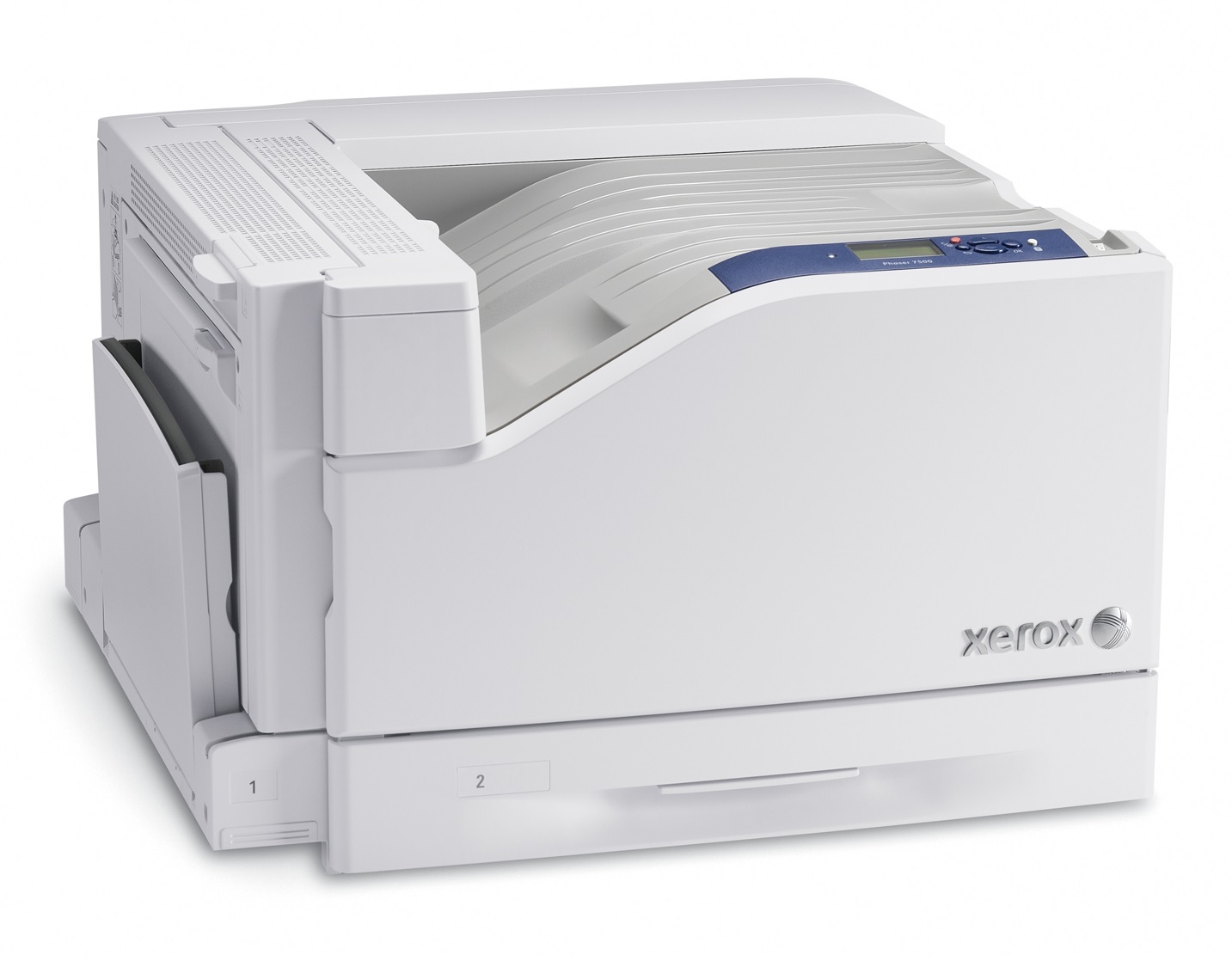
The Xerox Phaser 7500N is a color laser printer for teams that print throughout the workday, and its service and supplies are straightforward, which keeps downtime short. Restocking starts with the standard colors — 106R01433 cyan, 106R01434 magenta and 106R01435 yellow — while the longer-life high-yield versions are numbered 106R01439 in black, 106R01436 in cyan, 106R01437 in magenta and 106R01438 in yellow.
A workday printer lives or dies on uptime. The 7500N's appeal is that supplies are not a project: four slots, seven numbers, no exotic consumables. For a team that prints from morning to evening, the practical questions are how much toner to keep in the building and how fast a swap happens when a cartridge gives out at 4 p.m. The answers below lean toward depth — a spare black and the most-used color in reserve — because on this class of machine a stockout, not a breakdown, is the usual cause of a lost afternoon.
Toner Cartridges for Phaser 7500N
| Cartridge | Color | Page Yield |
|---|---|---|
| 106R01439 | Black | High Yield |
| 106R01436 | Cyan | High Yield |
| 106R01437 | Magenta | High Yield |
| 106R01438 | Yellow | High Yield |
| 106R01433 | Cyan | Standard Yield |
| 106R01434 | Magenta | Standard Yield |
| 106R01435 | Yellow | Standard Yield |
| 106R01439 | Black | High Yield |
| 106R01436 | Cyan | High Yield |
| 106R01437 | Magenta | High Yield |
| 106R01438 | Yellow | High Yield |
| 106R01439 Black 2 Pack | Black | High Yield |
For a full refresh, compare the high-yield 4 color set, the 7500N 4 color set, the Phaser 7500N 4 color set and the premium quality set; standard colors come bundled as a 3 color set, with black as a 4 color set or 5 color set. Extra black is available singly, in the PH7500n 2 pack, and in 2 pack, 3 pack and 5 pack quantities.
Which cartridge should you buy?
Teams that print all day should default to the high-yield range. The black 106R01439 will cycle fastest — a 2 pack keeps the swap instant — and the high-yield colors 106R01436, 106R01437 and 106R01438 suit any team whose color output is a daily habit rather than an occasional event. The standard colors, 106R01433, 106R01434 and 106R01435, still have a place: a team that prints color only for the monthly report pays for capacity it uses instead of capacity that ages in the machine. Whichever tier you choose per slot, write the numbers on the supply cupboard door. Seven numbers is few enough to memorize, and a posted list ends the wrong-cartridge order that happens when someone guesses from memory.
Chip, toner and everyday use
Swapping a cartridge on the 7500N is a front-access job: power on, open the cover, pull the old cartridge straight out, rock the new one gently to level its toner, slide it in until it seats and close the cover. The chip on the new cartridge registers with the printer, which then tracks its level from page counts. Take the low-toner warning as a reorder trigger rather than a challenge — rocking the old cartridge buys a little more print, and that grace period is exactly the delivery window for its replacement. Keep at least one spare in a cool, dry spot away from windows; heat and sunlight shorten a stored cartridge's useful life.
Frequently Asked Questions
What toner does the Phaser 7500N use?
Standard colors 106R01433 (cyan), 106R01434 (magenta) and 106R01435 (yellow), plus high-yield 106R01439 (black), 106R01436 (cyan), 106R01437 (magenta) and 106R01438 (yellow). All of them are listed above, matched to this model.
How do we keep a workday printer from running dry mid-job?
Keep depth where the demand is: a spare high-yield black and a spare of your most-used color, and reorder the day a cartridge reports low instead of the day it stops. The low warning plus a rocking of the old cartridge covers the delivery gap in nearly every case.
Are standard and high-yield cartridges interchangeable here?
Yes, slot by slot. A standard cyan and a high-yield magenta can sit in the same machine; each slot simply runs the cartridge installed in it until that cartridge is done.
How do I find the right toner for my 7500N?
Start with the listings on this page, or open the front cover and read the number printed on the installed cartridge. Matching that number exactly is the whole job — the printer name alone can point at look-alike models.
More printers that use the same cartridges
One toner range covers the whole family — the same cartridges also fit the Phaser 7500, Phaser 7500DN, Phaser 7500DNZ, Phaser 7500DT, Phaser 7500DX, Phaser 7500VDN, Phaser 7500YDN, Phaser 7500YDT, Phaser 7500YDX.