




Xpress M2625D
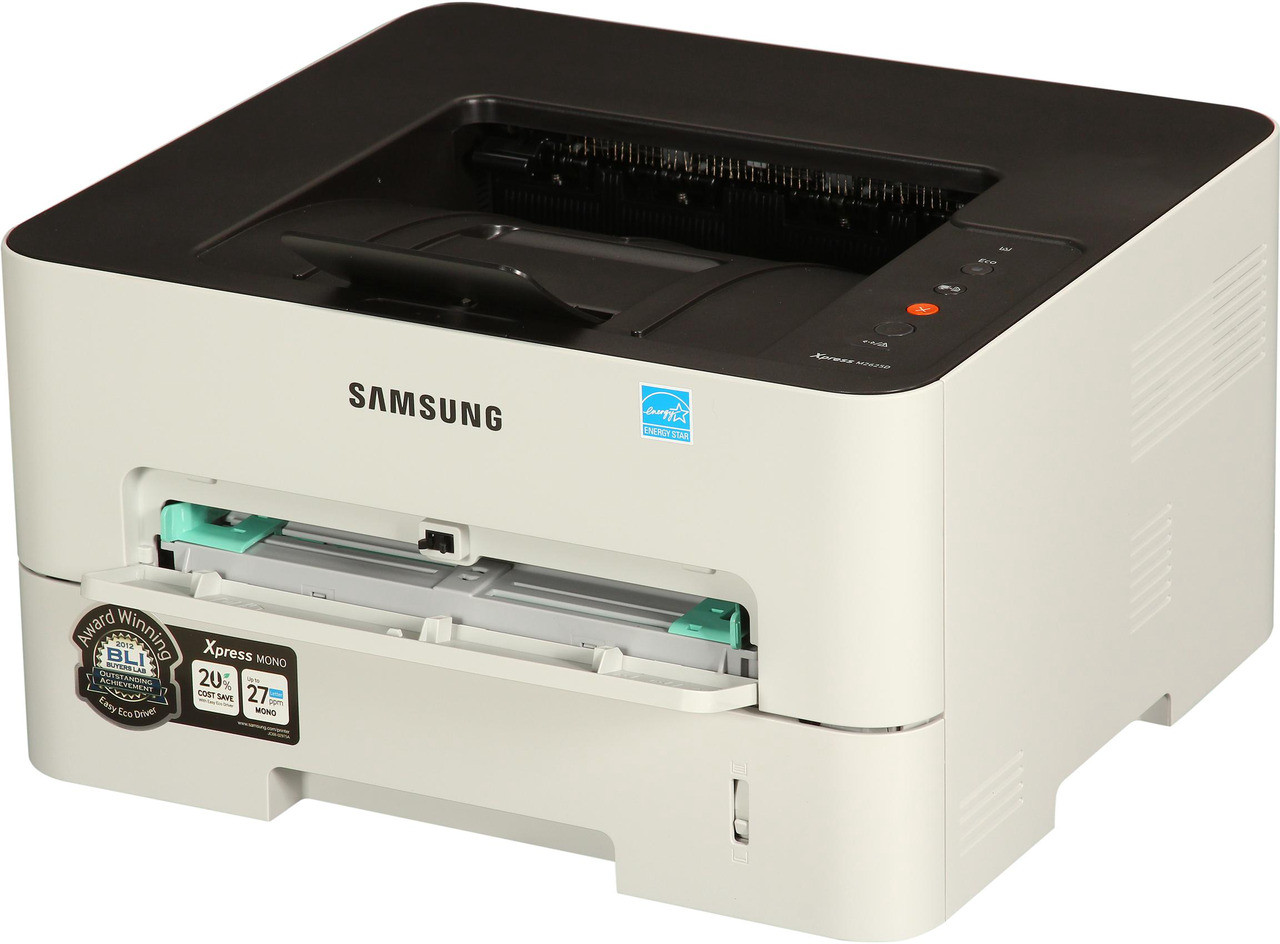
Take the proven M2625 formula and remove its most tedious chore — standing at the output tray flipping pages by hand — and you have the Xpress M2625D, the variant with automatic duplexing built in. The supplies are unchanged: MLT-D116L high-yield or MLT-D116S standard toner, partnered with the separate MLT-R116 imaging unit. This page brings together the compatible high-yield toner listings and the drum for the duplex model.
Duplexing changes the arithmetic of an office's consumables. Reports, handouts and drafts come out two-sided by default, paper consumption drops toward half, and the machine's total impressions climb because long documents no longer feel like a commitment. More sides per week means toner cycles turn over faster too — which is why the high-yield cartridge, not the standard one, is the natural partner for a duplex machine.
Toner Cartridges for Xpress M2625D
| Cartridge | Color | Page Yield |
|---|---|---|
| MLT-D116L High Yield Toner Cartridge — 3 Pack | Black | Check the product page |
| MLT-D116L High Yield Toner Cartridge | Black | Check the product page |
| MLT-D116L Premium High Yield Toner Cartridge — 5 Pack | Black | Check the product page |
| Xpress M2625D High Yield Toner Cartridge | Black | Check the product page |
| Xpress M2625D High Yield Toner Cartridges — 5 Pack | Black | Check the product page |
- Imaging unit, on its own replacement cycle: MLT-R116 Drum Unit — yield listed on the product page
Which cartridge should you buy?
Think in sides, not sheets. A duplex machine that prints a 40-page report has done 40 impressions on 20 sheets, and toner is consumed per impression. If two-sided output is your default — as it should be on this model — the MLT-D116L high-yield cartridge keeps cost per page down and stretches the interval between swaps, while the multi-packs listed above suit offices that never want a toner order to become urgent. The standard MLT-D116S still fits and still makes sense for a lightly used machine, but on a busy duplex unit it simply comes back around for replacement sooner than anyone expects.
Chip, toner and everyday use
Long two-sided jobs are the worst moment to discover an empty cartridge, so keep a sealed spare beside the machine and swap on your schedule, not the printer's. Fit replacements firmly until they click; if a fresh cartridge is not recognized, clean the chip contacts with a dry lint-free cloth and reseat it. When pages begin to fade near the end of a fill, rocking the cartridge gently side to side levels the powder for the remaining run. Page yields are quoted at 5 percent coverage, so dense duplex documents will always land below the rating — that is normal arithmetic, not a faulty cartridge.
Frequently Asked Questions
Does double-sided printing make toner last longer on the M2625D?
It makes paper last longer, not toner. Each printed side draws its normal share of MLT-D116L powder whether the sheet carries one side or two, so duplexing's saving is in the paper budget and in storage, not in cartridge life. Pair it with toner-save mode for drafts if you want to trim both costs at once.
The M2625D says to replace the imaging unit — is that the same as toner?
It is a separate supply entirely. Toner cartridges — MLT-D116L or MLT-D116S — are the regular swap; the MLT-R116 imaging unit lasts through several of them and is only changed when the printer calls for it or when defects start repeating down the page. One warning never clears the other.
Prints from my M2625D look washed out. Toner or drum?
Rule out the free fixes first: toner-save mode left enabled, or a low cartridge that needs a gentle shake to redistribute its powder. If output stays pale at full density with fresh toner installed, suspicion moves to the MLT-R116 — a worn drum prints pale no matter how full the toner is, and fading accompanied by repeating marks points at the drum specifically.