




MagiColor 4750EN
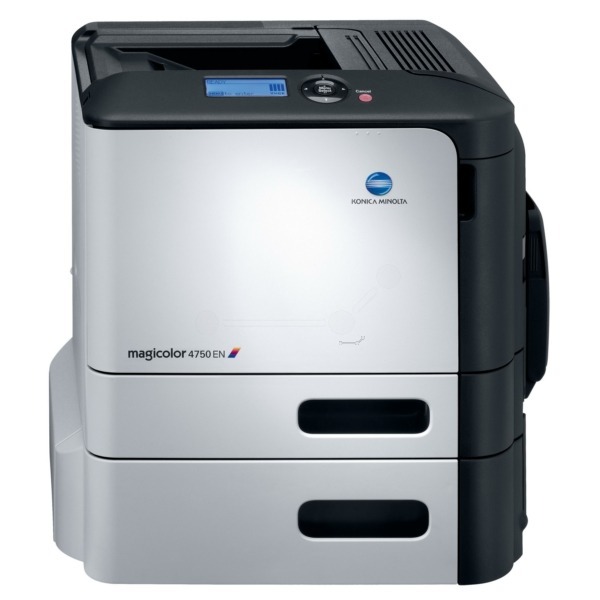
The EN in MagiColor 4750EN marks the enhanced network 4750 — Ethernet-native workgroup color on the verified A0X5 platform. Same four cartridges (A0X5130/5131 K, A0X5230/5231 Y, A0X5330/5331 M, A0X5430/5431 C), same compatible economics. Our A0X5 cartridges fit the 4750EN exactly.
Toner Cartridges for Konica Minolta MagiColor 4750EN
This printer works with the following toner cartridges:
- Konica Minolta A0X5130
- Konica Minolta A0X5131
- Konica Minolta A0X5230
- Konica Minolta A0X5231
- Konica Minolta A0X5330
- Konica Minolta A0X5331
- Konica Minolta A0X5430
- Konica Minolta A0X5431
Frequently Asked Questions
Is there any toner difference between the MagiColor 4750EN and 4750DN?
None - both take the identical A0X5130/31, A0X5230/31, A0X5330/31 and A0X5430/31 cartridges. The suffixes describe connectivity, so buy toner by the A0X5 code, not the model suffix.
Our 4750EN mostly prints black text with a small color logo - which A0X5 colors will we replace first?
Black A0X5130 will go first by far, followed by whichever colors appear in the logo. The remaining colors will last a very long time at that coverage - buy those in standard capacity (last digit 1) and put the budget into spare black.
A new A0X5 cartridge leaks a little toner when I install it in the 4750EN - is that normal?
A tiny dusting on first install can happen, but visible leaking is not normal - remove the cartridge, check for cracks, and do not install a leaking cartridge. Exchange it, and wipe any spilled toner inside the printer with a dry cloth before inserting the replacement.