




MagiColor 4750DN
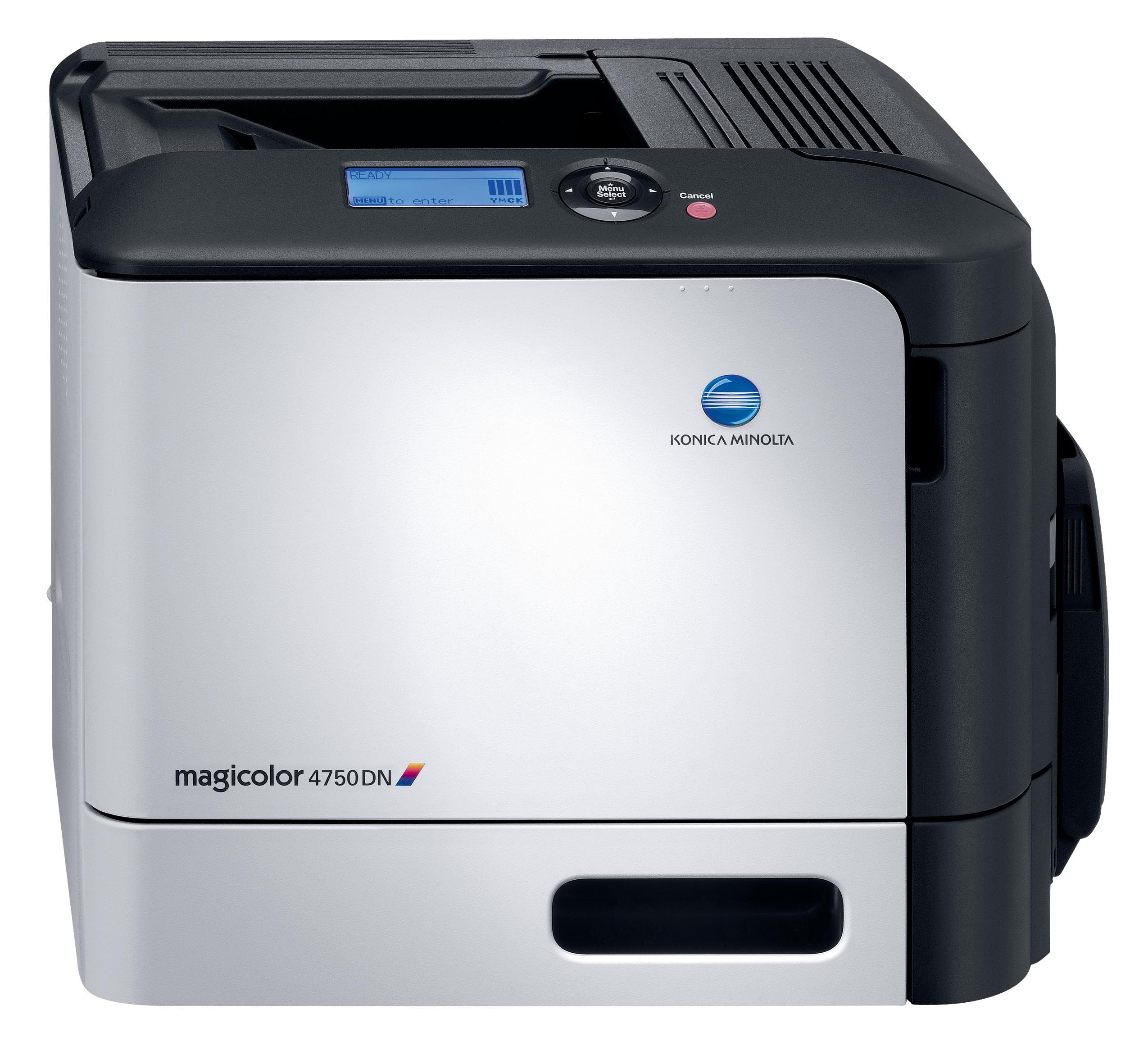 Duplex and network: those two letters turn the base 4750 into the MagiColor 4750DN, the configuration built for shared, double-sided workgroup color. Sharing concentrates demand, and the DN answers it with the A0X5 high-yield family — A0X5130 in black, A0X5230 in yellow, A0X5330 in magenta and A0X5430 in cyan, each good for around 6,000 pages. Standard-depth versions of the same four codes, ending in 1 instead of 0, cover about 3,000 pages for lighter stations.
A networked duplex printer changes the arithmetic of toner in two ways. First, nobody owns it: a dozen colleagues send work to the DN, so its cartridges empty on the office's schedule, not one user's. Second, automatic two-sided printing stretches every cartridge further than the same jobs run single-sided, because duplex documents pack more content onto each sheet that passes under the drum. Together those traits make the high-yield tier the sensible default here — fewer empty-printer surprises for the group, and a lower cost for every page the group produces.
Toner Cartridges for MagiColor 4750DN
| Cartridge | Color | Page Yield |
|---|---|---|
| A0X5130 | Black | About 6,000 pages |
| A0X5430 | Cyan | About 6,000 pages |
| A0X5130 / A0X5230 / A0X5330 / A0X5430 4 Color Set | Black + 3 Colors | About 6,000 pages per cartridge |
| MagiColor 4750DN High Yield 4 Color Set | Black + 3 Colors | About 6,000 pages per cartridge |
| MagiColor 4750DN Premium Quality 4 Color Set | Black + 3 Colors | About 6,000 pages per cartridge |
Which cartridge should you buy?
For a shared DN, buy depth. The high-yield codes ending in 0 deliver roughly 6,000 pages against the standards' 3,000, and on a machine serving a whole team that difference is measured in weeks between swaps. Run high-yield black without debating it — text dominates workgroup output. Colors can be tiered by the group's habits: full high-yield across the board for design or marketing teams, standard colors for an office that prints color sparingly. The 4-color sets listed here suit a planned refresh of all four slots at once; everyday practice is still to replace each color separately the moment it runs dry.
Chip, toner and everyday use
Because the 4750DN lives on the network, it can tell you about toner before anyone walks over to it: enable the low-toner email alerts in its network settings and route them to whoever keeps the supply cabinet. That single setting prevents the classic workgroup failure — a color emptying on Friday afternoon with no spare in the building. Physically, swaps are the same as on any A0X5 machine: seal out, cartridge rocked gently to level its contents, pushed firmly home. Keep one black spare as a standing rule. Yields assume 5% coverage, and heavy booklet work with full-bleed color will drain a cartridge far sooner than the rating suggests.
Frequently Asked Questions
We are swapping our old 4750 for this 4750DN. Does our A0X5 shelf carry over?
Entirely. The DN accepts the same family — A0X5130/31 black, A0X5230/31 yellow, A0X5330/31 magenta and A0X5430/31 cyan. Duplexing and networking change how paper moves and how jobs arrive, never which toner the engine takes.
Does heavy color coverage really empty cartridges faster on the DN?
Yes, because consumption follows coverage rather than page count. A booklet page painted edge to edge can use several times the toner of a text page, which is why full-bleed work argues for the high-yield A0X5230, A0X5330 and A0X5430 colors instead of the standards.
Can the 4750DN warn our office manager before a cartridge dies?
It can. Configure the email alerts in the printer's network settings and the machine reports low toner for whichever A0X5 slot is running down, giving your office manager time to order the exact code rather than discovering an empty printer mid-job.
More printers that use the same cartridges
Two sibling models share this exact A0X5 cartridge family: the MagiColor 4750 and the MagiColor 4750EN.