




BizHub C252
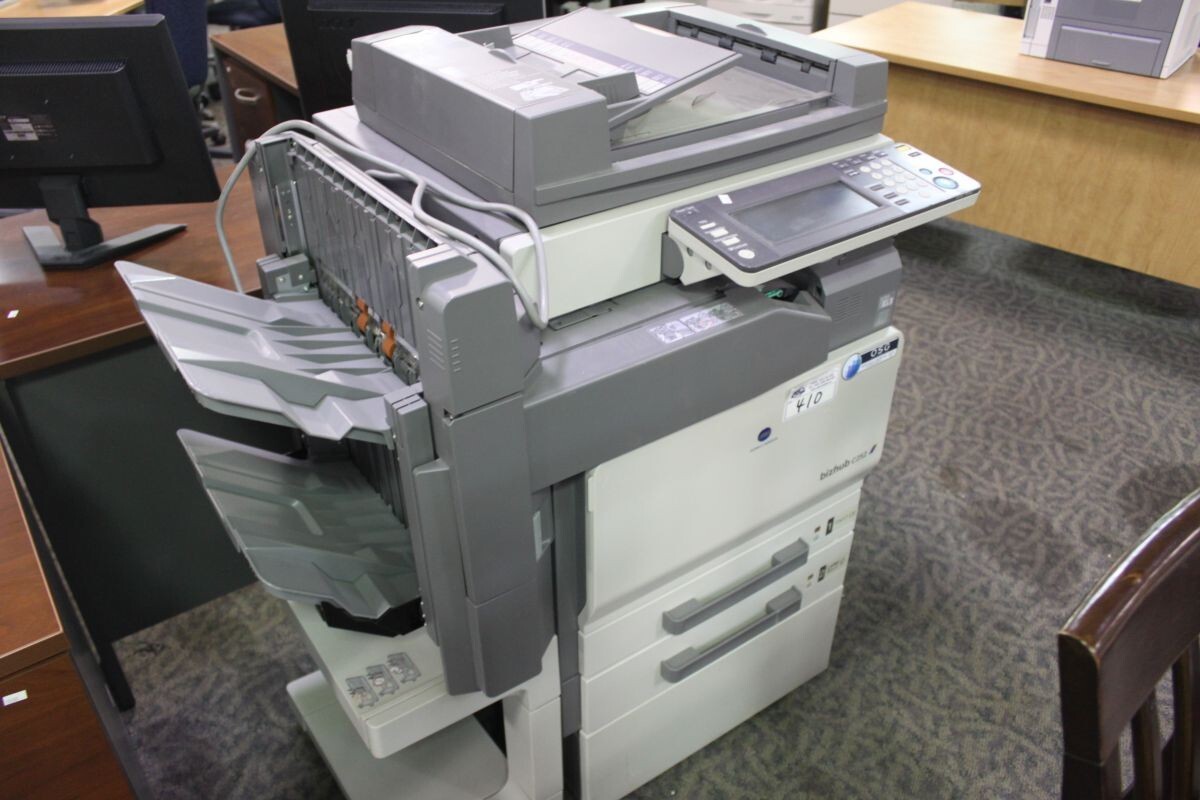
The BizHub C252 updates the C250's color MFP platform with a refreshed engine — and keeps its toner exactly where it was. The machine runs the TN-210 family — TN-210K, TN-210C, TN-210Y and the magenta TN-210M — and this page stocks that magenta cartridge: Konica Minolta part 8938-507, carried in a second listing under the TN210 name. A refresh that preserves the cartridge family is the best kind: the compatible supply an office already trusts never misses a beat.
Engine refreshes tempt offices to re-audit everything, but the consumable side of a C252 needs no audit at all — cartridges bought for a BizHub C250 fit it completely, in every color. In daily service the C252 behaves like what it is: a mid-range color MFP doing steady office volume, four cartridges depleting independently, black working hardest because it carries all the text plus the black component of every color image. Stock should flow accordingly — watch black's rhythm, and replace colors as each one finishes.
Toner Cartridges for BizHub C252
| Cartridge | Color | Page Yield |
|---|---|---|
| Magenta TN-210M (Konica Minolta 8938-507) | Magenta | See product page |
| Magenta TN210 (8938-507), second listing | Magenta | See product page |
Which cartridge should you buy?
Replace on evidence, not on symmetry. The C252's four TN-210 positions finish at different times — black first under document load, the colors according to the coverage in your work — so the economical habit is a single-cartridge swap whenever one position empties. This page covers the magenta position with two listings of the same TN-210M (part 8938-507); they are interchangeable in every way that matters, so order from whichever you find first. Hold one spare magenta in reserve and the swap takes minutes when its turn comes. And because C250 stock fits this machine outright, an office running both generations can pool its spares instead of splitting the shelf in two.
Chip, toner and everyday use
Handle a cartridge problem in the order the machine would. If a TN-210 leaks, power the C252 down, lift the cartridge out carefully without shaking it, and wipe loose toner with a dry cloth — never a standard vacuum, whose fine filter passes toner dust straight through and spreads it around the room. Check the empty bay for residue before the replacement goes in. For ordinary swaps the discipline is simpler: seal fully off, the cartridge rocked gently once to level its toner, then seated until it locks. A spare kept sealed, flat and out of sunlight will be ready whenever its color calls for it.
Frequently Asked Questions
Will TN-210 cartridges bought for a C250 fit the C252?
Yes — the C250 and C252 share the TN-210 family completely, and cartridges move between them in any color. An upgrade to the C252 strands none of the stock already on your shelf.
Why does the C252 use black TN-210 so much faster than the colors?
Black does double duty: it prints every character of text and supplies the black component inside color images as well. In typical office work it simply works harder than any single color, so the imbalance is normal — not a leak and not a defect.
What should I do if a TN-210 cartridge leaks in the C252?
Power down and remove the cartridge carefully, without shaking it. Wipe loose toner with a dry cloth only — a household vacuum spreads fine toner dust rather than capturing it — then check the bay for residue and install the replacement once the area is clean.
Which cartridge does this page sell for the C252?
The magenta TN-210M, part 8938-507, in two listings of the same compatible cartridge. Either listing is the correct magenta for this machine; pick the one whose numbering matches your own records.
More printers that use the same cartridges
TN-210 cartridges also serve the BizHub C250, BizHub C250P and BizHub C252P — one family across all four models.