




LaserJet P4515N
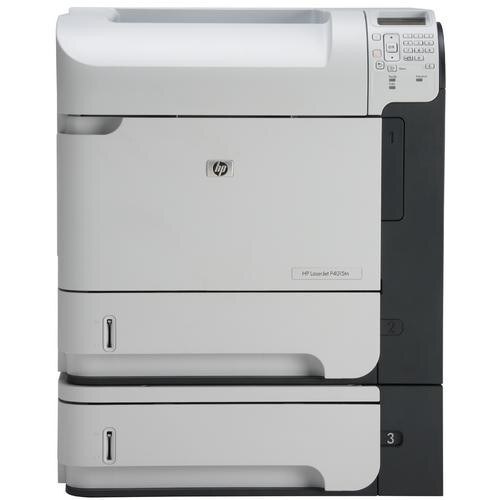
Ethernet made the LaserJet P4515N the shared version of the P4510: late-2000s mono printing with built-in networking for the department that needed one printer, not five. A workgroup machine in an era before every desk had its own.
Cartridges are HP 64A/64X — CC364A standard or CC364X high-yield. Networked and shared, the P4515N earns the high-yield CC364X.
Toner Cartridges for LaserJet P4515N
This printer works with the following toner cartridges:
- HP CC364A
- HP CC364X
More HP Printers
- LaserJet P4014
- LaserJet P4014DN
- LaserJet P4014N
- LaserJet P4015
- LaserJet P4015DN
- LaserJet P4015N
- LaserJet P4015TN
- LaserJet P4015X
- LaserJet P4510
- LaserJet P4515
- LaserJet P4515TN
- LaserJet P4515X
- LaserJet P4515XM
Frequently Asked Questions
Can I use CC364A toner in the LaserJet P4515N?
The correct cartridges for the LaserJet P4515N are CC364A (standard) and CC364X (high-yield). Check the code printed on your current cartridge to confirm.
Can I keep printing after the LaserJet P4515N shows a low-toner message?
Yes, in most cases. The LaserJet P4515N warns early, so keep printing until quality actually drops, and have the replacement CC364A ready for a quick swap in the LaserJet P4515N.
How do I fix streaks on pages from the LaserJet P4515N?
First check the CC364A level in the LaserJet P4515N, then print a cleaning page from the LaserJet P4515N's tools menu — streaks that survive a fresh cartridge and a cleaning cycle point to a dirty roller inside the LaserJet P4515N.