




LaserJet MFP M148fdw
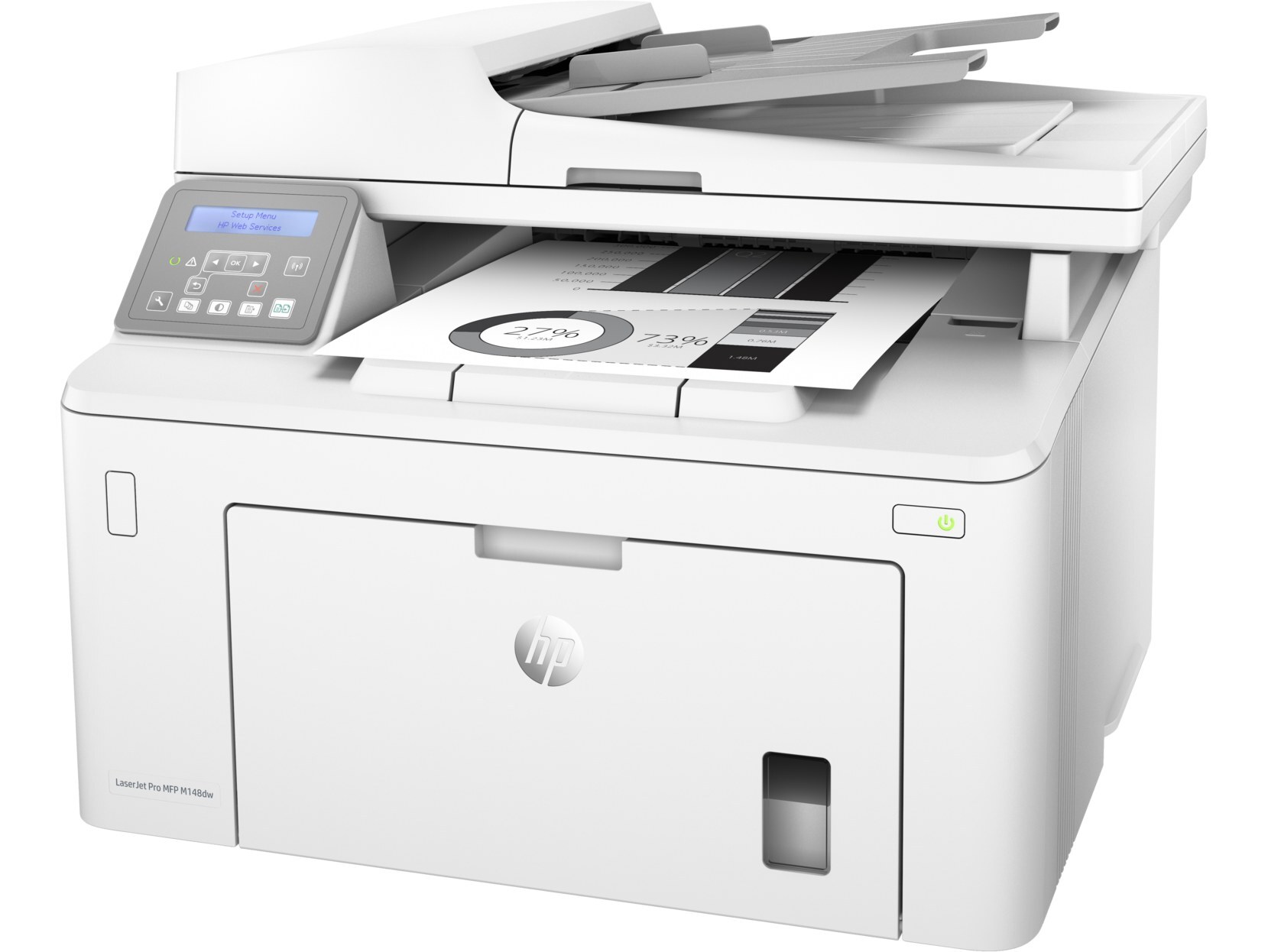
The do-everything compact: the LaserJet MFP M148fdw adds fax to the wireless monochrome multifunction formula — print, scan, copy and fax, with two-sided printing and no cables required. Its toner is the HP 94 family: the 94A (CF294A) standard cartridge or the high-yield 94X (CF294X). Every function on the machine draws from that single cartridge, including the faxes that arrive while nobody is watching.
Fax changes a printer's toner arithmetic. An office can go a quiet week on a few pages, then receive a forty-page fax overnight and burn through toner it never planned to spend. Offices that still run on fax — clinics, law practices, logistics desks — learn to treat the M148fdw's cartridge as a utility rather than a supply: it has to simply be there. That is why this page leans toward the high-yield tier and a standing spare, and why the listings below are short and simple: two cartridges, three pack sizes each.
Toner Cartridges for LaserJet MFP M148fdw
| Cartridge | Color | Page Yield |
|---|---|---|
| Compatible HP 94A (CF294A CF294X) Toner Cartridge 2 Black | Black | See product page |
| Compatible HP 94A (CF294A CF294X) Toner Cartridge 4 Black | Black | See product page |
| Compatible HP 94A (CF294A CF294X) Toner Cartridge Black | Black | See product page |
| Compatible HP 94X (CF294X CF294A) Toner Cartridge 2 Black | Black | See product page |
| Compatible HP 94X (CF294X CF294A) Toner Cartridge 4 Black | Black | See product page |
| Compatible HP 94X (CF294X CF294A) Toner Cartridge Black | Black | See product page |
Which cartridge should you buy?
Fax-heavy offices burn toner faster than they expect, which makes the high-yield 94X (CF294X) worth a serious look here: incoming faxes print around the clock, and the larger cartridge stretches the interval between swaps accordingly. The standard 94A (CF294A) suits an M148fdw whose fax line is mostly silent and whose printing is light. Either way, keep a sealed spare beside the machine — a fax that cannot print because the toner died at 2 a.m. is the failure mode this printer was bought to avoid, and the 2-pack listings exist precisely to make that spare automatic.
Chip, toner and everyday use
One everyday fact surprises new owners: received faxes print, so they use the same toner as any other job, while scans sent to a folder or email use none. When a new cartridge goes in, remove the seal, rock it gently side to side, and slide it home until it seats — the chip then reports levels normally. Store spares sealed and upright in a cool, dry place. And treat published yields as estimates at roughly 5% coverage: a week of dense faxed forms will always outrun a week of short cover letters, whatever the cartridge box promises.
Frequently Asked Questions
Which toner cartridges does the LaserJet MFP M148fdw use?
The CF294A standard cartridge and the CF294X high-yield cartridge. Match the code on the cartridge you remove to one of those two and the replacement will fit.
Where do scanned files from the M148fdw go?
Wherever you tell them to. The software that drives the machine lets you pick the destination folder and the file format — PDF, for example — before scanning starts. Scanning itself uses no toner; only printing and copying draw on the cartridge.
Why are compatible cartridges for the M148fdw less expensive?
Compatibles skip the brand premium and reuse proven cartridge architectures, which is how a compatible CF294A can cost less while still being built specifically for this printer. The compatibles on this page are covered by a 1-year warranty and 1-year returns.
Do received faxes really use the same cartridge as printing?
Yes — a received fax is a printed page, and it comes out of the same CF294A or CF294X supply as everything else the machine produces. Offices with busy fax lines should count that volume when choosing between the standard and high-yield tiers.
More printers that use the same cartridges
The two models below take the identical 94A and 94X cartridges, so one spare stock serves the whole family: