




LaserJet CP4005dn
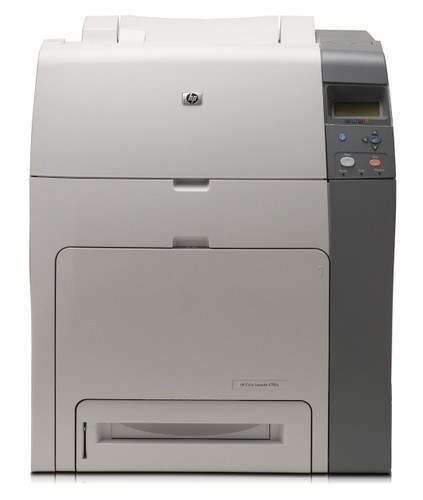
The HP LaserJet CP4005dn is a mid-2000s mono single-function printer, from the generation of LaserJets that offices bought by the dozen and ran for a decade. Offices that still run a LaserJet CP4005dn usually do so for one reason: it keeps handling everyday office document printing without complaint.
Supplies for the LaserJet CP4005dn are straightforward: it takes the HP 642A family (CB400A), a cartridge line shared across 5 sibling models. The LaserJet CP4005dn also accepts the high-yield CB401A for busier stretches, alongside the standard CB400A for everyday office document printing.
Toner Cartridges for LaserJet CP4005dn
This printer works with the following toner cartridges:
- HP CB400A
- HP CB401A
- HP CB402A
- HP CB403A
More HP Printers
Frequently Asked Questions
How many cartridges does the LaserJet CP4005dn take?
Four separate cartridges — the HP 642A set: CB400A for black, CB401A for cyan, CB402A for yellow, and CB403A for magenta. The LaserJet CP4005dn monitors each color on its own, so you replace them one at a time as they run out.
Does the LaserJet CP4005dn need all four cartridges installed to print?
Yes — the LaserJet CP4005dn requires each of the four cartridges (CB400A, CB401A, CB402A, CB403A) to be installed before it will print. The good news is you only replace the one that is actually empty; the rest stay in the LaserJet CP4005dn until their turn comes.
How do I connect the LaserJet CP4005dn to the network?
Run an Ethernet cable from the LaserJet CP4005dn to your router or office switch and it will pick up a network address automatically. Print a configuration page from the LaserJet CP4005dn's control panel to get its IP address, then install the driver on each workstation.