




LaserJet 5SE
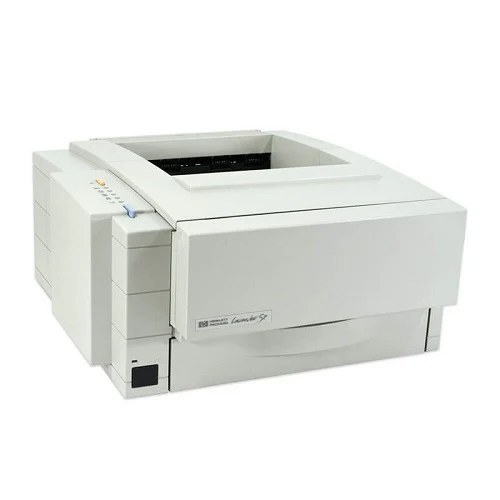
A 1990s-era mono single-function printer, the LaserJet 5SE reflects an era when printers were bought for durability first and features second. Ask around about the LaserJet 5SE and you'll hear the same story: years of everyday office document printing with minimal fuss.
The LaserJet 5SE shares its HP 98A/98X cartridges — including the 92298A — with 7 other HP models, keeping replacement options plentiful. Busy LaserJet 5SE owners often grab the high-yield 92298X, while the standard 92298A is plenty for steady everyday office document printing.
Toner Cartridges for LaserJet 5SE
This printer works with the following toner cartridges:
- HP 92298A
- HP 92298X
More HP Printers
Frequently Asked Questions
What toner cartridges does the LaserJet 5SE use?
The LaserJet 5SE uses 92298A, 92298X. For heavier printing, the 92298X high-yield version of 92298A fits the same LaserJet 5SE. Order by these exact codes — cartridges made for other HP families won't fit or won't be recognized.
How do I install a new toner cartridge in my LaserJet 5SE?
Open the cartridge door on the LaserJet 5SE and slide the old 92298A out by its handle — set it aside for recycling. Unpack the new 92298A, pull off its protective seal, and slide it straight in until it clicks. Close the door and print a test page from the LaserJet 5SE to confirm.
How do I fix faded or streaky prints on my LaserJet 5SE?
Check the toner level first — the LaserJet 5SE flags a low 92298A before quality drops. Try reseating the cartridge and running a cleaning cycle from the printer's maintenance menu. If streaks persist with a fresh 92298A, the issue is likely elsewhere in the paper path.