




LaserJet 5N
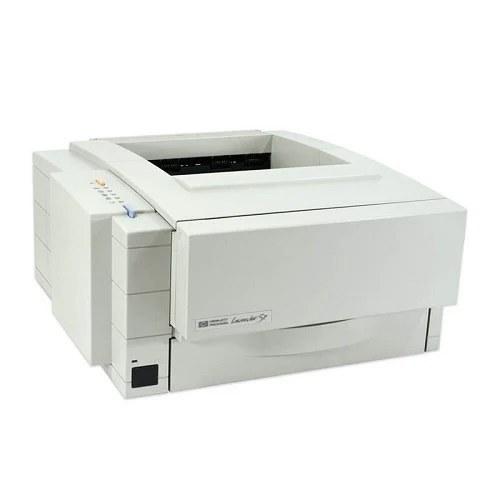
The LaserJet 5N arrived on the scene in the 1990s as HP's mono single-function printer for everyday office document printing, and its staying power says the formula worked. What keeps the LaserJet 5N relevant is everyday office document printing: unglamorous, essential, and exactly what offices need. The N in the LaserJet 5N name signals built-in networking, making the LaserJet 5N an easy shared printer for a small office.
One practical upside of the LaserJet 5N: its HP 98A/98X cartridges (92298A) are shared with 7 other models, so you're never hunting for something obscure. Pair the LaserJet 5N with genuine OEM 92298A cartridges for maximum peace of mind, or stretch your budget with compatible HP 98A/98X cartridges that print just as sharp.
Toner Cartridges for LaserJet 5N
This printer works with the following toner cartridges:
- HP 92298A
- HP 92298X
More HP Printers
Frequently Asked Questions
How do I know I'm buying the right toner for my LaserJet 5N?
Compare the code on the box with the LaserJet 5N's list: 92298A, 92298X. HP makes look-alike cartridges for different printer families, so a code match is your guarantee.
Why won't my LaserJet 5N print after a cartridge change?
If the LaserJet 5N won't print after a cartridge change, confirm the new 92298A is fully seated and its sealing tape was removed. Read any message on the printer's display and follow its steps. Removing and reinserting the cartridge with the printer powered on usually clears recognition errors.
How do I clear a paper jam in the LaserJet 5N?
Power off the LaserJet 5N, open its doors, and pull the jammed paper out slowly in the direction of the paper path — never against it. Check that the tray guides sit snug against the paper stack, since loose guides cause repeat jams. Fan the paper and avoid overfilling the tray.