




LaserJet 3200M
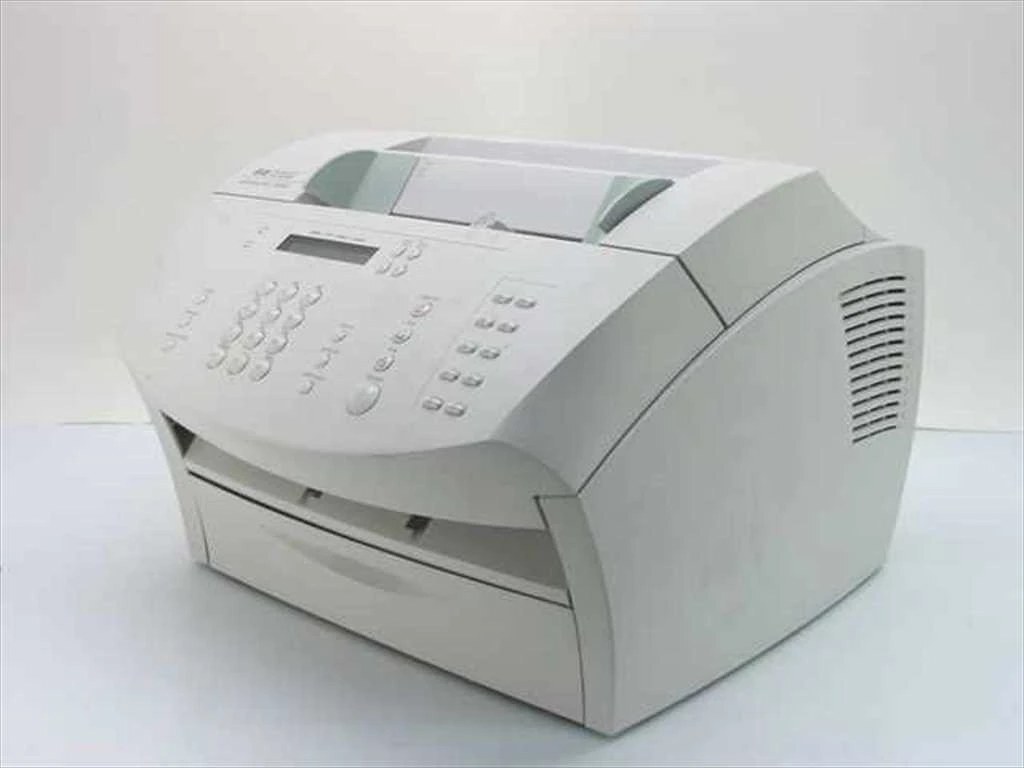
The HP LaserJet 3200M is exactly what its late-90s badge suggests: a mono single-function printer made for everyday office document printing, earning its keep through steady, legible pages day after day. Its supplies are straightforward — the 92A (C4092A) family, a single black cartridge line shared across nine sibling models. That sharing is the quiet advantage of this machine: its cartridge was never an orphan, and compatible versions remain easy to find in singles, multipacks and a premium build.
Printers like the 3200M persist in offices that value boring reliability over novelty. No network features to babysit, no color system to feed — a document goes in one end of the workflow and comes out printed. Owners keep them for correspondence, records and forms, the paperwork that never stopped being paper. Keeping such a machine costs one thing: the occasional cartridge, ordered by code and dropped in without ceremony.
Toner Cartridges for LaserJet 3200M
| Cartridge | Color | Page Yield |
|---|---|---|
| C4092A standard black | Black | See product page |
| C4092A — 2 Pack | Black | See product page |
| C4092A — 3 Pack | Black | See product page |
| C4092A — 5 Pack | Black | See product page |
| C4092A — 10 Pack | Black | See product page |
| C4092A Premium — 5 Pack | Black | See product page |
| C4092A MICR | Black (MICR) | See product page |
| LaserJet 3200M black toner | Black | See product page |
| 3200M (C4092A) black | Black | See product page |
Which cartridge should you buy?
Yield is settled — one cartridge, one capacity — so think in terms of continuity. A single cartridge suits a desk that prints occasionally. The multipacks suit everyone else: the cost per cartridge falls as the pack grows, and a drawer spare converts an empty-cartridge afternoon from a stoppage into a two-minute swap. The Premium five pack is the range's higher-finished option, and the MICR listing covers check printing. All are compatible cartridges backed by a 1-year warranty and 1-year returns.
Chip, toner and everyday use
The swap itself is the same on every model in this family: door open, old cartridge out by the handle, seal off the new one, in until it clicks, door closed, test page. Toner that has sat in storage settles — rock the new cartridge gently before it goes in so the first pages print evenly. Fading late in a cartridge's life is the low-toner signature on these machines; rocking redistributes the remainder, and when the fade comes back fast, order the replacement rather than nursing it.
Frequently Asked Questions
Which cartridge codes fit the 3200M?
Only the code named on this page. The box code is what matters — matching it exactly is how this family avoids returns, since cartridges for other HP lines do not fit.
Can I share cartridges between this printer and its sibling models?
Yes. The family list below is a list of machines that take the very same cartridge, so a spare bought for one of them is a spare for all of them.
What does the Premium five pack give me over the regular five pack?
Both are compatible cartridges for this printer in the same quantity; the Premium line is the range's higher-finished build. Choose it if the machine prints customer-facing documents where consistency matters most.
My first page after a swap is light. Should I worry?
Not yet. Print a few more pages — density normally settles as toner distributes in the fresh cartridge. If page five is still pale, reseat the cartridge and check that the seal came fully out.
More printers that use the same cartridges
Every model here runs on the same cartridge as the 3200M:
HP C4092A, Laserjet 1100, Laserjet 1100A, Laserjet 1100ASE, Laserjet 1100AXI, Laserjet 1100SE, LaserJet 1100SI, Laserjet 1100XI, LaserJet 3200, LaserJet 3200SE