




Color Pro 3201dw
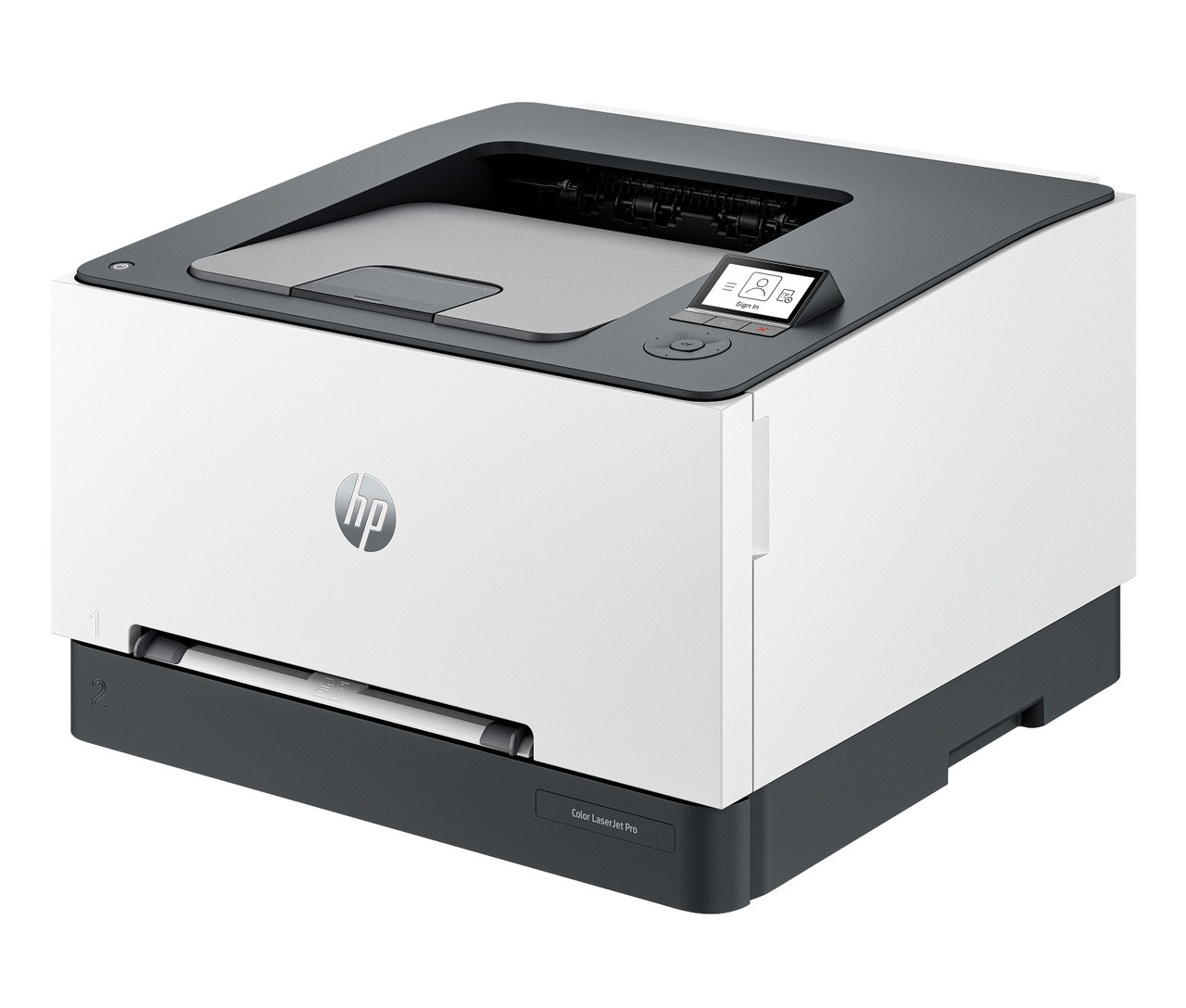
The HP Color LaserJet Pro 3201dw is the print-only member of HP's newest small-office color laser line: a compact single-function printer with automatic two-sided printing and wireless connectivity, built for desks and small work teams that need color documents without a scanner on top. It uses HP's 218 cartridge family, which means two yield classes share the same four slots — the standard-yield 218A cartridges for light, occasional printing and the high-yield 218X cartridges for offices that print in volume. Every cartridge on this page is a Clever Supplies compatible with a new, current-generation chip fitted, ready to install and print.
Start with the choice most 3201dw owners face. If the printer mostly handles a few pages a day, the 218A 4-color set at $199.92 is the natural full refresh. If it prints every day, the 218X 4-color set at $269.68 puts roughly two and a half times the black pages and about double the color pages in the machine — and you can mix the two classes slot by slot, because the printer accepts both.
Toner Cartridges for the Color LaserJet Pro 3201dw
The 3201dw takes four cartridges. Black is W2180A (about 1,300 pages) or the high-yield W2180X (about 3,200 pages). The colors are W2181A cyan, W2183A magenta and W2182A yellow at standard yield (about 1,200 pages each), or W2181X, W2183X and W2182X at high yield (about 2,500 pages each). Page counts are HP's ISO/IEC 19798 ratings. Each color replaces on its own — you never have to change a cartridge that still has toner. Offices that burn black fastest can add the W2180X black 2-pack, and the 218X 5-pack combines the full high-yield set with a spare black.
What a Page Costs in the 3201dw
At standard yield, black runs about 4.7 cents a page and each color about 5 cents (singles at $60.48). At high yield those numbers fall to about 2.4 cents for black and about 3.1 cents per color (singles at $77.92). A full-color page uses all four cartridges, so add the four figures for the class you run: roughly 19.6 cents at standard yield, roughly 11.7 cents at high yield — which is why daily color printing belongs on the 218X class and occasional printing is perfectly well served by the 218A class. Sets widen the gap further: both 4-color sets are $42.00 below the price of their four singles.
Chips and Firmware on the 218 Family
Every 218 cartridge we sell ships with a new, latest-generation chip already fitted — our supplier lists them as "New Chip" cartridges — so installation is the same as with a genuine HP cartridge: open the drawer, slide the cartridge in until it clicks, print. There is no chip to move from your old cartridge, and the store has had no chip problems with these cartridges. One limit applies to every compatible cartridge from any seller: nobody can guarantee that a future HP firmware update will never cause a prompt. What we can say is factual — the chip in these cartridges is the current generation, and toner levels report normally.
Same Cartridges, Sibling Printers
The 3201dw shares its cartridges with the three multifunction models in the same line: the Color LaserJet Pro MFP 3301cdw, the MFP 3301fdw and the MFP 3301sdw. If your office runs a mix of the printer-only and MFP models, a single shelf of 218 cartridges covers all of them. Compatible toner from Clever Supplies carries a 1-year warranty and 1-year returns, and support is available Monday to Friday, 9 AM to 5 PM CST.
Frequently Asked Questions
Which toner does the HP Color LaserJet Pro 3201dw use?
The 218 family: W2180A black, W2181A cyan, W2183A magenta and W2182A yellow at standard yield, or the W2180X–W2183X codes at high yield. Both classes fit the same slots, and you can mix them.
Is the 3201dw a high-yield or standard-yield printer?
Both. The 3201dw accepts the 218A and 218X classes interchangeably. Choose per slot: high-yield for the colors you spend fastest, standard for the rest.
Will a compatible cartridge void the printer's warranty?
Using a compatible cartridge does not void the printer manufacturer's warranty. Our cartridges additionally carry their own 1-year warranty and 1-year returns.
How do I know which cartridge is empty?
The printer's display and supply gauge report each of the four cartridges separately. Replace only the one that reads empty — the other three keep printing.