




COLOR LASERJET 4700
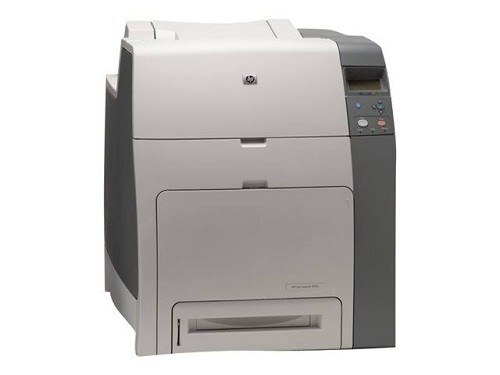
The HP Color LaserJet 4700 brought mid-2000s color printing to workgroups with a compact, modern design. It balanced speed, quality and footprint for busy offices.
Toner comes from the HP 643A family — black Q5950A with cyan Q5951A, magenta Q5952A and yellow Q5953A. We carry compatible and genuine OEM cartridges for the 4700.
Toner Cartridges for COLOR LASERJET 4700
This printer works with the following toner cartridges:
- HP Q5950A
- HP Q5951A
- HP Q5952A
- HP Q5953A
More HP Printers
Frequently Asked Questions
What toner cartridges does the COLOR LASERJET 4700 use?
The COLOR LASERJET 4700 is a color laser printer that takes four separate toner cartridges: Q5950A, Q5951A, Q5952A, Q5953A. Match these exact codes when buying replacements for the COLOR LASERJET 4700.
How often should I replace the toner in the COLOR LASERJET 4700?
Replace a cartridge in the COLOR LASERJET 4700 when the printer flags it as low or very low — not on a schedule. The four cartridges (Q5950A, Q5951A, Q5952A, Q5953A) deplete at different rates depending on how much color you print on the COLOR LASERJET 4700.
How do I install a toner cartridge in the COLOR LASERJET 4700?
Open the front access door of the COLOR LASERJET 4700, pull the empty cartridge straight out by its handle, and slide the new cartridge in until it clicks. Close the door and let the COLOR LASERJET 4700 finish its calibration before printing.