




COLOR LASERJET 4700DN
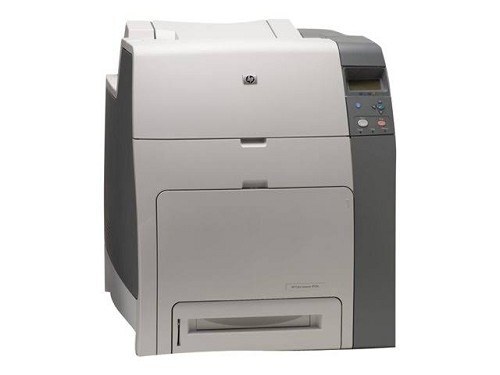
Automatic duplexing and networking made the HP Color LaserJet 4700DN the sensible office configuration. Two-sided shared color printing at a reasonable running cost.
It uses HP 643A cartridges: Q5950A black plus Q5951A, Q5952A and Q5953A color. Compatible and genuine OEM toner for the 4700DN is available.
Toner Cartridges for COLOR LASERJET 4700DN
This printer works with the following toner cartridges:
- HP Q5950A
- HP Q5951A
- HP Q5952A
- HP Q5953A
More HP Printers
Frequently Asked Questions
Which toner cartridges are compatible with the COLOR LASERJET 4700DN?
Look for the exact codes Q5950A, Q5951A, Q5952A, Q5953A — one black and three color cartridges — for the COLOR LASERJET 4700DN. Sticking to these codes guarantees a proper fit and correct recognition in the COLOR LASERJET 4700DN.
Does the COLOR LASERJET 4700DN support automatic double-sided printing?
Yes — the duplex unit is built into the COLOR LASERJET 4700DN, so choose the two-sided option in your print dialog and it flips each sheet automatically. It works with plain paper loaded in the COLOR LASERJET 4700DN's main tray.
How do I install a toner cartridge in the COLOR LASERJET 4700DN?
Open the front access door of the COLOR LASERJET 4700DN, pull the empty cartridge straight out by its handle, and slide the new cartridge in until it clicks. Close the door and let the COLOR LASERJET 4700DN finish its calibration before printing.