




Multifunction B2375DFW
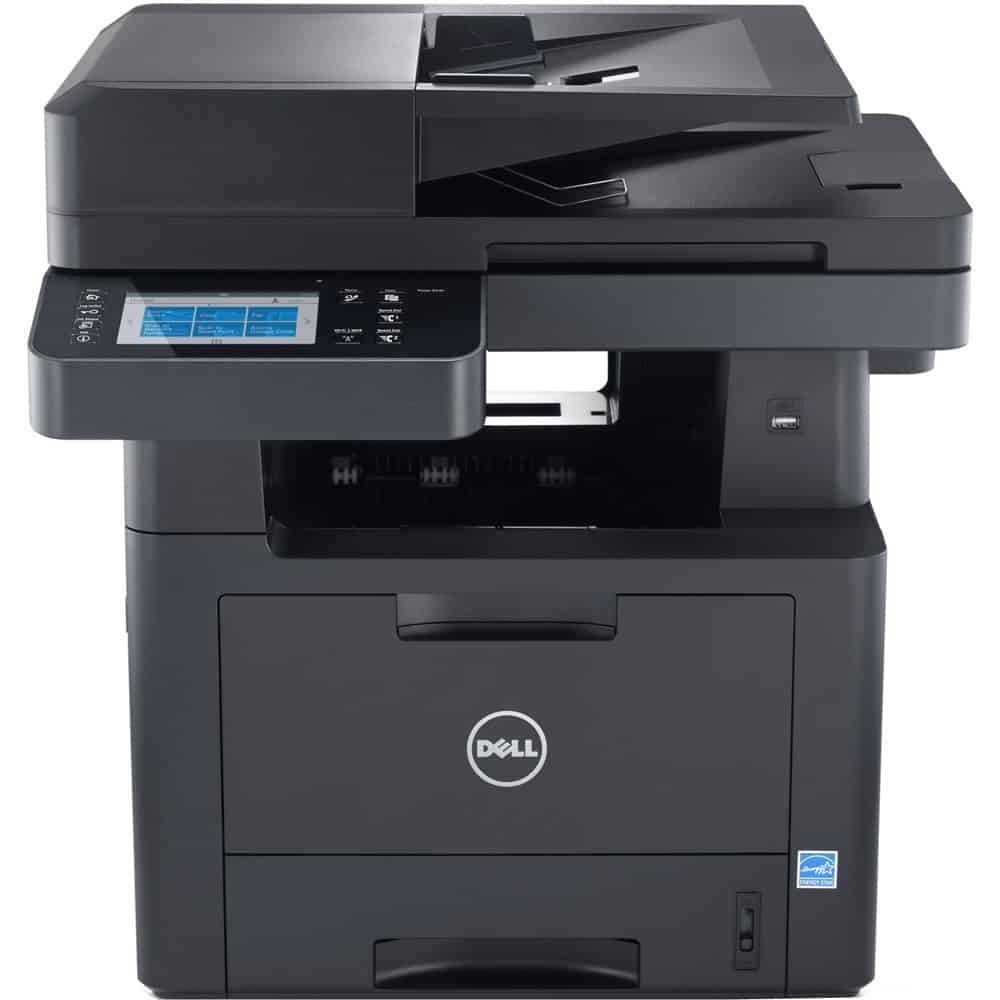
The Dell B2375DFW answers a placement problem: how to give an office a 47-page-per-minute multifunction — print, copy, scan and fax — without running Ethernet to wherever it needs to sit. Wireless joins the platform, duplexing and fax are built in, and the toner shelf stays the family standard: the 593-BBBI at about 3,000 pages for moderate use or the 593-BBBJ high-yield at roughly 10,000 pages for heavy months.
Wireless placement has a supply side-effect worth planning for. A printer anyone in the office can reach from any desk tends to collect more work than a tethered one, so DFW machines often burn toner faster than their owners forecast — another argument for defaulting to the big cartridge.
Toner Cartridges for B2375DFW
| Cartridge | Color | Page Yield |
|---|---|---|
| 593-BBBI | Black | About 3,000 pages |
| 593-BBBJ (C7D6FXL) Maximum Yield | Black | About 10,000 pages |
| 593-BBBJ (C7D6FXL) Maximum Yield 3 Pack | Black | About 10,000 pages |
| 593-BBBJ High Yield | Black | About 10,000 pages |
| 593-BBBJ High Yield 3 Pack | Black | About 10,000 pages |
| 593-BBBJ Premium High Yield 5 Pack | Black | About 10,000 pages |
| B2375DFW | Black | About 3,000 pages |
| B2375DFW High Yield 5 Pack | Black | About 10,000 pages |
Which cartridge should you buy?
Let the machine's role decide. As a department's shared hub, it belongs on the high-yield 593-BBBJ: about 10,000 pages per change, the lowest cost per page on this shelf, and multi-pack listings that keep a reserve where the printer stands. In a quieter corner office role, the standard 593-BBBI is a rational buy that keeps less money sitting in the supply drawer. Whichever you choose, coverage is a 1-year warranty with 1-year returns.
Chip, toner and everyday use
Because this model is often parked away from the IT desk, make the toner routine self-serve: a labeled spare on the shelf beside it, and the used cartridge left in its box so the next person knows a swap already happened. New cartridges are chipped and recognized when seated — a lingering prompt after installation usually just means the unit needs a firmer push home. Store spares away from the heat a hard-working machine vents, and give a long-stored cartridge a gentle rock before fitting it.
Frequently Asked Questions
What do the letters in B2375DFW mean?
Duplex, fax and wireless: two-sided printing, a fax modem and Wi-Fi networking are all standard. The wireless side talks to your network, while faxes travel over a phone line — the two systems are independent of each other.
Which cartridges fit the B2375DFW?
The platform's pair: standard-yield 593-BBBI (about 3,000 pages) or high-yield 593-BBBJ (about 10,000 pages), including the listings sold under the B2375DFW name.
Do incoming faxes drain the cartridge even if nobody prints?
Yes — a received fax is printed the moment it arrives, using whatever cartridge is installed. Offices with heavy fax traffic should treat that as baseline volume and lean toward the high-yield cartridge from the start.
More printers that use the same cartridges
Its platform siblings run on the same two cartridges:
Dell 593-BBB, Multifunction B2375, Multifunction B2375DNF, Multifunction B2375dfw