




Laser 5310N
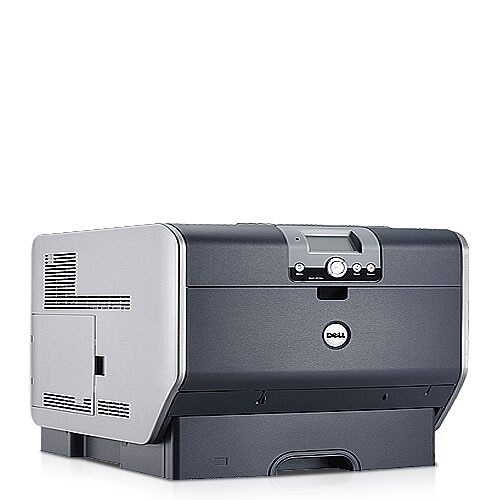
The Dell 5310N is the flagship of the pair: up to 50 ppm (letter) monochrome output, built-in networking, and a cartridge range that runs from standard through high-capacity to extra-high-capacity for the lowest possible cost per page. Large groups with heavy black-and-white needs get speed, expandability to 2,600 sheets, and genuinely low operating costs.
The winning combination here is the largest cartridge in compatible form — maximum pages per install at minimum cost per page. For a printer built to run all day, that is the supply strategy that matches the hardware.
Toner Cartridges for Dell 5310N
This printer works with the following toner cartridges:
- Dell 310-7236
- Dell 341-2915
- Dell 341-2918
- Dell 341-2919
- Dell 341-2937
- Dell 593-10130
- Dell 595-10008
- Dell 595-10010
- Dell 595-10011
- Dell GD531
- Dell HD767
- Dell PD974
- Dell UG215
- Dell UG218
- Dell UG219
Frequently Asked Questions
Which cartridges fit the Dell 5310N?
The 5310N accepts every code in the 5210/5310 family: 341-2915, 341-2918, 341-2919, 341-2937, 310-7236, 593-10130, 595-10008, 595-10010, 595-10011, GD531, HD767, PD974, UG215, UG218, and UG219.
How does duplex printing help on the 5310N?
If your 5310N configuration includes the duplexer, printing double-sided roughly halves paper costs on long documents. Pair that with the right cartridge capacity for your volume and both paper and toner spending drop together.
The 5310N keeps warning about low toner but prints look fine - what should I do?
Laser printers often warn early, and on the 5310N you can usually keep printing until output actually fades. Just have a replacement cartridge from the 341-2915 series ready so you are not caught short when quality finally drops.