




Laser 5210
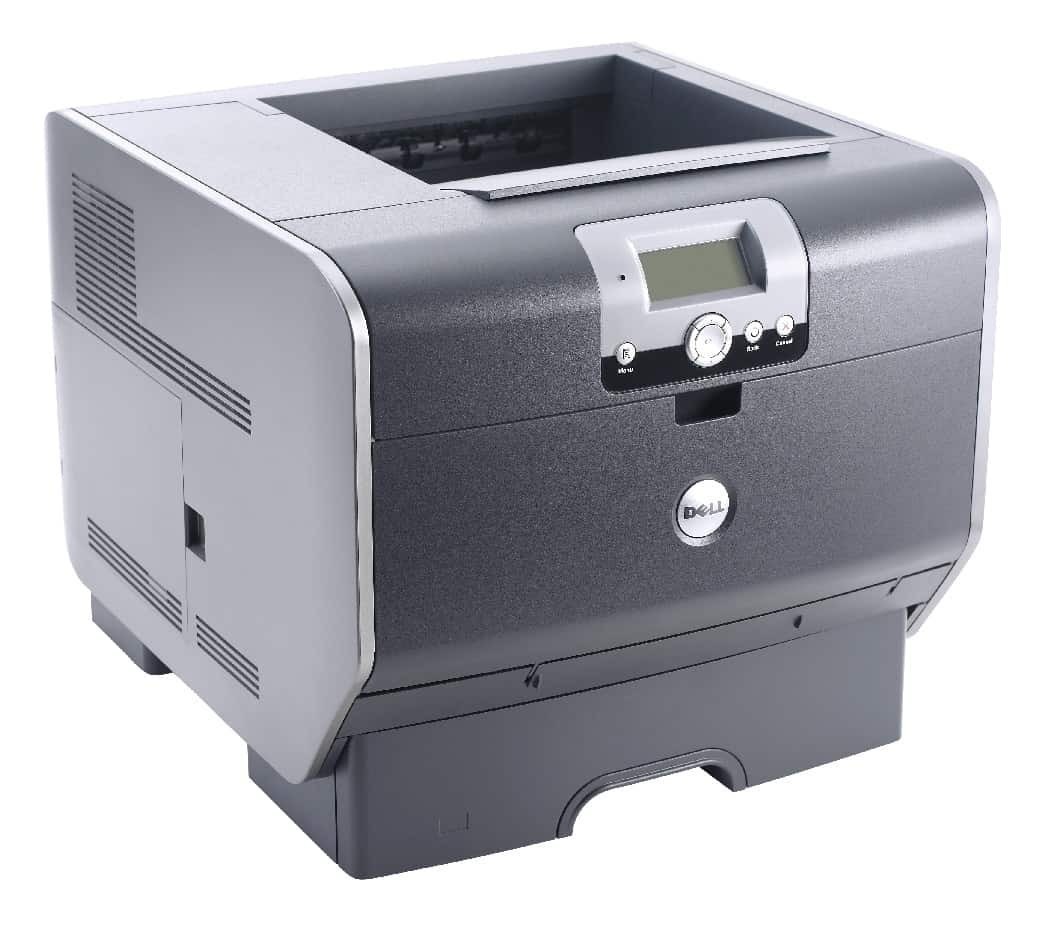
The Dell 5210 is a true workgroup monochrome laser: up to 38–40 pages per minute, a 200,000-page monthly duty cycle, and a 500-sheet drawer that accepts up to four more for a 2,600-sheet maximum. Medium and large workgroups get fast, expandable printing without stepping up to a departmental-class machine.
Workgroup printers deserve workgroup cartridges. The 5210's family includes standard and high-capacity black toner options — and at this volume, the high-capacity size plus compatible pricing is what keeps the cost per page where it belongs.
Toner Cartridges for Dell 5210
This printer works with the following toner cartridges:
- Dell 310-7236
- Dell 341-2915
- Dell 341-2918
- Dell 341-2919
- Dell 341-2937
- Dell 593-10130
- Dell 595-10008
- Dell 595-10010
- Dell 595-10011
- Dell GD531
- Dell HD767
- Dell PD974
- Dell UG215
- Dell UG218
- Dell UG219
Frequently Asked Questions
What cartridges does the Dell 5210 use?
The 5210 takes the 5210/5310-series supplies: 341-2915, 341-2918, 341-2919, 341-2937, 310-7236, 593-10130, 595-10008, 595-10010, 595-10011, GD531, HD767, PD974, UG215, UG218, and UG219. Confirm the code on your current cartridge before ordering.
The 5210 lists many cartridge options - how do I pick one?
Compare page yields across the listed codes: choose a higher-capacity cartridge if you print heavily, or a standard one for light use. Every code in the 5210's list fits the same printer, so the decision comes down to volume and cost per page.
My 5210 prints look gray instead of black - is the toner low?
Washed-out blacks on the 5210 often signal a low or aging cartridge, so install a fresh one from the 341-2915/341-2918 family. If the problem persists with new toner, run a cleaning cycle and check the drum for wear.