




Laser 1815N
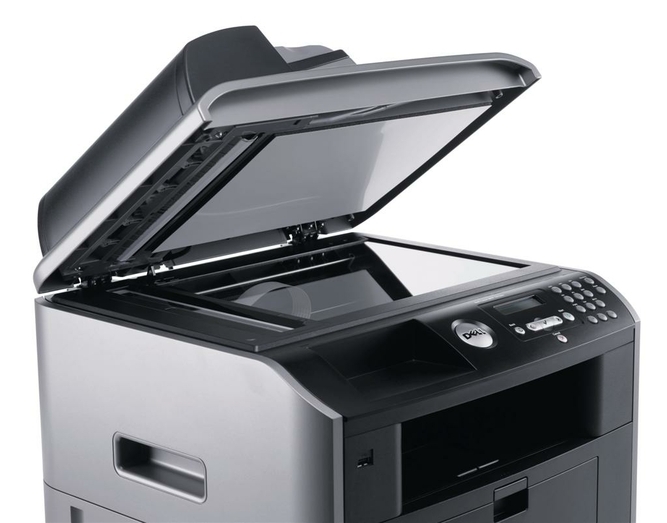
The Dell 1815N adds network connectivity to Dell’s mono printer, making it a shared resource for small offices — everyone prints from their own computer to one fast, reliable machine. Setup is simple and it handles steady daily volume well.
The 1815 cartridge family offers black toner in yields suited to shared-office use, keeping per-page costs down. We stock genuine OEM Dell 1815N cartridges and compatible versions with equivalent page yields and sharp output, shipped quickly to keep the office running.
Toner Cartridges for Dell 1815N
This printer works with the following toner cartridges:
- Dell 310-7945
- Dell 310-7943
- Dell PF658
- Dell PF656
- Dell RF223
- Dell NF485
Frequently Asked Questions
What toner fits the Laser 1815n?
The 1815n takes the same toner family as the base 1815: 310-7945 and 310-7943, PF658 and PF656, with RF223 and NF485 as alternate numbers. The 'N' adds network features to the same multifunction engine, so cartridges are fully interchangeable between the two models.
How do I scan to a network folder on the 1815n?
Set up a scan destination through the printer's web interface (browse to its IP address) by entering the shared folder path and credentials; that is a network configuration task, unrelated to toner. Test with a single page before batch-scanning so authentication problems surface early.
The 1815n keeps losing its scan destinations, why?
Lost scan destinations are almost always caused by a changed IP address or expired network credentials, not a printer fault: re-enter the folder credentials and consider a static IP for the printer. If the printer was power-cycled during a firmware update, check that its network settings survived intact.