




Color Laser S2815DN
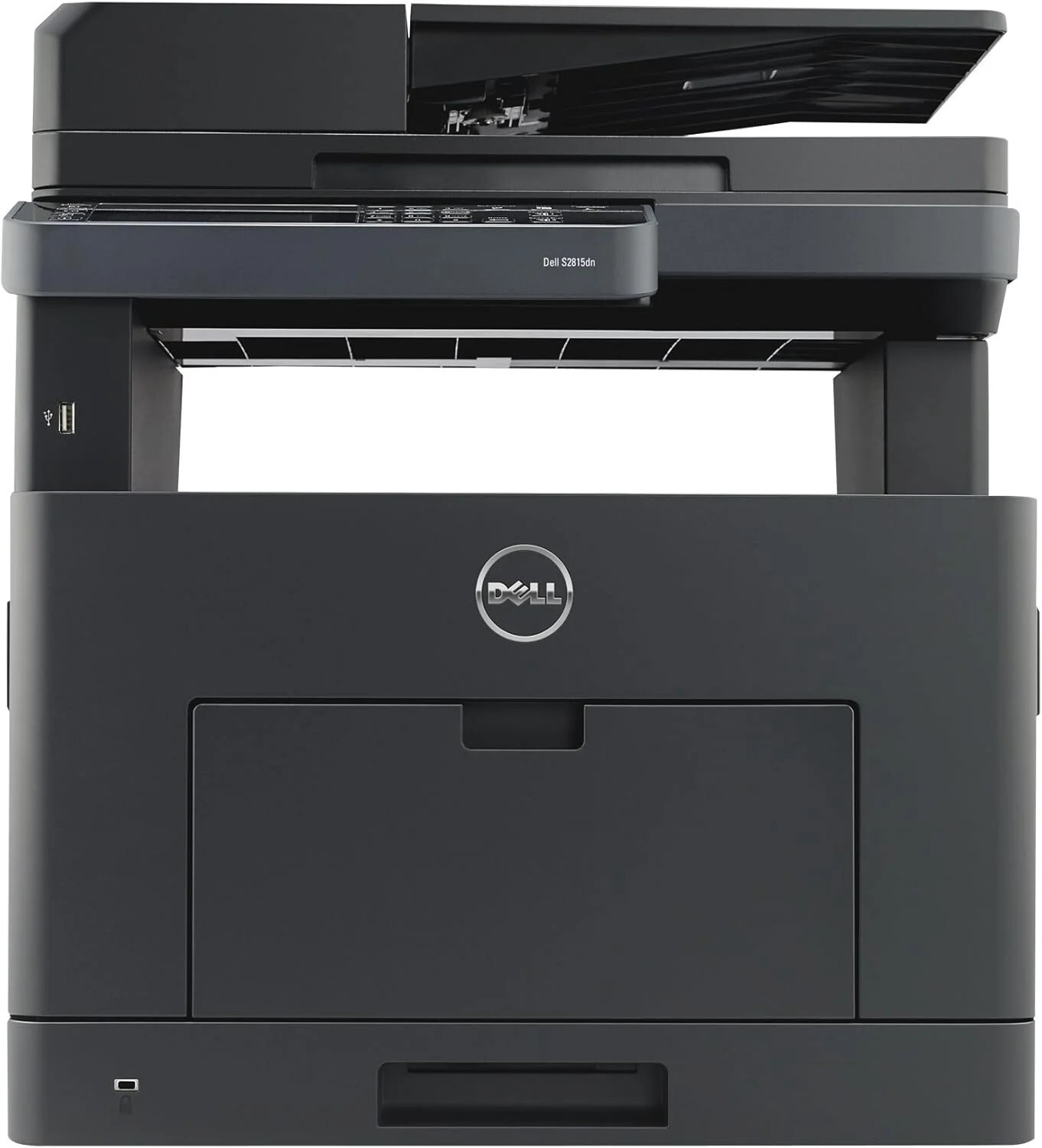
Departments that run a shared printer hard need a supply routine that never becomes a project, and that is exactly what the Dell S2815DN offers. This networked monochrome laser comes with duplex printing as standard and a duty cycle aimed at shared daily use, and it feeds on a single black cartridge: the 593-BBMF. There is no second code to cross-check and no color set to manage — when the S2815DN runs low, one cartridge number settles the order. On this page the cartridge is stocked as a single and in 2, 3, 5 and 10 packs, so the shelf quantity can match the size of the team behind the machine.
A printer like this usually sits at the end of a corridor or in a department hub, printing contracts, reports and shipping paperwork for a dozen people at once. Nobody on that floor wants to think about toner until the pages fade, which is why the one-code supply matters: whoever handles ordering can reorder from memory, and a spare pack in the cabinet covers the gap between the low-toner warning and the next delivery. The S2815DN was built to be forgotten about between cartridge changes, and its supply setup matches that design.
Toner Cartridges for S2815DN
| Cartridge | Color | Page Yield |
|---|---|---|
| 593-BBMF black toner cartridge | Black | See product page |
| 593-BBMF black toner cartridges, 2 pack | Black | See product page |
| 593-BBMF black toner cartridges, 3 pack | Black | See product page |
| 593-BBMF black toner cartridges, 5 pack | Black | See product page |
| 593-BBMF black toner cartridges, 10 pack | Black | See product page |
Which cartridge should you buy?
Every listing above is the same cartridge, so the decision is about quantity rather than specification. A single cartridge suits a small team that prints steadily but not heavily, while departments with month-end report runs or invoice batches are better served by the 5 and 10 packs: fewer purchase orders, a lower chance of an empty shelf at the worst moment, and a spare always within reach of the machine. If two S2815DN units — or its platform siblings — share one supply cabinet, size the pack to the combined volume rather than to one printer. Whatever the quantity, the cartridge itself carries a 1-year warranty and 1-year returns on our compatible version.
Chip, toner and everyday use
Each cartridge carries a chip the printer reads on installation, so the supply gauge on the panel reflects the new cartridge as soon as it seats. Push the cartridge in until it clicks; a half-seated unit is the usual cause of a "cartridge not recognized" message, and removing and reseating it almost always clears the warning. Keep unopened spares in their bags, stored flat at room temperature away from direct sunlight. Yield figures in this class are estimates worked out at 5% page coverage, so dense pages with heavy graphics will finish a cartridge sooner than letter-style text pages.
Frequently Asked Questions
What cartridge does the Dell S2815DN take?
One cartridge covers the machine: the 593-BBMF black toner cartridge. It is the only supply the S2815DN consumes, and matching that code on reorder guarantees the right fit.
The listings say S2810DN-H815DW. Will they work in my S2815DN?
Yes. Those listings are named for the sibling models that share this cartridge platform, and the cartridge itself — the 593-BBMF — is the same unit the S2815DN uses. The model names on the box differ; the cartridge inside does not.
How many people can print to the S2815DN?
As many as your office network can hold. The printer connects over Ethernet, so every workstation on the network can send jobs to it without a direct cable to any single computer.
Does the S2815DN print in color?
No. It is a monochrome machine that prints with black toner only, which is part of why its running costs stay low for document-heavy departments.
More printers that use the same cartridges
The same black cartridge also serves these Dell models: Color Laser S2810DN, Color Laser H815DW.