




Color Laser Laser 7330dn
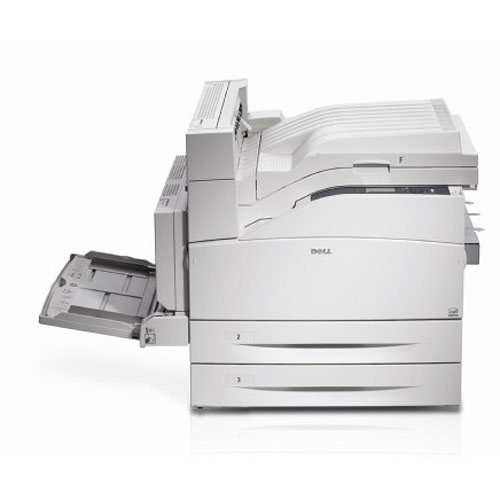
When print volume climbs into the thousands of pages a month, the Dell 7330dn earns its keep: 50 pages per minute, automatic duplex, and network features that let a whole floor share one fast machine. It’s built for back offices, print rooms, and busy departments.
The key to affordable high-volume printing is cartridge yield — and the 7330dn’s black cartridge family delivers, with capacities designed for heavy use. Our compatible Dell 7330dn toner cartridges provide OEM-equivalent page counts and crisp text at a lower cost, with fast shipping.
Toner Cartridges for Dell 7330dn
This printer works with the following toner cartridges:
- Dell 330-3110
- Dell X730H
- Dell U789H
- Dell 593-10358
Frequently Asked Questions
Which toner cartridges does the Dell 7330dn take?
The Dell 7330dn uses the Dell cartridge family that includes 330-3110, X730H, U789H, 593-10358. Match the part number on your old cartridge to be sure you get the right color.
Should I use genuine Dell toner in the 7330dn or a compatible?
For the 7330dn, weigh it this way: genuine cartridges (330-3110, X730H, U789H, 593-10358) buy you predictable quality and zero recognition issues; compatibles buy you savings with some trial and error. Many offices run genuine for client-facing prints and compatibles for internal drafts.
Colors look wrong on my Dell 7330dn. How do I fix that?
Colored shadows around text on the 7330dn are a registration issue: the cyan, magenta, yellow, and black layers are landing slightly off. The printer's built-in color registration adjustment realigns them in a minute or two.