




Color Laser C2665
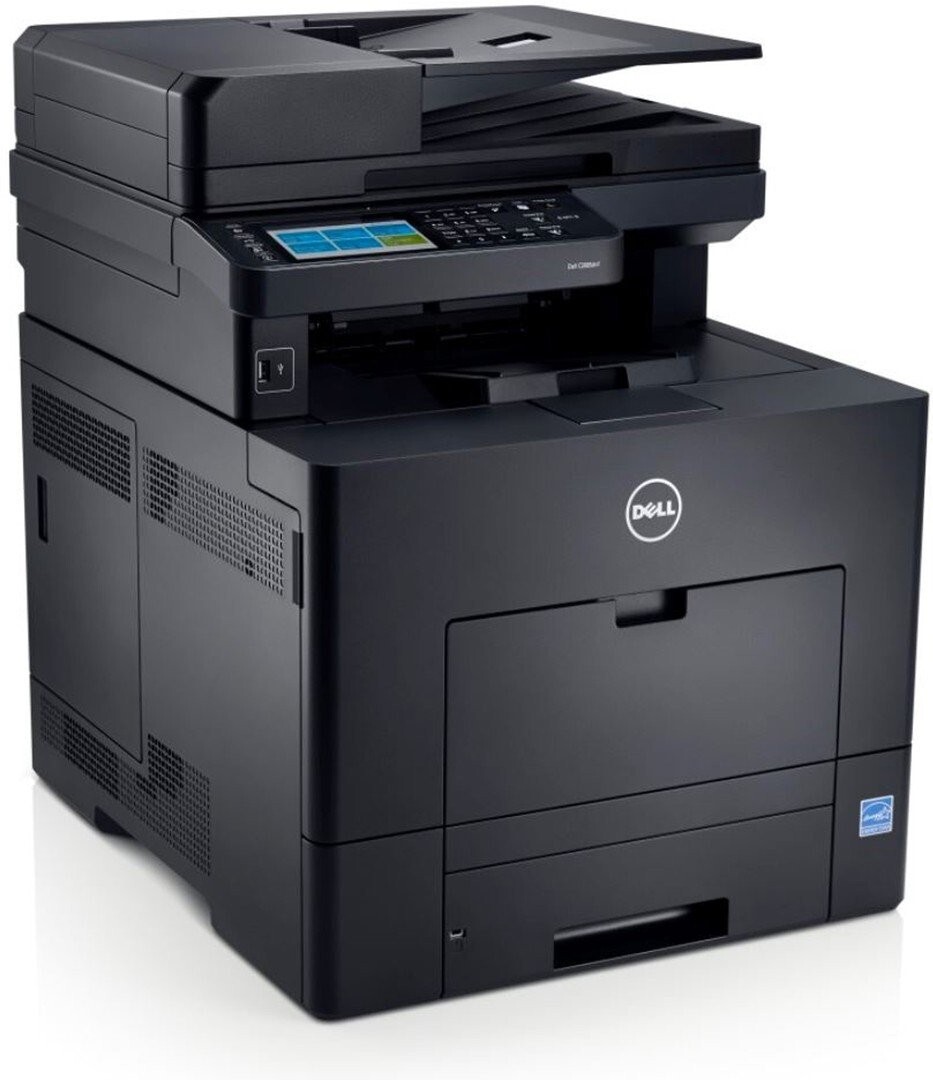
The Dell C2665 is the multifunction version of the C2660 color laser — print, copy, scan, and fax at up to 27 ppm with a 50-sheet ADF and NFC tap-to-print for mobile devices. AirPrint and Google Cloud Print support plus a 1 GB memory base make it one of the most connected MFPs in its class.
It shares the C2660 family's 593-BBBU/BBBT/BBBS/BBBR toner set, so offices running both printers stock one cartridge type. Genuine and compatible cartridges for the C2665 are below.
Toner Cartridges for Dell C2665
This printer works with the following toner cartridges:
- Dell 593-BBBU
- Dell 593-BBBT
- Dell 593-BBBS
- Dell 593-BBBR
Frequently Asked Questions
What are the correct Dell cartridge part numbers for the C2665?
Dell lists 593-BBBU, 593-BBBT, 593-BBBS, 593-BBBR as the verified toner numbers for the C2665. When in doubt, pull out the spent cartridge and compare its part number before ordering.
Why do my C2665 prints have a gray background haze?
A gray haze across C2665 pages usually means excess toner isn't being cleaned off the drum properly — run the printer's cleaning cycle and check that the cartridges (593-BBBU, 593-BBBT, 593-BBBS, 593-BBBR) are correctly seated.
Why is my Dell C2665 printing faded streaks?
Faded streaks on the C2665 usually mean a color cartridge is running low or toner has settled — try removing and gently rocking the cartridge from its set (593-BBBU, 593-BBBT, 593-BBBS, 593-BBBR) to redistribute toner. If the streaks persist, that color is likely due for replacement.