




Color Laser C2660
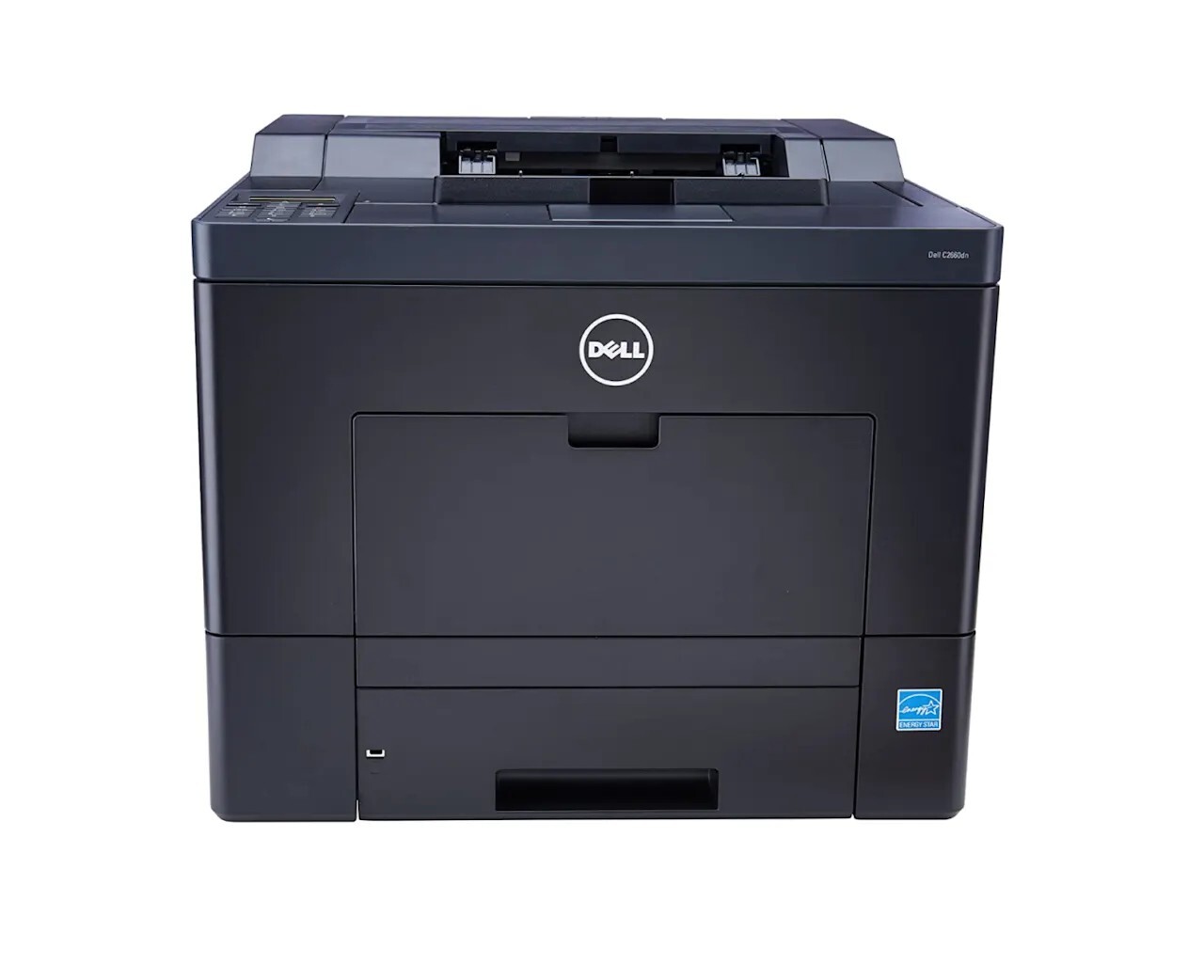
The Dell C2660 is a color laser designed for small workgroups that print things worth protecting: up to 28 pages per minute in color and mono, automatic duplexing as standard, and a 50,000-page monthly duty cycle. Secure Print holds a confidential job at the machine until its owner enters a PIN, and low-melt toner technology shortens warm-up while cutting energy use. The cartridge family behind it is the 593-BBBU black with 593-BBBT cyan, 593-BBBS magenta and 593-BBBR yellow — in high-yield form here, rated up to 6,000 pages for black and 4,000 for each color.
A workgroup printer's toner story is written by its busiest week, not its average one. When a project lands and the whole team prints at once, cartridge life disappears in days; the high-yield versions on this page exist to stretch the calm intervals between those surges, so a cartridge change is a monthly housekeeping task instead of a recurring interruption.
Toner Cartridges for Dell C2660
| Cartridge | Color | Page Yield |
|---|---|---|
| 593-BBBR (High Yield) | Yellow | Up to 4,000 pages |
| 593-BBBS (High Yield) | Magenta | Up to 4,000 pages |
| 593-BBBT (High Yield) | Cyan | Up to 4,000 pages |
| 593-BBBU (High Yield) | Black | Up to 6,000 pages |
| 593-BBBU / 593-BBBT / 593-BBBS / 593-BBBR — 4 Color Set | Black / Cyan / Magenta / Yellow | See product page |
| C2660 High Yield 4 Color Set | Black / Cyan / Magenta / Yellow | See product page |
| C2660 Premium Quality High Yield 4 Color Set | Black / Cyan / Magenta / Yellow | See product page |
| 593-BBBU / 593-BBBT / 593-BBBS / 593-BBBR — 4 Color Set | Black / Cyan / Magenta / Yellow | See product page |
| 593-BBBU / 593-BBBT / 593-BBBS / 593-BBBR — 4 Color Set | Black / Cyan / Magenta / Yellow | See product page |
| 593-BBBU — Black 3 Pack | Black | See product page |
Which cartridge should you buy?
For a shared workgroup machine, high yield is the sensible default and it is what this shelf carries: up to 6,000 pages from the black and 4,000 from each color means fewer mid-project shortages. Buy colors singly as they run down — a team that prints branded material may lean hard on one color while another barely moves — and keep a black in reserve, since documents and email printouts consume it steadily regardless of what else the team produces. A four-color set fits the moment several slots flag low together, or when a second C2660-family machine is being set up and you want its shelf stocked from day one. If this is your first compatible purchase for a printer the office depends on, the 1-year warranty and 1-year returns on these cartridges keep the trial low-stakes.
Chip, toner and everyday use
Treat the C2660's low-toner message as an early warning, because that is how it is designed: the chip-based estimate leaves dozens to hundreds of pages in hand, which is exactly the window in which to order. When the replacement goes in, seat it fully and let the machine read the chip before the next job; forcing a cartridge past a misaligned guide is how contacts get damaged. Colored shadows around text are a registration matter rather than a toner shortage — the printer's built-in color registration adjustment realigns the four layers in a couple of minutes. Store spare cartridges sealed in the supply cabinet, not on top of the printer where its warmth works on them daily.
Frequently Asked Questions
How can I tell I am buying the right toner for my C2660?
Check the number on the cartridge coming out: 593-BBBU for black, 593-BBBT for cyan, 593-BBBS for magenta and 593-BBBR for yellow. The four look similar but are chipped per slot, and matching that number is the whole secret to ordering correctly.
How do I know when the C2660 needs new toner?
The printer reports levels per cartridge and warns well before a slot is truly empty. Use the warning as your ordering trigger and keep printing; most users see a useful stretch of pages after the first message appears.
Colors look wrong on my C2660. Is it the toner?
Misaligned color — shadows or fringing around text — is usually registration, not an empty cartridge. Run the printer's color registration adjustment first; only suspect a cartridge if a single color is uniformly weak across the whole page.
Does the C2660 share toner with other Dell printers?
Yes. The same 593-BBBU family runs the C2660DN and the C2665 multifunction line, so an office with a mix of these machines stocks one cartridge type for all of them.
More printers that use the same cartridges
The identical cartridge family covers the rest of this small-workgroup color line, from the networked variant to the multifunction models: Color Laser C2660DN, Color Laser C2665, Color Laser C2665DNF, Dell (593-BBBU, 593-BBBT, 593-BBBS, 593-BBBR).