






 See Compatible Printers
 Read more about our ink!
Hewlett Packard
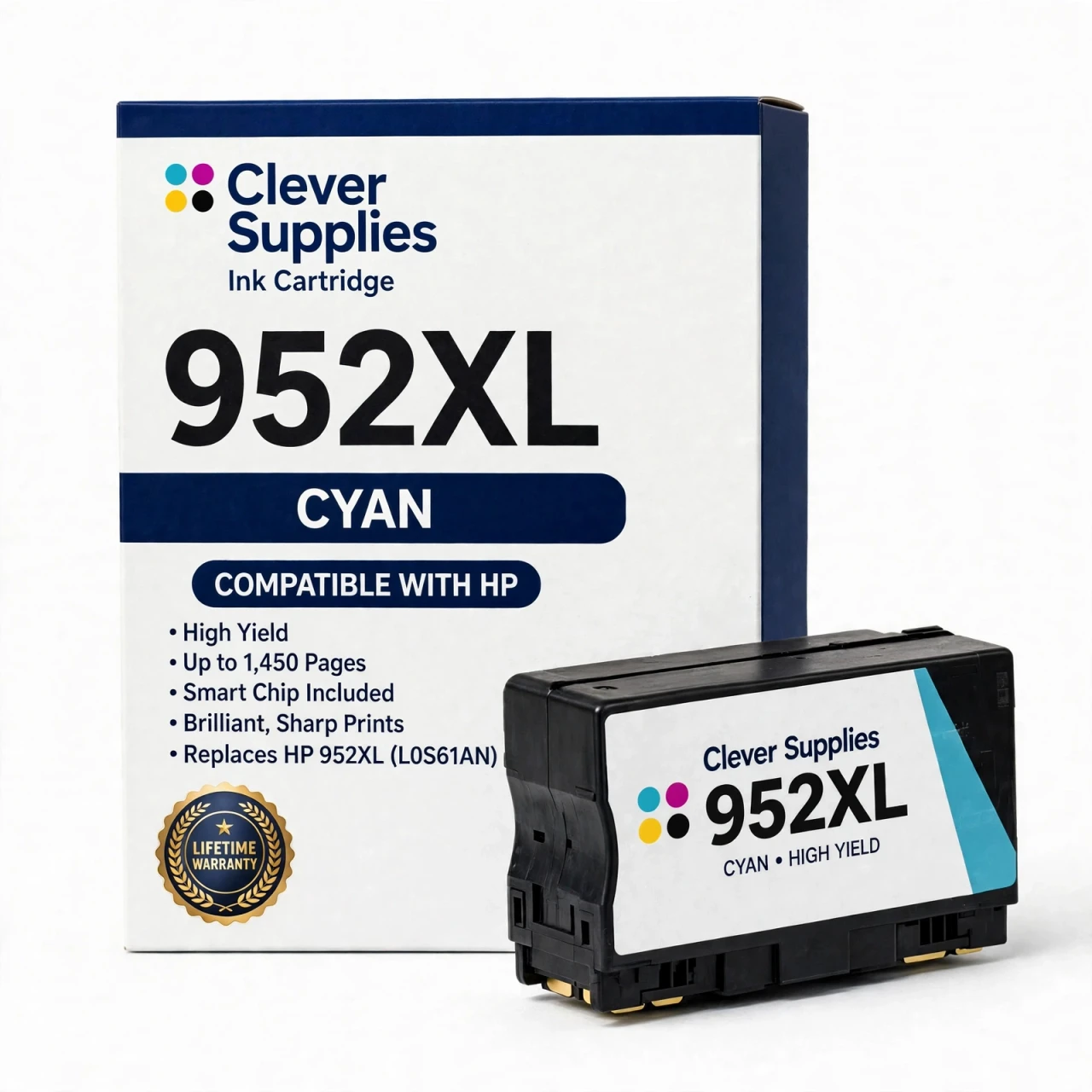
Compatible HP 952XL L0S61AN Cyan Ink Cartridge
- Page Yield:
- 1,450 pages
- Shipping:
- Calculated at Checkout

Amazon Price:

- Page Yield:
- 1,450 pages
- Shipping:
- Calculated at Checkout
- Compatible Printers
- Specifications
- SKU:
- CS-HP-952-CXL
- Condition:
- New (compatible)
- OEM Part #:
- L0S61AN
- Color:
- Cyan
- Ink Type:
- Pigment
- Page Yield:
- 1,450 pages
- Chip:
- Yes — new compatible chip
- Warranty:
- Lifetime Warranty
- Returns:
- 1 Year
- Description
Which OfficeJet models does the L0S61AN fit?
The fit list opens with the OfficeJet 8702, OfficeJet Pro 7720, OfficeJet Pro 7730 and OfficeJet Pro 7740, with 10 more behind them. Before ordering, look your model up in the Compatible Printers section on this page — that is where the complete verified list lives. Every configuration this family is sold in — for the OfficeJet Pro 7700, 8200 and 8700 series and OfficeJet 8702 printers: the XL sets of four and nine and the four XL singles — is compared side by side in our Best HP 952XL (F6U19, L0S61–L0S67) Ink Cartridges guide.
How far does one of these cyan cartridges go?
HP rates the L0S61AN at roughly 1,450 pages under ISO/IEC 24711 conditions, measured on standard pages at about 5% coverage. Your mileage will differ — coverage, paper and settings all play a part, and a dense color page uses far more ink than plain text.
Why does this cyan carry an XL badge?
Because it is the high-yield version of the cartridge, rated at about 1,450 pages. You pay more at the till than for the standard size and considerably less for every page that comes out, which suits regular printing; the standard cartridge is the better fit for a printer that only runs now and then.
Is the ink in this cartridge pigment or dye?
Pigment — the same ink technology HP uses in the original L0S61AN. It keeps output sharp and holds up against water and highlighter smear.
How will I know when the cyan is running low?
The cartridge carries a new compatible chip that reports its ink level to the printer, so low-ink warnings keep appearing as they should. It is not a refilled original shell with a reset chip fitted.
The printer flagged the cyan as soon as I installed it. What should I try?
Start by acknowledging the message on screen. Then reseat the cartridge until it clicks and restart the printer. If the flag stays, take it out, wipe the gold chip contacts with a dry lint-free cloth, and put it back. These printers run HP dynamic security: the chip is checked, and HP firmware updates can change what is accepted. Our cartridges use a new compatible chip built for these models; if a future HP firmware update ever blocks one, the lifetime warranty covers you — contact us and we will put it right.
My black slot holds a genuine HP cartridge. Will this cyan sit happily beside it?
Yes. The slots are read independently of each other, so a compatible cyan next to original cartridges — or an original next to compatibles — prints without any fuss.
The page counts quoted for 952 are not the same everywhere. Which set is right?
HP's printer pages and its cartridge pages once told different stories. The cartridge product data is the set we rely on — 952 at about 900/630 pages and 952XL at about 2,000/1,450 — and it is the set printed on our boxes.
Is this an original HP product?
No. It is a Clever Supplies compatible cartridge built to the L0S61AN specification and covered by our lifetime warranty. HP did not make it; the HP name appears only to identify the printers it fits.
What happens if this cyan leaks or the printer refuses to recognize it?
Stop and get in touch — do not keep printing on a faulty cartridge. Under the lifetime warranty, recognition failures, leaks and print-quality defects are covered: we replace the cartridge or refund you.
Is there a black option that outlasts the 952XL?
There is — the HP 956XL, rated around 3,000 pages. Only six models can use it: OfficeJet Pro 7740, 8216, 8720, 8725, 8730 and 8740. On any other 952 printer, the 952XL black remains the highest-yield black available.
Shopping for the rest of the colors as well?
They are linked under the family list on this page along with the full set, so this cyan can be matched with its matching set.
- Reviews
The Clever Supplies compatible HP 952XL L0S61AN Cyan Ink Cartridge replaces the HP L0S61AN and fits 14 verified printers — the OfficeJet 8702 and the rest of the list under Compatible Printers below. HP rates the L0S61AN at about 1,450 pages; our cartridge is filled to the same specification with pigment ink and carries a new compatible chip that reports ink levels to the printer.
This family runs HP dynamic security: the printer checks the cartridge chip, and HP firmware updates can change what is accepted. Our cartridges carry a new compatible chip built for these models; if a future HP firmware update ever blocks a cartridge, the lifetime warranty covers you — contact us and we will put it right.
Shop the HP 952 family: 952XL Black (F6U19AN), 952XL Magenta (L0S64AN), 952XL Yellow (L0S67AN), 956XL Black (L0R39AN), 952XL Set of 4, 952XL Set of 9.
Printer series: Browse printers · Browse printers — every model in the Compatible Printers list below takes this cartridge.
CLEVER SUPPLIES · HP 952 INK
Compatible HP 952XL L0S61AN Cyan Ink Cartridge
Replaces HP L0S61AN
1,450 pages · Pigment ink · New compatible chip
Fits: OfficeJet 8702, OfficeJet Pro 7720, OfficeJet Pro 7730, OfficeJet Pro 7740, OfficeJet Pro 7745 and more
Covered by the Clever Supplies Lifetime Warranty
Frequently Asked Questions
Related Items
Hewlett Packard
Compatible HP 952XL L0S64AN Magenta Ink Cartridge
The Clever Supplies compatible HP 952XL L0S64AN Magenta Ink Cartridge replaces the HP L0S64AN and fits 14 verified printers — the OfficeJet 8702 and the rest of the list under Compatible Printers...


Hewlett Packard
Compatible HP 952XL L0S67AN Yellow Ink Cartridge
The Clever Supplies compatible HP 952XL L0S67AN Yellow Ink Cartridge replaces the HP L0S67AN and fits 14 verified printers — the OfficeJet 8702 and the rest of the list under Compatible Printers...
Hewlett Packard
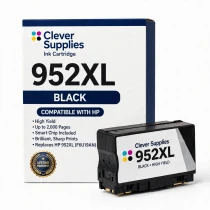
Compatible HP 952XL F6U19AN Black Ink Cartridge
The Clever Supplies compatible HP 952XL F6U19AN Black Ink Cartridge replaces the HP F6U19AN and fits 14 verified printers — the OfficeJet 8702 and the rest of the list under Compatible Printers below...
Hewlett Packard
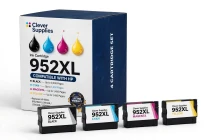
Compatible HP 952XL Set of 4 BCMY Ink Cartridges
One box restocks every slot: this Clever Supplies compatible set replaces the HP 952XL cartridges for the 14 printers listed below. In the box: F6U19AN (2,000 pages),