





 See Compatible Printers
 Read more about our ink!
Epson
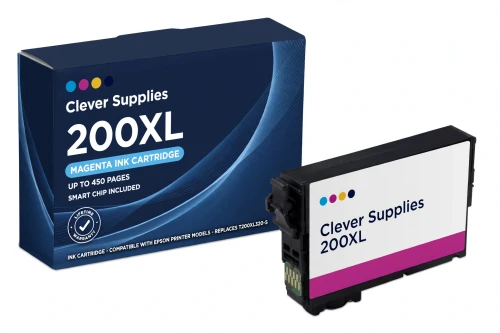
Compatible Epson 200XL T200XL320 Magenta Ink Cartridge
- Page Yield:
- Up to 450 pages (ISO/IEC 24711/24712)
- Shipping:
- Calculated at Checkout

Amazon Price:

- Page Yield:
- Up to 450 pages (ISO/IEC 24711/24712)
- Shipping:
- Calculated at Checkout
- Compatible Printers
- Specifications
- SKU:
- CS-EP-200-MXL
- Condition:
- New Compatible
- OEM Part #:
- T200XL320-S
- Color:
- Magenta
- Ink Type:
- Pigment
- Page Yield:
- Up to 450 pages (ISO/IEC 24711/24712)
- Chip:
- New compatible chip (ink-level / Intellidge-type)
- Warranty:
- Lifetime Warranty
- Returns:
- 1-Year Free Returns
- Description
- Reviews
Magenta decides whether your reds are red, your pinks stay pink and skin tones look human. Our compatible T200XL320-S holds DURABrite Ultra pigment magenta rated up to 450 pages (ISO/IEC 24711/24712) — the XL tier; the standard 200 magenta (T200320-S) is rated 165. In this family every color, black included, is pigment ink, so a color page is as water- and fade-resistant as a text page.


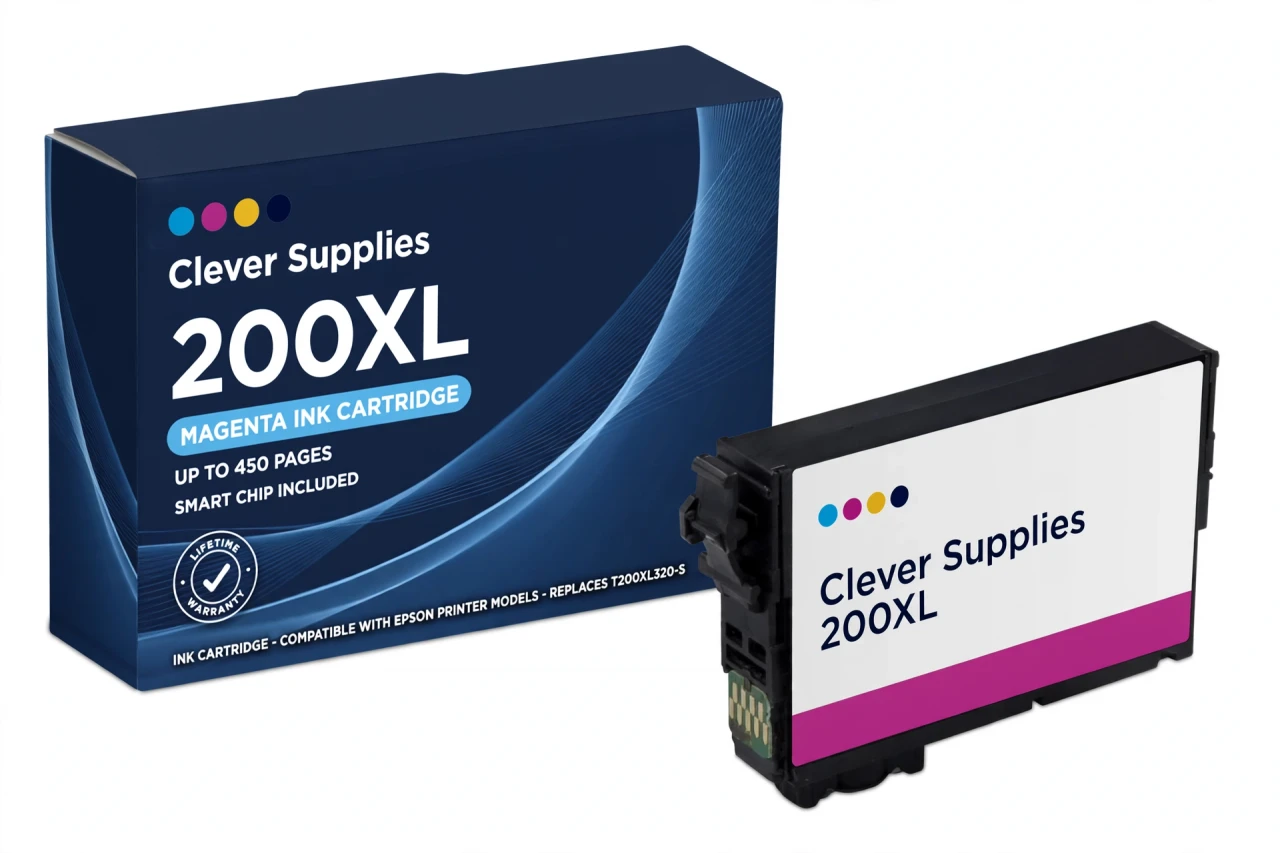
The cartridge is chipped with a new compatible chip for level reporting, and we state the caveat plainly: this cartridge carries a new compatible chip. If your printer's firmware has been updated, recognition issues can occasionally occur — reseating and restarting clears most false alarms. The rest of the XL shelf: T200XL120-S black at 500 pages, T200XL220-S cyan and T200XL420-S yellow at 450 each.
It serves all eight verified 200 printers — XP-200, XP-300, XP-310, XP-400, XP-410, WF-2520, WF-2530 and WF-2540 — and fits nothing in the 220 or 288 families. Covered by our lifetime warranty, with free returns for the first year.
Shop the Epson 200 family: T200XL120 Black Ink Cartridge · T200XL220 Cyan Ink Cartridge · T200XL420 Yellow Ink Cartridge · Set of 4 BCMY Ink Cartridge · Set of 9 3 Black 2 Cyan 2 Magenta 2 Yellow Ink Cartridge
Browse by series: Expression · WorkForce
Frequently Asked Questions
Which slot does this fill, and in which printers?
The magenta slot of the eight 200-family models: XP-200, XP-300, XP-310, XP-400, XP-410, WF-2520, WF-2530 and WF-2540.
How many pages should I expect?
Up to 450 pages on Epson's ISO/IEC 24711/24712 rating for the genuine T200XL320-S. Photo-heavy printing uses color faster than the test pattern; document color tracks it more closely.
Reds look orange or brown. Is magenta low?
That's the textbook sign — magenta starvation pushes reds toward orange and makes pinks muddy. Replace magenta, then print a nozzle check to verify.
Is this the high-capacity version?
Yes — XL, 450 pages, versus the standard T200320-S at 165 pages. Our compatible 200 range is XL-only, matching the LD ladder.
Chip — what should I know before installing?
It has a new compatible chip. This cartridge carries a new compatible chip. If your printer's firmware has been updated, recognition issues can occasionally occur; if that happens, reseat, restart, and contact us if it persists — the lifetime warranty stands behind it.
Pigment or dye?
Pigment (DURABrite Ultra) — Epson specs the whole 200 family as pigment. Colors resist smudging and hold up on plain paper.
Can I run XL magenta with a standard black?
Yes. Slots are independent and tiers mix freely. Our black is the XL T200XL120-S, but a standard black already installed works alongside this cartridge.
Why is there no millilitre figure?
Epson's US documentation doesn't publish one for this family, so the Volume field is honestly blank. The verified comparison figure is the ISO page yield.
Does it work in a WorkForce WF-2540?
Yes — the WF-2540 is one of the eight verified models, listed in Epson's own cartridge documentation for this code set.
Is it genuine Epson?
No — a Clever Supplies compatible, built to the T200XL320-S specification and labeled compatible everywhere it should be.
Storage advice for a spare magenta?
Keep it sealed and upright at room temperature, away from sunlight. (Shelf-life figure: see Specifications — supplier confirmation pending.)
Warranty and returns?
Lifetime warranty on the cartridge; free returns within the first year. A faulty single is replaced on its own — you never return a whole set over one cartridge.
My printer sits unused for weeks. Does that hurt this magenta?
Idle time is harder on inkjet cartridges than steady use. Pigment ink left sitting in the nozzles can thicken, and the first prints after a long pause may show banding or a weak color until a cleaning cycle clears the head. If your XP or WorkForce machine will rest for a while, printing one color page — or running the nozzle check the printer offers — every couple of weeks keeps the T200XL320-S magenta and its partners flowing and costs far less ink than repeated deep cleanings later.
How do I make sure I reorder magenta and not another color?
Read the code on the cartridge you remove, not the shape of the box. This magenta is T200XL320-S; the cyan is T200XL220-S and the yellow T200XL420-S, and only the middle digits separate them. Note also that the standard-capacity magenta is T200320-S without the XL — same color, 165 pages instead of 450. Matching the full code on the old label to the code on this page takes seconds and prevents the most common wrong-color order in the 200 family.
Related Items

Epson
Compatible Epson 200XL T200XL120 Black Ink Cartridge
If your XP or WF printer mostly prints documents, this is the cartridge that runs out first — and the one worth buying in XL. Our compatible T200XL120-S holds DURABrite Ultra pigment black ink rated...


Epson
Compatible Epson 200XL T200XL220 Cyan Ink Cartridge
Cyan is the quiet half of every blue sky, green leaf and teal logo your printer produces — you notice it only when it runs dry and blues turn purple. Our compatible T200XL220-S holds DURABrite Ultra...
Epson
Compatible Epson 200XL T200XL420 Yellow Ink Cartridge
Yellow is the color nobody watches — until every print looks washed out and greens turn blue. Our compatible T200XL420-S holds DURABrite Ultra pigment yellow rated up to 450 pages (ISO/IEC...

Epson
Compatible Epson 200XL Set of 4 BCMY Ink Cartridge
One box, the whole printer reset: this set holds all four 200XL cartridges — T200XL120-S black, T200XL220-S cyan, T200XL320-S magenta and T200XL420-S yellow — every one of them high-capacity...