





 See Compatible Printers
 Read more about our ink!
Canon
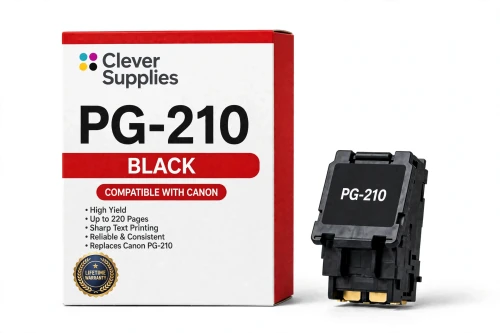
Compatible Canon PG-210 Black Ink Cartridge
- Page Yield:
- Up to 220 pages (ISO/IEC 24711)
- Shipping:
- Calculated at Checkout

Amazon Price:

- Page Yield:
- Up to 220 pages (ISO/IEC 24711)
- Shipping:
- Calculated at Checkout
- Compatible Printers
- Specifications
- SKU:
- CS-CN-210-BK
- Condition:
- New Compatible
- OEM Part #:
- PG-210
- Color:
- Black
- Ink Type:
- Pigment
- Page Yield:
- Up to 220 pages (ISO/IEC 24711)
- Chip:
- Yes — new compatible chip; reports ink levels to the printer
- Warranty:
- Lifetime Warranty
- Returns:
- 1-Year Free Returns
- Description
- Reviews
The PG-210 is the black cartridge of the PG-210 / CL-211 family, rated at up to 220 pages (ISO/IEC 24711) — Canon’s published figure for this code. Our compatible version is filled to the same specification, carries a new compatible chip that reports ink levels, and fits the family’s 16 printers, among them Canon PIXMA iP2700, Canon PIXMA iP2702 and Canon PIXMA MP240.


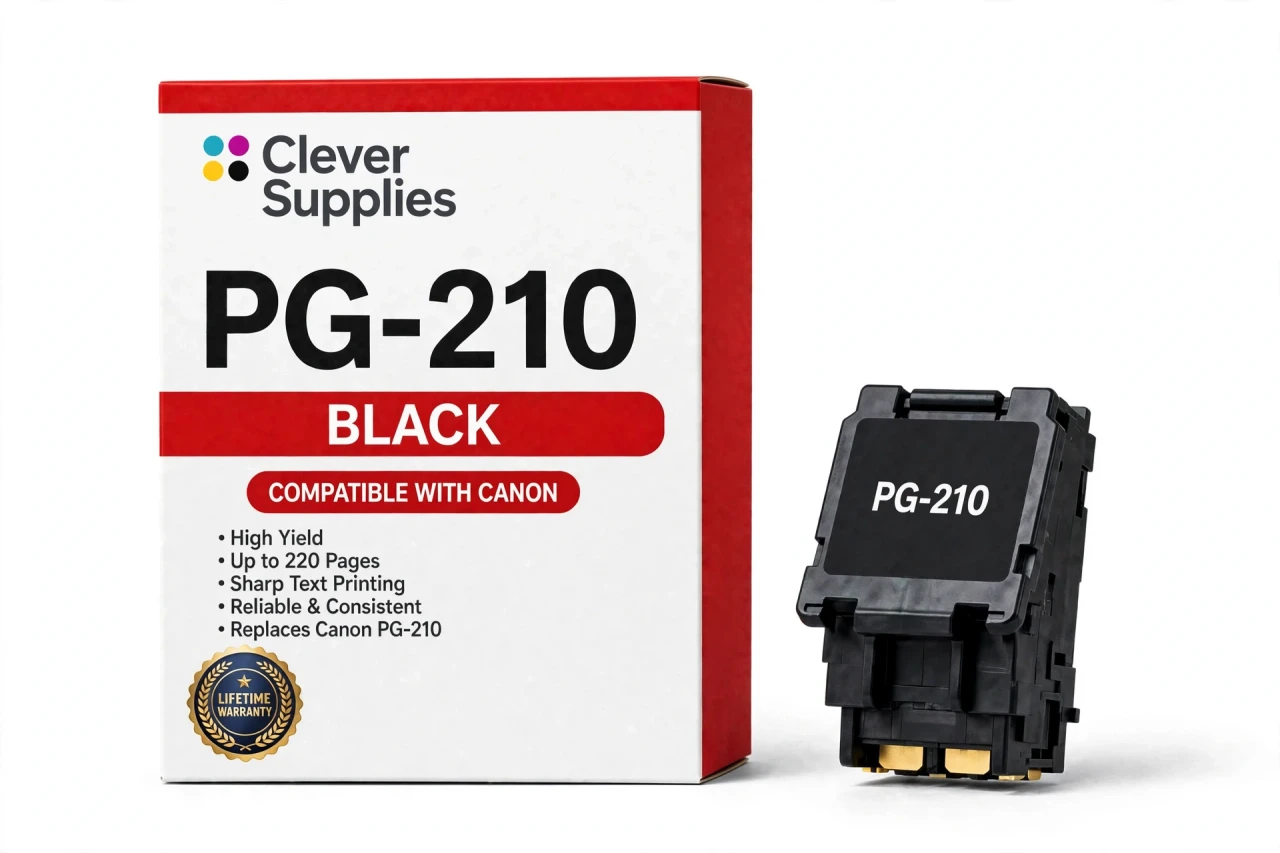
The PG-210 / CL-211 family is the FINE generation behind the hugely common MP495 / MX410 era of home PIXMA printers. Like every FINE cartridge it carries its printhead in the cartridge body, so fitting this cartridge also renews the printhead — the part that puts ink on the page — and clears the streaks and missing lines that cleaning cycles cannot. The ink is pigment ink for sharp, smudge-resistant text. Covered by our Lifetime Warranty, with free returns for the first year.
Shop the PG-210 / CL-211 family: PG-210XL Black Ink Cartridge · CL-211 Tri-Color Ink Cartridge · CL-211XL Tri-Color Ink Cartridge · PG-210 CL-211 Ink Cartridges Set of 5 · PG-210XL CL-211XL Ink Cartridges Set of 5 · PG-210XL CL-211XL Ink Cartridges Set of 2
Frequently Asked Questions
Is the ink in the PG-210 pigment or dye based?
Pigment. Canon builds the PG-210 around a pigment black that rests on the surface of the paper instead of soaking into it, so printed text stays crisp, shrugs off water and does not smear when a highlighter passes over it. Color work is handled differently: the matching tri-color cartridge carries dye ink, which is what produces photo color in this family.
Which printers does the PG-210 fit?
Any model in the PG-210 / CL-211 family: the Canon PIXMA iP2700 and Canon PIXMA iP2702; the MP line — Canon PIXMA MP240, Canon PIXMA MP250, Canon PIXMA MP270, Canon PIXMA MP280, Canon PIXMA MP480, Canon PIXMA MP490 and Canon PIXMA MP495; and the MX line — Canon PIXMA MX320, Canon PIXMA MX330, Canon PIXMA MX340, Canon PIXMA MX350, Canon PIXMA MX360, Canon PIXMA MX410 and Canon PIXMA MX420. The same list appears under Compatible Printers on this page. Buy by the code printed on your printer’s cartridge door: nearby Canon families wear very similar shells but carry different codes and chips, and they cannot be swapped for one another.
How many pages will one PG-210 actually print?
Canon rates the PG-210 at up to 220 pages on the ISO/IEC 24711 test pattern. Treat that as a benchmark rather than a guarantee: coverage, paper choice and cleaning cycles all move the real number, so a run of dense photos can cut it in half while plain text memos can run past it.
My printer takes the PG-210 — can I use a 240 or 241 cartridge instead?
No. The PG-210 / CL-211 family and the later PG-240 / CL-241 family come from different PIXMA generations, with different codes and different chips. Put a 240 cartridge into a 210 printer such as the Canon PIXMA MP495 and the machine answers with a recognition error; the reverse pairing fails the same way. The shape of the shell is not the test — the code on the cartridge door is.
Does fitting a new cartridge also give me a new printhead?
On FINE families, yes. The printhead is built into the cartridge rather than into the printer, so a fresh PG-210 arrives with a fresh printhead — the component that actually lays ink on the page. That is why swapping cartridges clears streaks, gaps and missing lines that repeated cleaning cycles could not shift, and why a "printhead error" on this platform is typically cured by the cartridge itself instead of a service part.
What if the printer shows a recognition message?
The PG-210 carries a new compatible chip, and the printer reads its ink levels normally. If a recognition message does appear, switch the printer off, reseat the cartridge until it clicks home, and restart before concluding the cartridge is faulty — on FINE models a half-seated cartridge is the most common culprit. We will not promise recognition under every future firmware version, but if a recognition problem cannot be cleared, the cartridge is covered by our Lifetime Warranty.
Why does the color cartridge drop when I only print black text?
These machines sip a little ink from every installed cartridge during printing and cleaning, keeping the built-in printheads charged and clear — Canon explains this in its own support answers. The color cartridge therefore ebbs slowly even on black-only work, and once it is spent the printer will insist on a replacement before it prints again.
How do I install the PG-210?
Open the cover and wait while the carriage settles at the replacement position. Push the lock lever, lift the spent cartridge out, and only then unpack the new one: peel off the protective tape and cap without touching the printhead nozzles or the gold contacts. Drop the cartridge into the slot marked for its code — black on the left, color on the right on most models — lower the lock lever until it clicks, close the cover and give the printer a moment to charge the ink before you print.
How should I keep a spare PG-210 until I need it?
Leave it sealed in its pack, standing upright, at room temperature and away from direct sunlight. Do not break the seal early: it is what stops the printhead nozzles from drying out. A FINE cartridge left opened for months can clog at the nozzle plate, and that is the one failure a cleaning cycle cannot always undo.
What warranty comes with this cartridge?
Our Lifetime Warranty. If the cartridge fails in normal use — it leaks, it is still not recognized after the reseat steps above, or it stops printing well short of its rated yield — we replace it or refund it, for the life of the cartridge. Returns are free during the first year. The cover is ours, not Canon’s: this is a Clever Supplies compatible cartridge, labeled compatible on the box and on this page, and it is not manufactured by Canon.
Related Items
Canon
Compatible Canon PG-275XL Black Ink Cartridge
The PG-275XL is the black cartridge of the PG-275 / CL-276 family, rated at up to 300 pages (ISO/IEC 24711) — Canon’s published figure for this code. Our compatible version is filled to the same...

Canon
Compatible Canon PG-210XL Black Ink Cartridge
Fits first: this compatible PG-210XL serves all 16 printers in the PG-210 / CL-211 family —
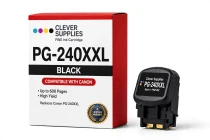
Canon
Compatible Canon PG-240XXL Black Ink Cartridge
Fits first: this compatible PG-240XXL serves all 23 printers in the PG-240 / CL-241 family — Canon PIXMA MG2120,

Canon
Compatible Canon PG-50 Black Ink Cartridge
Fits first: this compatible PG-50 serves all 13 printers in the PG-50 / CL-51 family — Canon PIXMA iP2200,