





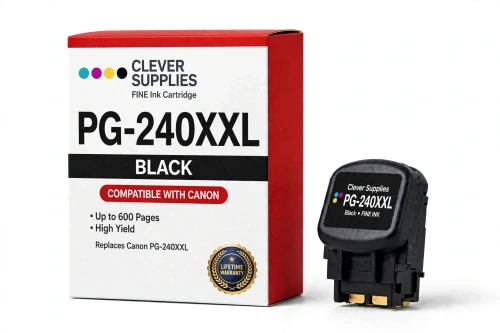
 See Compatible Printers
 Read more about our ink!
Canon
Compatible Canon PG-240XXL Black Ink Cartridge
- Page Yield:
- Up to 600 pages (ISO/IEC 24711)
- Shipping:
- Calculated at Checkout

Amazon Price:

- Page Yield:
- Up to 600 pages (ISO/IEC 24711)
- Shipping:
- Calculated at Checkout
- Compatible Printers
- Canon PIXMA MG2120
- Canon PIXMA MG2220
- Canon PIXMA MG3120
- Canon PIXMA MG3122
- Canon PIXMA MG3220
- Canon PIXMA MG3222
- Canon PIXMA MG3520
- Canon PIXMA MG3522
- Canon PIXMA MG3620
- Canon PIXMA MG4120
- Canon PIXMA MG4220
- Canon PIXMA MX372
- Canon PIXMA MX392
- Canon PIXMA MX432
- Canon PIXMA MX439
- Canon PIXMA MX452
- Canon PIXMA MX459
- Canon PIXMA MX472
- Canon PIXMA MX479
- Canon PIXMA MX512
- Canon PIXMA MX522
- Canon PIXMA MX532
- Canon PIXMA TS5120
- Specifications
- SKU:
- CS-CN-240-BKXXL
- Condition:
- New Compatible
- OEM Part #:
- PG-240XXL
- Color:
- Black
- Ink Type:
- Pigment
- Page Yield:
- Up to 600 pages (ISO/IEC 24711)
- Chip:
- Yes — new compatible chip; reports ink levels to the printer
- Warranty:
- Lifetime Warranty
- Returns:
- 1-Year Free Returns
- Description
- Reviews
Fits first: this compatible PG-240XXL serves all 23 printers in the PG-240 / CL-241 family — Canon PIXMA MG2120, Canon PIXMA MG2220 and Canon PIXMA MG3120 and the rest of the list under Compatible Printers below. Canon rates the PG-240XXL at up to 600 pages (ISO/IEC 24711); our cartridge is filled to that specification with a new compatible chip, so the printer reads levels exactly as it does with a genuine cartridge. It is the high-capacity tier of the family — same slot, bigger fill.


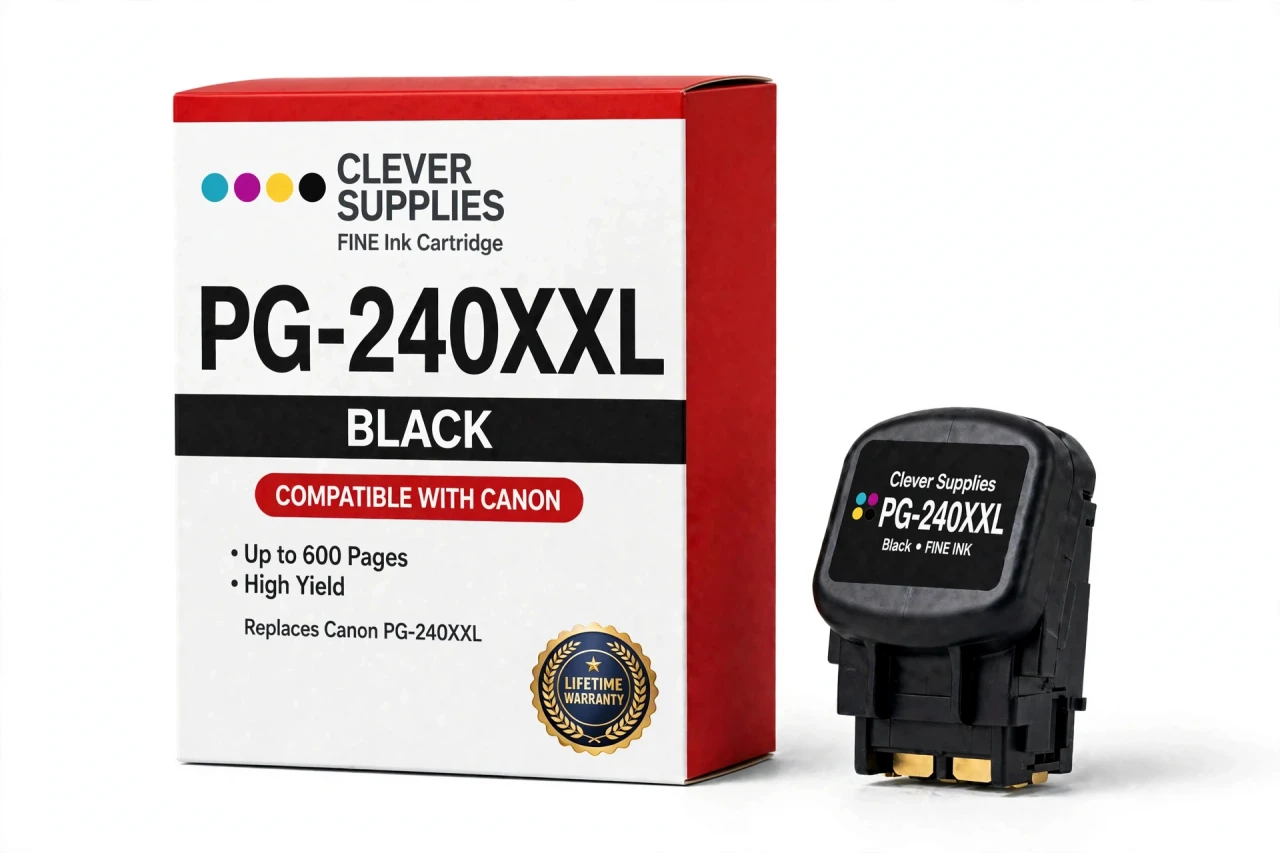
The PG-240 / CL-241 family is the FINE generation of the MG3620 / MX532 era — the family that added an XXL black tier. Like every FINE cartridge it carries its printhead in the cartridge body, so fitting this cartridge also renews the printhead — the part that puts ink on the page — and clears the streaks and missing lines that cleaning cycles cannot. The ink is pigment ink for sharp, smudge-resistant text. Covered by our Lifetime Warranty, with free returns for the first year.
Shop the PG-240 / CL-241 family: PG-240XL Black Ink Cartridge · CL-241 Tri-Color Ink Cartridge · CL-241XL Tri-Color Ink Cartridge · PG-240XXL CL-241XL Ink Cartridges Set of 5 · PG-240XXL CL-241XL Ink Cartridges Set of 2
Frequently Asked Questions
How far does the PG-240XXL really go?
Canon rates the PG-240XXL at up to 600 pages, measured on the ISO/IEC 24711 pattern — that is the manufacturer's published figure for this cartridge. Your mileage will move around it: heavy coverage, photo paper and frequent cleaning cycles pull the number down, and a dense photo run can halve it, while everyday text memos can push past it.
Which PIXMA printers run the PG-240XXL?
The ones designed for the PG-240 black and CL-241 color pairing. Home users meet it across the MG range — Canon PIXMA MG2120, Canon PIXMA MG2220, Canon PIXMA MG3120, Canon PIXMA MG3122, Canon PIXMA MG3220, Canon PIXMA MG3222, Canon PIXMA MG3520, Canon PIXMA MG3522, Canon PIXMA MG3620, Canon PIXMA MG4120, Canon PIXMA MG4220 — the MX office series takes it as well — Canon PIXMA MX372, Canon PIXMA MX392, Canon PIXMA MX432, Canon PIXMA MX439, Canon PIXMA MX452, Canon PIXMA MX459, Canon PIXMA MX472, Canon PIXMA MX479, Canon PIXMA MX512, Canon PIXMA MX522, Canon PIXMA MX532 — and the list finishes with the Canon PIXMA TS5120. The full list also sits under Compatible Printers on this page. Match the code on your printer's cartridge door before you buy: neighboring Canon families look alike on the shelf yet use different codes and different chips, and they cannot be swapped for this one.
If black goes up to XXL, where is the XXL color?
There isn't one, and there never has been. Canon reserved the extra-high fill for black — that is this PG-240XXL, good for up to 600 pages — while the color side tops out one tier lower at the CL-241XL, at up to 400 pages. The reasoning is usage: these machines produce mostly text, so the biggest fill went where the work is. Any listing advertising a CL-241XXL is mislabeling the XL cartridge.
My streaks disappeared the moment I changed cartridges. Coincidence?
No — that is how the FINE system is built. On every FINE family the printhead is manufactured into the cartridge itself rather than living permanently in the printer. A new cartridge therefore brings a new printhead with it, which is why the banding, gaps and dropped lines that repeated cleaning cycles leave behind so often clear in a single swap, and why a printhead error on this platform is usually cured by the cartridge, not by a service part.
Does the PG-240XXL report ink levels like the original?
Yes. It carries a new compatible chip, and the printer reads its ink levels normally. Should a recognition message show up, the first fix is mechanical rather than electronic: power the printer off, reseat the cartridge until it clicks, and restart — on FINE models a half-seated cartridge is the most common cause. What we will not promise is recognition under every future firmware version; a recognition problem that cannot be cleared is covered by our Lifetime Warranty.
The color cartridge empties even though I never print in color. Why?
The printer uses it whether you ask it to or not. Small amounts of ink are drawn from all installed cartridges during printing and during cleaning cycles so the built-in printheads stay charged and their nozzles stay open — Canon states this in its own support answers. Expect the color level to fall slowly on black-only work, and expect the printer to stop and demand a replacement once that color cartridge is spent.
What type of ink does the PG-240XXL hold?
Pigment black, as Canon specifies for this cartridge. Pigment ink sits on the paper surface rather than soaking in, which is why text from these printers is crisp, water-resistant and does not smear under a highlighter. The matching tri-color cartridge carries the dye ink that handles photo color.
What is the correct way to fit it?
Open the cover and wait for the carriage to come to rest at the replacement position. Push the lock lever, lift the spent cartridge out, and unpack the new one only when you are ready to fit it — remove the protective tape and cap without touching the printhead nozzles or the gold contacts. Seat it in the slot for its code, black on the left and color on the right on most models, lower the lock lever until it clicks, close the cover, and let the printer charge the ink before printing.
Who covers the PG-240XXL, and for how long?
We do, under our Lifetime Warranty, for the life of the cartridge. If it fails in normal use — leaking, refusing recognition after you have worked through the reseat steps, or running dry well short of its rated yield — we replace it or refund it, and returns are free for the first year. Note that this cover is ours rather than Canon's: this is a Clever Supplies compatible cartridge, clearly labeled compatible on the box and on this page, and it is not manufactured by Canon.
Related Items
Canon
Compatible Canon PG-240XXL CL-241XL Ink Cartridges Set of 5
A 5-cartridge stock-up set for the PG-240 / CL-241 family: 3 × PG-240XXL and 2 × CL-241XL. It serves every printer in the family — Canon PIXMA MG2120, <

Canon
Compatible Canon PG-240XXL CL-241XL Ink Cartridges Set of 2
A 2-cartridge stock-up set for the PG-240 / CL-241 family: 1 × PG-240XXL and 1 × CL-241XL. It serves every printer in the family — Canon PIXMA MG2120, <
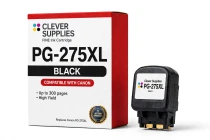
Canon
Compatible Canon PG-275XL Black Ink Cartridge
The PG-275XL is the black cartridge of the PG-275 / CL-276 family, rated at up to 300 pages (ISO/IEC 24711) — Canon’s published figure for this code. Our compatible version is filled to the same...
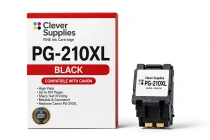
Canon
Compatible Canon PG-210XL Black Ink Cartridge
Fits first: this compatible PG-210XL serves all 16 printers in the PG-210 / CL-211 family —