





 See Compatible Printers
 Read more about our ink!
Canon
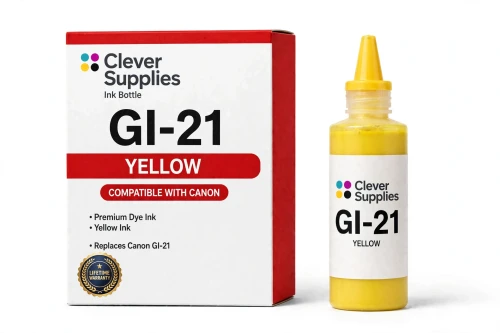
Compatible Canon GI-21 Yellow Ink Bottle
- Page Yield:
- 7,700 pages
- Shipping:
- Calculated at Checkout

Amazon Price:

- Page Yield:
- 7,700 pages
- Shipping:
- Calculated at Checkout
- Compatible Printers
- Specifications
- SKU:
- CS-CN-GI21-Y
- Condition:
- New (compatible)
- OEM Part #:
- GI-21
- Color:
- Yellow
- Ink Type:
- Dye
- Volume:
- 70 ml
- Page Yield:
- 7,700 pages
- Chip:
- No chip — refill bottle
- Warranty:
- Lifetime Warranty
- Returns:
- 1 Year
- Description
- Reviews
The Clever Supplies compatible Canon GI-21 Yellow ink bottle refills 11 verified MegaTank printers — the PIXMA G1220 and the rest of the list under Compatible Printers below. Canon rates this bottle at about 7,700 pages; our bottle is filled to the same 70 ml specification with dye ink and covered by the Clever Supplies lifetime warranty.
MegaTank bottles are keyed to their tank, so a bottle only fits the opening of its own color and the ink stops automatically when the tank is full — no squeezing, no spills and no chip involved. The cap reseals between refills so a part-used bottle stores safely.
Shop the GI-21 family: GI-21 Black, GI-21 Cyan, GI-21 Magenta, GI-21 Set of 4, GI-21 Set of 10.
Printer series: PIXMA printers — every model in the Compatible Printers list below takes this bottle.


CLEVER SUPPLIES · CANON GI-21 INK
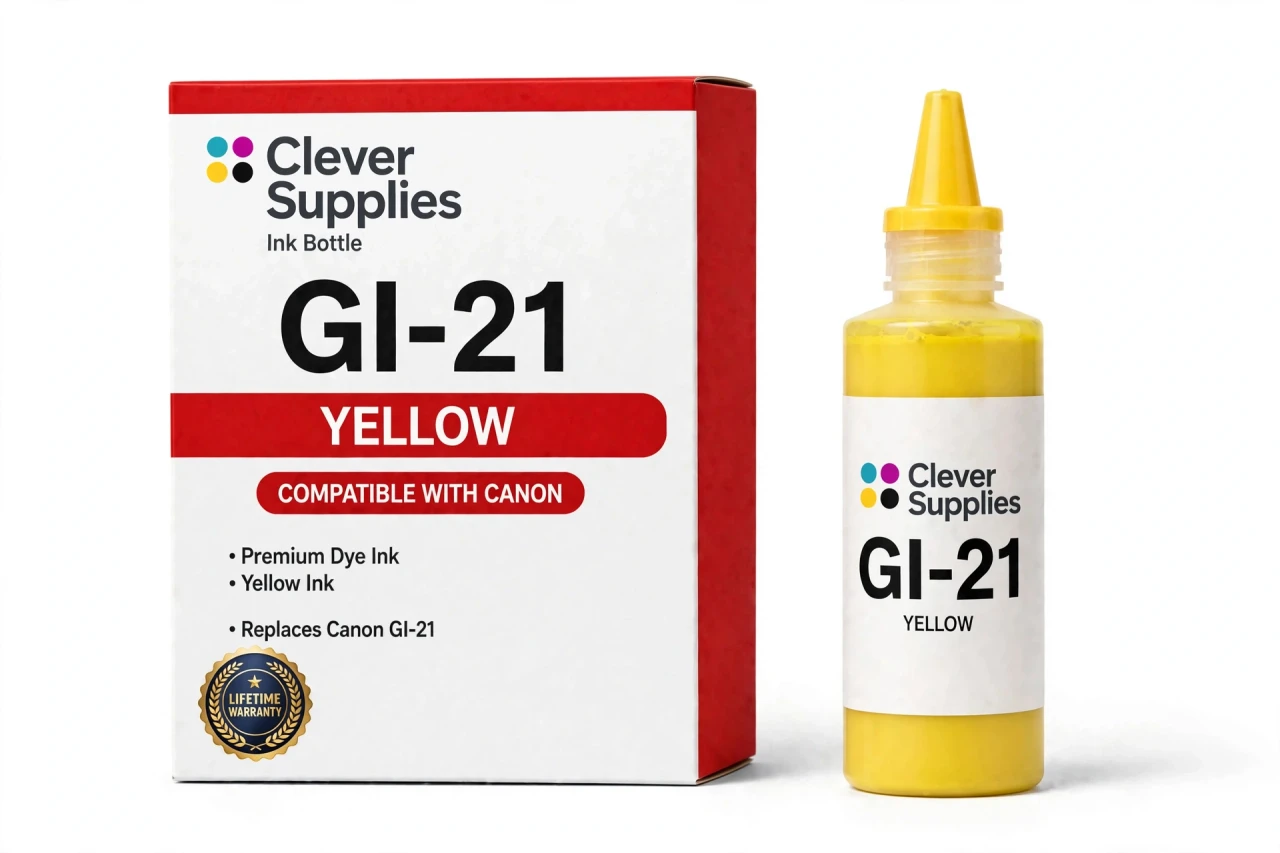
Compatible Canon GI-21 Yellow Ink Bottle
Replaces Canon GI-21
70 ml · Up to 7,700 pages · Dye ink
Fits: PIXMA G1220, PIXMA G1230, PIXMA G2260, PIXMA G2270, PIXMA G3260 and more
Covered by the Clever Supplies Lifetime Warranty
Frequently Asked Questions
Yellow is hard to see in the tank window — how do I track it?
Judge it by the level line, not by color intensity. Get at eye level with the front tank window in decent light and compare the yellow column against its lower line mark. This GI-21 yellow bottle holds 70 ml of dye ink, so one refill moves that column a long way.
Which PIXMA G models take this yellow bottle?
The Canon PIXMA G1220, Canon PIXMA G1230, Canon PIXMA G2260, Canon PIXMA G2270, Canon PIXMA G3260, Canon PIXMA G3262, Canon PIXMA G3270, Canon PIXMA G3272, Canon PIXMA G3290 and Canon PIXMA G4270 — the full list is under Compatible Printers on this page.
What does yellow contribute that other colors cannot?
Yellow builds every warm highlight: sunlight, gold, oranges and all natural greens, which are really cyan laid over yellow. Lose yellow and greens turn blue, warm photos go cold and highlights look chalky.
How many pages is the yellow bottle rated for?
Up to 7,700 pages under ISO/IEC 24711 conditions at around 5% coverage — the rating Canon assigns the GI-21 color bottles. Your mileage depends on subject matter. Landscapes and food photos lean hard on yellow, while spreadsheets barely touch it, so treat the figure as a benchmark, not a promise.
Describe the actual refill, step by step.
Open only the yellow tank cap. Invert the bottle and press its keyed nozzle onto the yellow opening until it seats. Ink flows without squeezing and stops on its own at the full line. Lift the bottle clear, recap it and close the tank cap.
Could the yellow bottle fit a different color tank?
No, and that is deliberate. MegaTank bottles are keyed to their tank, so the yellow nozzle mates only with the yellow opening. If a bottle will not seat with light pressure, you are at the wrong tank — never force it. That keying is what makes refilling spill-free for first-time owners.
Is a chip or reset part of refilling the yellow tank?
There is no chip on a GI-21 bottle and nothing to reset afterward. Levels are read from the tank window, not an electronic counter, so no warnings appear and no menu steps follow. You pour, cap and continue.
How do I keep leftover yellow ink in good shape?
Cap the bottle promptly, store it upright at room temperature and keep it out of direct sunlight. A part-used bottle stored this way stays ready for the next top-up.
My greens print blue and highlights look cold. Is yellow the culprit?
Very likely. Print the nozzle check pattern and look at the yellow block: gaps there explain both symptoms at once. Run one cleaning cycle and reprint the pattern. If yellow sat empty for a long stretch, a second cleaning may be needed to pull ink fully through the line.
What coverage backs this bottle if something goes wrong?
It is a Clever Supplies compatible GI-21 bottle made to the same specification and yield as the original Canon bottle. Stock the matching GI-21 Black, GI-21 Cyan and GI-21 Magenta alongside it, or take the GI-21 Set of 4 for all four tanks. Every bottle carries a Lifetime Warranty and 1 Year returns.
Related Items

Canon
Compatible Canon GI-21 Magenta Ink Bottle
The Clever Supplies compatible Canon GI-21 Magenta ink bottle refills 11 verified MegaTank printers — the PIXMA G1220 and the rest of the list under Compatible Printers below. Canon rates this bottle...


Canon
Compatible Canon GI-21 Cyan Ink Bottle
The Clever Supplies compatible Canon GI-21 Cyan ink bottle refills 11 verified MegaTank printers — the PIXMA G1220 and the rest of the list under Compatible Printers below. Canon rates this bottle at...

Canon
Compatible Canon GI-21 Black Ink Bottle
The Clever Supplies compatible Canon GI-21 Black ink bottle refills 11 verified MegaTank printers — the PIXMA G1220 and the rest of the list under Compatible Printers below. Canon rates this bottle...
Canon
Compatible Canon GI-290 Yellow Ink Bottle
The Clever Supplies compatible Canon GI-290 Yellow ink bottle refills 6 verified MegaTank printers — the PIXMA G1200 and the rest of the list under Compatible Printers below. Canon rates this bottle...