





 See Compatible Printers
 Read more about our ink!
Canon
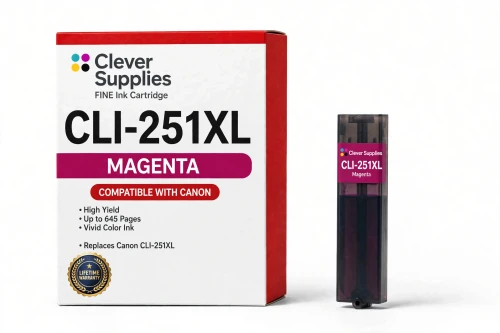
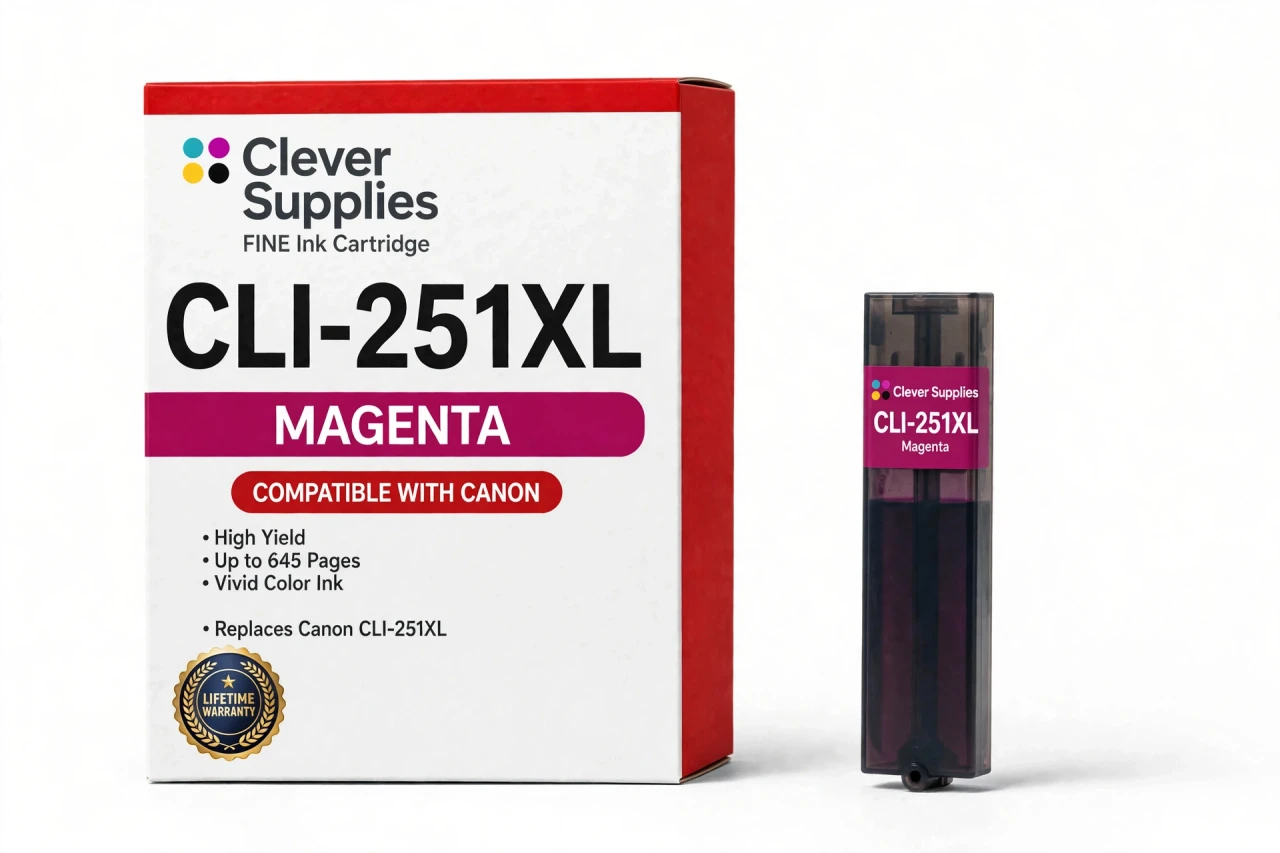
Compatible Canon CLI-251XL Magenta Ink Cartridge
- Page Yield:
- Up to 645 pages
- Shipping:
- Calculated at Checkout

Amazon Price:

- Page Yield:
- Up to 645 pages
- Shipping:
- Calculated at Checkout
- Compatible Printers
- Specifications
- SKU:
- CS-CN-251-MXL
- Condition:
- New Compatible
- OEM Part #:
- CLI-251XL
- Color:
- Magenta
- Ink Type:
- Dye
- Page Yield:
- Up to 645 pages
- Chip:
- New compatible chip
- Warranty:
- Lifetime Warranty
- Returns:
- 1-Year Free Returns
- Description
How far does a magenta CLI-251XL go?
Canon publishes up to 645 pages for the XL tier. That rating is measured on standard test pages at around 5% coverage, so your own yield moves with what you print: dense photos use far more ink than text.
Where does magenta show up in a print?
Magenta is one of the three process colors, mixing with cyan and yellow to build the full color range. It carries the reds and pinks, and much of the warmth you see in skin tones.
Which PIXMA models use this magenta cartridge?
Among the verified fits: Canon PIXMA iX6820, Canon PIXMA MG5420, Canon PIXMA iP7220 and Canon PIXMA iP8720, and 9 more. The complete verified list is in the Compatible Printers section on this page — check your model there before ordering.
Is the cartridge on this page standard or high-yield?
High-yield — the XL fill, like every single we list for this family. Canon also sold a standard fill under the same family numbers; XL tanks hold more ink and cost less per page.
What keeps the ink-level warnings working with a compatible tank?
A new compatible chip fitted to the cartridge reports ink levels back to the printer, so the low-ink warnings behave as they should. And it is a genuinely new chip — not a refilled original shell carrying a reset one.
My other tanks are genuine Canon — can this magenta join them?
Nothing in the printer objects to a mixed row. Slots are read one by one, independently, so this compatible magenta prints normally alongside genuine Canon tanks — replace colors individually as they run out, in either direction.
A message appeared on the screen after installation. How do I clear it?
Acknowledge the message, then reseat the cartridge until it clicks and restart the printer. If it persists, wipe the gold chip contacts with a dry lint-free cloth and reinstall.
Who is behind this cartridge if it is not Canon?
Clever Supplies. This is a compatible cartridge built to the CLI-251XL specification, covered by our lifetime warranty, and not manufactured by Canon; the Canon name appears only to identify the printers it fits.
What if the cartridge leaks, is not recognized or prints badly?
Stop and contact us — do not keep printing on a faulty cartridge. The lifetime warranty covers recognition failures, leaks and print-quality defects: we replace the cartridge or refund you, and returns are free for the first year.
How do I avoid ordering the wrong color from this family?
Order by the full code printed on the tank you removed, not by the family name alone. Every CLI-251XL cartridge shares the same family numbers and the same shell shape; what separates them is the code, and this slot takes the magenta — CLI-251XL in its magenta version. Before you check out, read the stamp on the old cartridge, match the complete code including the XL, and confirm the color word matches the slot you are filling. The printer reads each slot independently, so only the correct color in its own slot keeps the set printing properly. Ten seconds with the old tank in hand prevents the classic mistake of a cyan or yellow arriving for a magenta slot.
- Reviews
The Clever Supplies compatible Canon CLI-251XL Magenta ink cartridge replaces the Canon CLI-251XL and fits 13 verified printers — Canon PIXMA iP7220, Canon PIXMA iP8720, Canon PIXMA iX6820 and 10 more are in the full list under Compatible Printers below. It is rated at up to 645 pages (Canon's own published figure for the XL tier) and carries a new compatible chip that reports ink levels to the printer.
This cartridge belongs to the PGI-250 / CLI-251 family — the XL-tier tank family for the MG, MX and iX lines: pigment PGI-250XL black, dye CLI-251XL colors, a Gray tank on the six-tank photo models, and the extra-long PGI-255XXL black for the MX722, MX922 and iX6820. Every single cartridge we list for this family is the XL fill; the yields quoted are Canon's published XL figures. Covered by our lifetime warranty with free returns for the first year.


Shop the Canon PGI-250 / CLI-251 family: PGI-250XL Pigment Black Ink Cartridge — $8.24 · CLI-251XL Black Ink Cartridge — $8.24 · CLI-251XL Cyan Ink Cartridge — $8.24 · CLI-251XL Gray Ink Cartridge — $8.24 · CLI-251XL Magenta Ink Cartridge — $8.24 · CLI-251XL Yellow Ink Cartridge — $8.24 · PGI-255XXL Pigment Black Ink Cartridge — $8.24 · PGI-250 / CLI-251 Set of 11 BCMY Ink Cartridges — $65.84 · PGI-250 / CLI-251 Set of 13 BCMY + Gray Ink Cartridges — $74.88 · PGI-250 / CLI-251 Set of 5 BCMY Ink Cartridges — $29.93 · PGI-250 / CLI-251 Set of 6 BCMY + Gray Ink Cartridges — $35.91 · PGI-255 / CLI-251 Set of 11 BCMY Ink Cartridges — $65.84
Frequently Asked Questions
Related Items
Canon
Compatible Canon CLI-251XL Black Ink Cartridge
The Clever Supplies compatible Canon CLI-251XL Black ink cartridge replaces the Canon CLI-251XL and fits 13 verified printers — Canon PIXMA iP7220,

Canon
Compatible Canon CLI-251XL Cyan Ink Cartridge
The Clever Supplies compatible Canon CLI-251XL Cyan ink cartridge replaces the Canon CLI-251XL and fits 13 verified printers — Canon PIXMA iP7220,
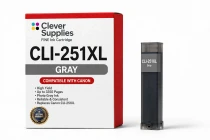
Canon
Compatible Canon CLI-251XL Gray Ink Cartridge
The Clever Supplies compatible Canon CLI-251XL Gray ink cartridge replaces the Canon CLI-251XL and fits 4 verified printers — Canon PIXMA iP8720,
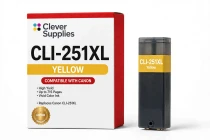
Canon
Compatible Canon CLI-251XL Yellow Ink Cartridge
The Clever Supplies compatible Canon CLI-251XL Yellow ink cartridge replaces the Canon CLI-251XL and fits 13 verified printers — Canon PIXMA iP7220,