




What Toner Does the Brother DCP-L2647DW Use?
Nov 2nd 2026
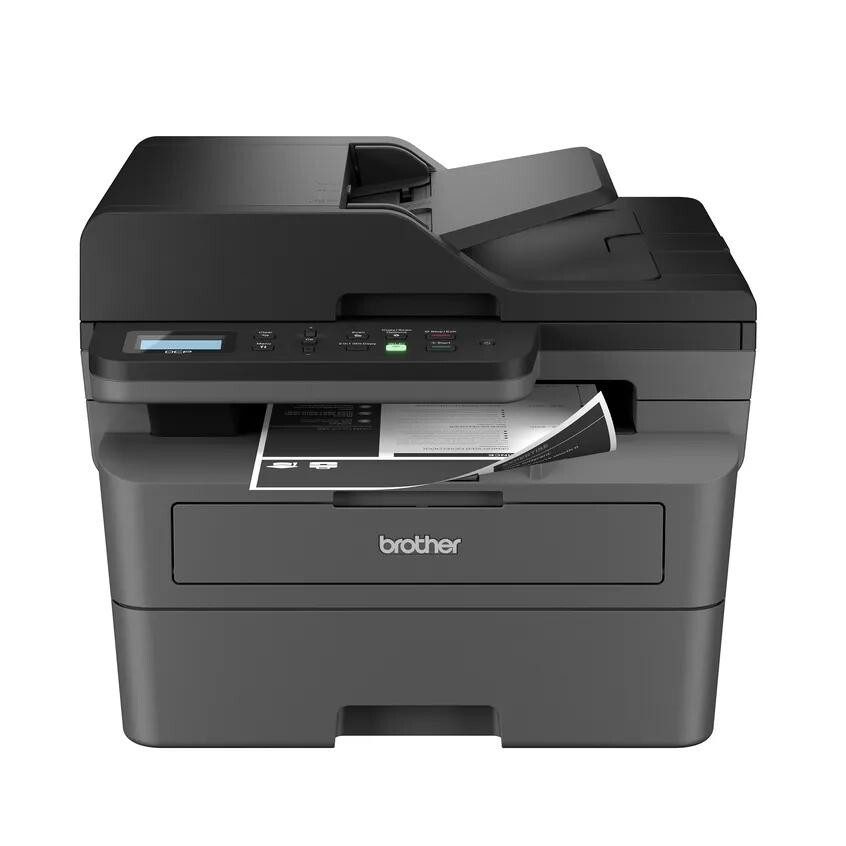
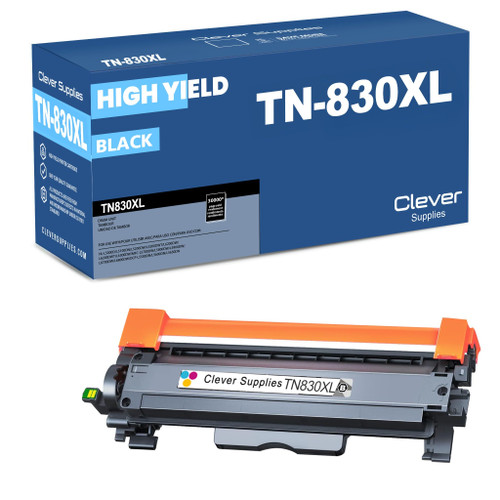
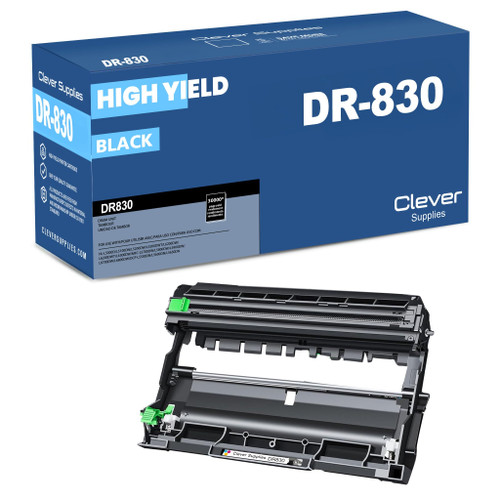
Quick Answer: The Brother DCP-L2647DW uses TN830 standard-yield black toner (about 1,200 pages), TN830XL high-yield black toner (about 3,000 pages), and the separate DR830 drum unit (about 15,000 pages). Unusually for this family, the cartridge in the box is already a full 1,200-page TN830 — so your first replacement comes later than it does for most of its siblings.
A note on regional names: this cartridge family is sold in Latin America under the TN860 name — TN860, TN860XL and TN860XXL. It is the same cartridge line under a regional name: if the cartridge in your printer is labeled TN860, the TN830 cartridges on this page are its US equivalents.
The Version of the L2640 Story With More Toner in the Box
If you bought this machine at a warehouse club, you bought the generous twin. The DCP-L2647DW is a 3-in-1 (print, copy, scan — deliberately no fax) built for desks that move paper all day: Brother rates it at up to 36 ppm, with a 50-page automatic document feeder and scan speeds up to 23.6 ipm in black. What sets the "47" apart from the DCP-L2640DW is what Brother put inside the carton: a starter cartridge worth the full 1,200 pages rather than a cut-down 700-page starter, plus an extended 2-year limited warranty. In practice that means the toner shopping trip this page prepares you for arrives roughly 500 pages later than L2640DW owners face it.
Here are your three DCP-L2647DW supplies, priced with our compatibles on November 2, 2026:
| Supply | Our compatible price | Rated yield | Cost per page |
|---|---|---|---|
| TN830 toner | $23.60 | ~1,200 pages | ~2.0 cents |
| TN830XL toner | $28.98 | ~3,000 pages | ~1.0 cent |
| DR830 drum | $25.60 | ~15,000 pages | ~0.2 cents |
Five dollars separates the standard cartridge from the XL, and the XL prints two and a half times as many pages. Unless this printer sits idle for weeks at a time, the XL is the rational default.
No Fax — And Why That Is a Feature
Plenty of buyers cross-shop this model against the MFC machines listed further down and hesitate at the missing fax. Brother's logic is simple: the DCP line is for offices that scan to email and cloud folders instead of a phone line. You keep the same engine, the same 250-sheet tray, dual-band Wi-Fi, Ethernet and USB, and the same supplies — you just stop paying for a modem you may never plug in. If your "faxing" is really "signing and returning PDFs," this is your machine, and its supply shelf is identical to the fax models'.
Swapping the Cartridge (a Two-Minute Job)
1. Leave the machine on and open the front cover. 2. Pull the toner-and-drum assembly straight out by its handle. 3. Press the green lock lever and lift the old cartridge out of the drum frame. 4. Unpack the new cartridge, rock it side to side a few times, and pull the protective cover off. 5. Click it into the drum until the lever snaps back, slide the assembly in, and close the cover.
If the screen keeps saying Replace Toner after a correct install, don't buy another cartridge — work through our TN830 reset guide first; the counter sometimes needs a manual nudge on this family.
Buying the Drum and Toner in One Box
Here is the arithmetic most owners never do: a DR830 drum lasts about as long as five TN830XL cartridges. When the drum message finally appears — often in the middle of a print run you actually need — the fix is a part you could have had on the shelf for months. That is the case for the paired sets: the TN830 + DR830 set and the TN830XL + DR830 set ship both parts together, matched to this exact family, so one delivery covers the next toner change and the next drum change. Heavier users can go further with the drum-and-2-toner and 2-drum-and-2-toner sets on the same shelf.
The honest limit: if your drum is nearly new, a bundle is money sleeping in a closet — buy the toner alone. The set earns its place once the drum is past roughly half its life, or in any office where a dead drum at 4 p.m. costs more than the part does.
Frequently Asked Questions
Does the DCP-L2647DW really have no fax? Correct. It prints, copies and scans only. If you need fax in this family, look at the MFC models below — they use exactly the same TN830, TN830XL and DR830 supplies.
Is the cartridge in the box a "starter" I should replace early? No. Brother includes a cartridge rated at up to 1,200 pages with this model — the same yield as a retail TN830. Replace it when it is empty, not before.
Can I print from my phone? Yes. Dual-band Wi-Fi plus AirPrint, Mopria and the Brother Mobile Connect app are built in, and wired options (Ethernet, USB) are there if you prefer them.
Does the DCP-L2647DW print in color? No. It is a monochrome machine end to end — one black toner, one drum, no color cartridges exist for it.
 brother tn830 laser toner cartridge black
 brother tn830xl laser toner cartridge black
 brother dr830 dr830 toner cartridge black
 brother tn830 dr830 black drum and toner set
Key takeaways
- The top cartridge here is rated at 3,000 pages — fewer swaps, lower cost per page.
- Lowest cost per page in this family: ~1¢ with the highest-yield cartridge.
- Toner and drum are separate parts on this printer — replace only the one the printer asks for.
Other Printers That Use TN830, TN830XL and DR830
Seventeen other Brother machines share this exact supply shelf. If your model is on this list, every yield and price above applies to you too: