




What Toner Does the Brother MFC-L2807DW Use?
Posted by Clever Supplies on Nov 10th 2026
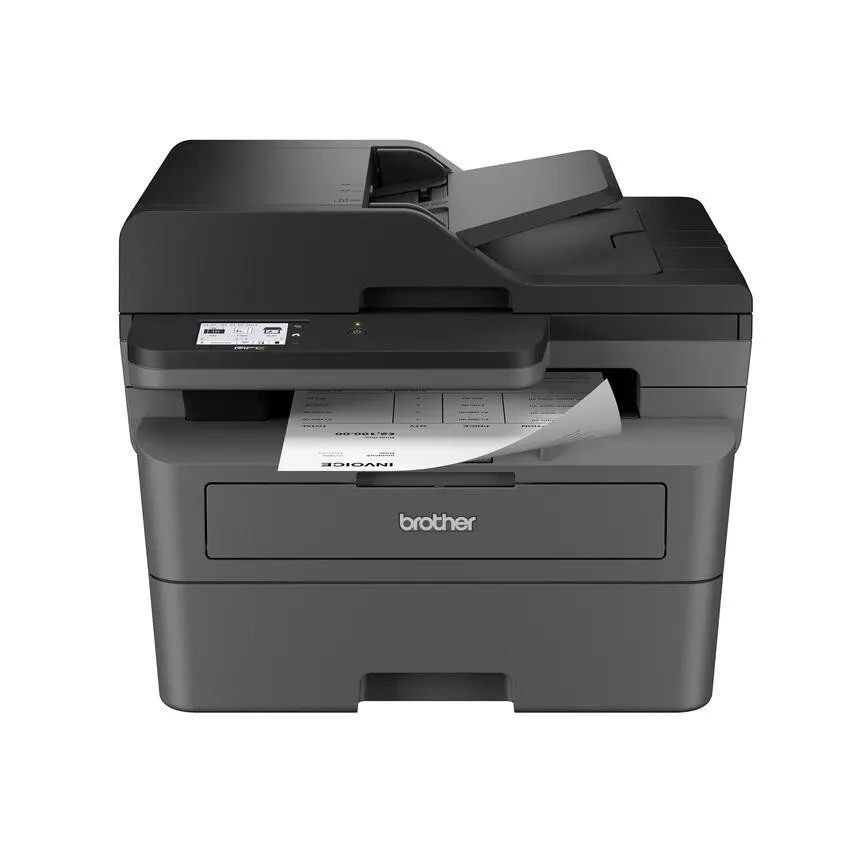
Short version: The Brother MFC-L2807DW runs on TN830 standard toner (~1,200 pages) and TN830XL high-yield toner (~3,000 pages), with a DR830 drum unit (~15,000 pages) underneath. It also happens to start life with a full-size cartridge already inside — more on that below, because it changes when your first purchase happens.
A note on regional names: this cartridge family is sold in Latin America under the TN860 name — TN860, TN860XL and TN860XXL. It is the same cartridge line under a regional name: if the cartridge in your printer is labeled TN860, the TN830 cartridges on this page are its US equivalents.
A Touchscreen All-in-One That Starts With a Full Tank
The MFC-L2807DW is the warehouse-club route into this family: print, copy, scan and fax at up to 34 ppm, a 2.7-inch color touchscreen, dual-band Wi-Fi, Ethernet and USB, a 50-page document feeder and a 250-sheet tray. Two quiet extras follow it home from Costco and its siblings: the in-box cartridge is good for the full 1,200 pages (Brother describes it as 500 extra pages over the usual starter), and the limited warranty runs two years instead of one. Your toner budget, in other words, does not start bleeding on week three.
When it does come due, here is the whole menu, at our compatible prices checked November 2, 2026:
| Item | Yield | Price | Works out to |
|---|---|---|---|
| TN830 | ~1,200 pages | $23.60 | ~2.0¢/page |
| TN830XL | ~3,000 pages | $28.98 | ~1.0¢/page |
| DR830 drum | ~15,000 pages | $25.60 | ~0.2¢/page |
What the Touchscreen Is Actually For
On this model the screen is not decoration. It is the doorway to Brother's Web Connect: scan a signed form straight to Google Drive, Dropbox, OneDrive or Evernote from the glass, or pull a document down and print it, without waking a computer. The fax side benefits too — up to 400 pages of memory means a long incoming fax does not die because someone forgot to refill the tray, and faxes can forward to email or a network folder instead of paper. Set up two or three cloud shortcuts on day one and this machine quietly becomes the office's scan-and-send station.
What it does not do: scan two sides in one pass. The feeder is single-sided for scanning and copying (printing is fully duplex). Owners moving stacks of double-sided contracts should compare the MFC-L2900DW below before blaming the toner for a slow afternoon.
Replacing the Toner, Briefly
1. Open the front cover with the machine powered on. 2. Lift out the drum-and-toner assembly as one piece. 3. Release the old cartridge with the green lever; keep the drum frame. 4. Peel the cover from the new cartridge, give it a gentle side-to-side rock, and push it into the frame until it locks. 5. Reinsert the assembly, close the cover, done.
Should the display insist the toner is still empty — or refuse a cartridge outright — follow our TN830 reset walkthrough rather than reordering; on this family it is the most common false alarm we hear about.
Should You Ever Buy the Toner and Drum Together?
Most of the time, no — and any honest guide should say so. A fresh DR830 has five XL cartridges of life in it, so pairing parts on a young machine just ties up money. The calculus flips in two situations: the drum counter is past the halfway mark, or this printer is shared infrastructure that a small team leans on daily. Then the TN830 + DR830 bundle — or the TN830XL + DR830 bundle if you have already converted to high yield — puts the matched drum on your shelf in the same shipment as the toner, ready for the morning the drum warning lands mid-job. Volume stockers can step up to the drum-and-2-toner or 2-drum-and-2-toner sets.
Frequently Asked Questions
Does the MFC-L2807DW scan directly to cloud services? Yes. Through the 2.7" touchscreen's Web Connect you can scan to (and print from) services including Google Drive, Dropbox, OneDrive, OneNote and Evernote, once each account is linked.
Is the first cartridge a reduced "starter"? No — Brother ships this model with up to 1,200 pages of toner in the box, the full TN830 yield, which is why your first replacement comes later than on the MFC-L2820DW.
Can it receive a fax while the paper tray is empty? Yes. Fax memory holds up to roughly 400 pages, and you can also forward faxes to email or a network folder so nothing waits on paper at all.
Does it print on both sides automatically? Yes, duplex printing is standard. Duplex scanning and copying are not — the feeder handles one side at a time.
How long is the warranty? Brother lists an extended 2-year limited warranty for this model, double the standard term on several of its siblings.
 brother tn830 laser toner cartridge black
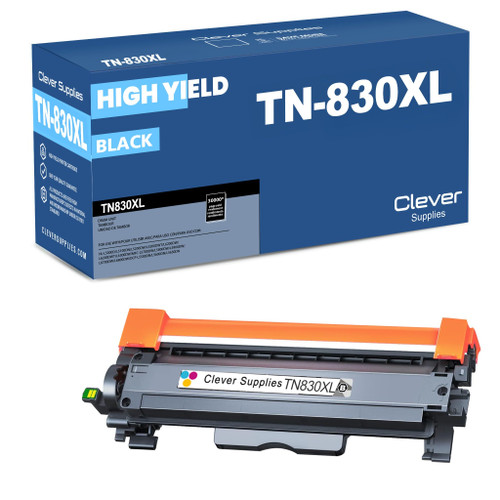 brother tn830xl laser toner cartridge black
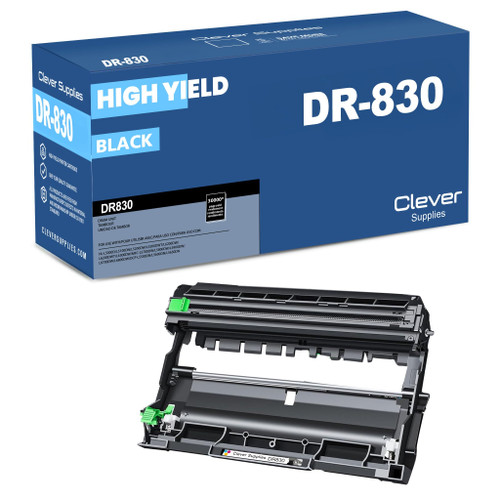 brother dr830 dr830 toner cartridge black
 brother tn830 dr830 black drum and toner set
Key takeaways
- The top cartridge here is rated at 3,000 pages — fewer swaps, lower cost per page.
- Lowest cost per page in this family: ~1¢ with the highest-yield cartridge.
- Toner and drum are separate parts on this printer — replace only the one the printer asks for.
Other Printers That Use TN830, TN830XL and DR830
This supply family stretches well beyond one model. Every printer below uses the same toner and drum: