




What Toner Does the Brother HL-L2865DW Use?
Nov 8th 2026
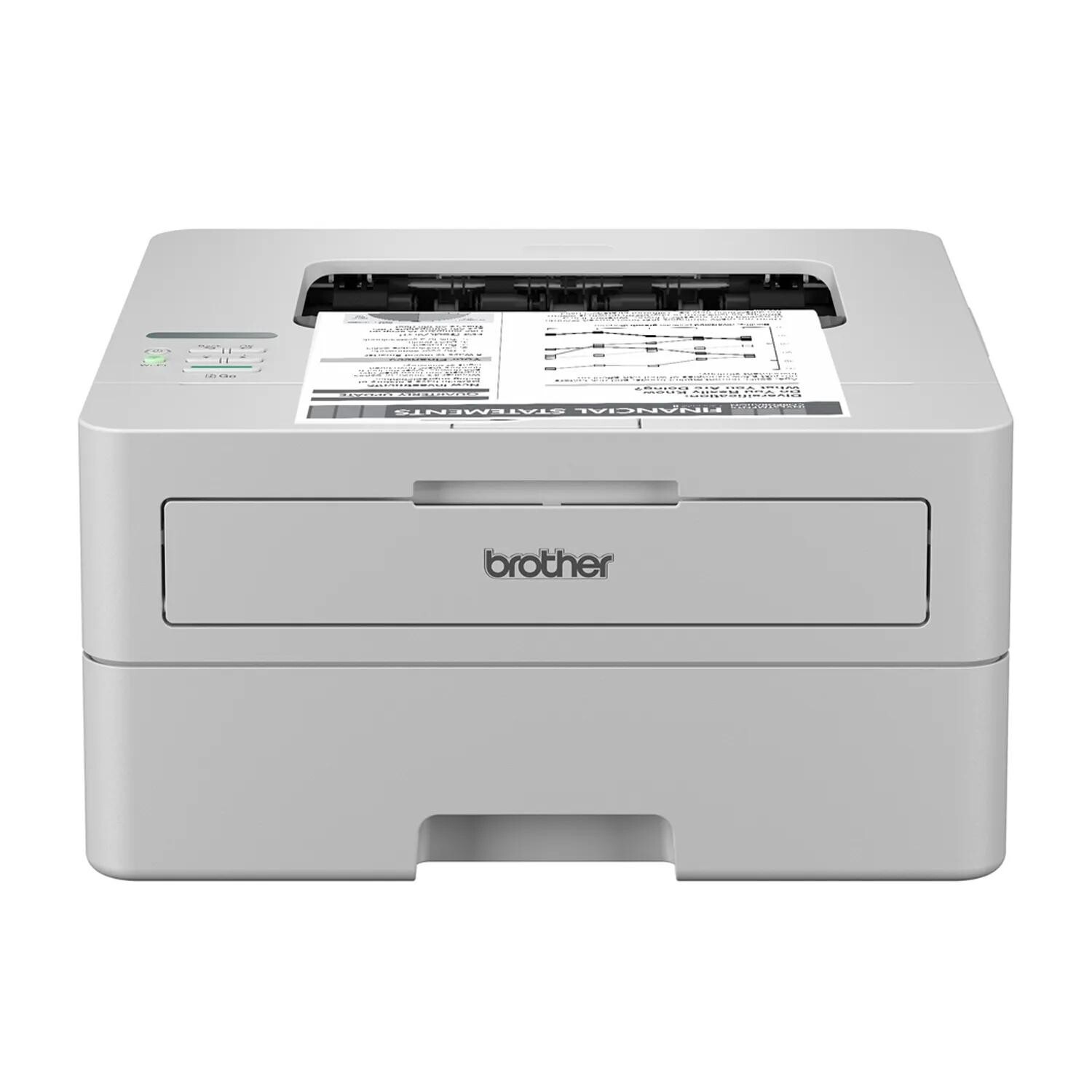
Quick answer: The Brother HL-L2865DW uses TN830 standard-yield toner (about 1,200 pages) or TN830XL high-yield toner (about 3,000 pages), working with the DR830 drum unit (about 15,000 pages), which is replaced separately. It is a monochrome printer, so black toner is the only supply color.
A note on regional names: this cartridge family is sold in Latin America under the TN860 name — TN860, TN860XL and TN860XXL. It is the same cartridge line under a regional name: if the cartridge in your printer is labeled TN860, the TN830 cartridges on this page are its US equivalents.
The Workhorse at the Top of This Family
Brother literally badges this one "Workhorse," and the positioning shows in the details. The HL-L2865DW is aimed at small offices and small workgroups rather than individual desks: it prints at up to 36 pages per minute, offers automatic duplex printing, and connects by dual-band wireless, Ethernet or USB so a whole team can share it. Paper handling is a 250-sheet tray for letter and legal sizes plus a manual feed slot for envelopes and specialty stock. Brother also builds in its Triple Layer Security approach — protections at the device, document and network level — which matters when the printer on the network handles contracts, invoices and HR paperwork.
The carton contents confirm the supply story: the printer ships with a 1,200-page TN830 cartridge and a DR830 drum already installed. In other words, a workgroup's first replacement decision is scheduled from day one — and in a shared environment, that decision should be made on cost per page, not on shelf price.
Cost per Page, Workgroup Edition
| Supply | Rated yield | Our compatible price | Cost per page |
|---|---|---|---|
| TN830XL high-yield toner | ~3,000 pages | $28.98 | ~1.0¢ |
| TN830 standard toner | ~1,200 pages | $23.60 | ~2.0¢ |
| DR830 drum unit | ~15,000 pages | $25.60 | ~0.2¢ |
Yields are rated at 5% page coverage. Put a realistic workgroup volume against those figures — say 1,500 pages a month across a small team — and a standard cartridge is empty in about three weeks, while the XL lasts two months and prices every page at roughly a cent in toner instead of two. Across a year, that difference is measured in hundreds of dollars and in a dozen fewer interruptions. For this model more than any other in the family, the high-yield cartridge is not the upgrade; it is the default.
Keeping a Shared Printer Supplied
Workgroups cannot afford the "someone will order it" approach to a dead printer, so plan the drum before it plans you. The DR830 will run through roughly five XL cartridges and then announce itself, invariably during the busiest print run of the quarter. Our toner-and-drum sets were put together for that day: a TN830XL with a DR830 drum in one set, or the standard-yield TN830 version of the set for lighter teams. A single shipment, a matched pair on the supply shelf, and a drum change becomes a five-minute task instead of a two-day outage. Offices that stock deeper can choose drum-with-two-toner or two-drum-two-toner sets.
The discipline to keep: bundles are for when the drum's life is genuinely advancing. If the HL-L2865DW is new and its drum has 14,000 pages left in it, restock toner only — buying drums early just parks cash in a cupboard.
Replacing the Cartridge
1. Keep the power on and open the front cover; draw the drum assembly out of the printer. 2. Press the green lever to free the spent cartridge from the drum frame. 3. Shake the fresh cartridge from side to side several times, peel away its protective cover, and click it into the frame. 4. Clean the corona wire by sliding the drum's green tab across and back to its starting arrow. 5. Refit the assembly, close the cover, and confirm the supply level before the next job.
If the printer declines to recognize a correctly installed cartridge, follow the counter-reset steps in our TN830 reset and recognition guide rather than swapping in a second new cartridge.
HL-L2865DW Questions, Answered
What does the printer arrive with? Brother's listed carton contents include a TN830 toner cartridge rated at 1,200 pages and a DR830 drum unit rated at 15,000 pages, alongside the power cord and setup documentation. Your first purchase will be a replacement toner; the drum decision comes much later.
Can the whole team print to it at once? Sharing is its design brief. With Ethernet and dual-band wireless both available, multiple desktops, laptops, phones and tablets can send jobs, and mobile printing is supported through Brother Mobile Connect, AirPrint and Mopria.
Is this printer only for offices, or can a home use it? A busy home can, and many do — the attraction is speed and running cost. Just know it is print-only: there is no scanner or copier, so homes needing those should look at the DCP and MFC relatives below, which use identical supplies.
What do the security features have to do with toner? Nothing directly — but they explain the buyers of this model. Teams that care about document and network security also tend to track consumables formally, and the cost-per-page table above is the document their purchasing decision should rest on.
Pages show a faint repeating image of the previous print. Which part is failing? That ghosting effect is a classic drum symptom. Try cleaning the corona wire first; if the ghosting persists, the DR830 — not the toner cartridge — is the part reaching its end.
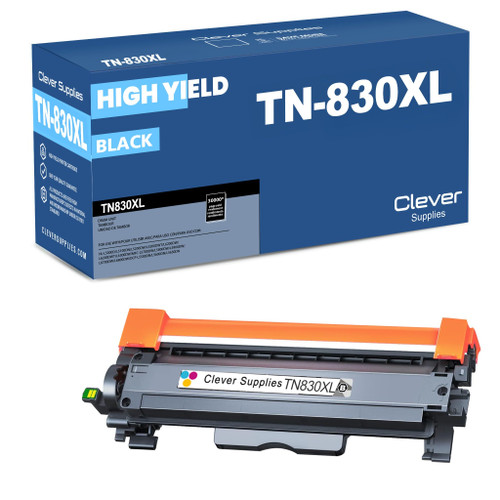 brother tn830xl laser toner cartridge black
 brother tn830 laser toner cartridge black
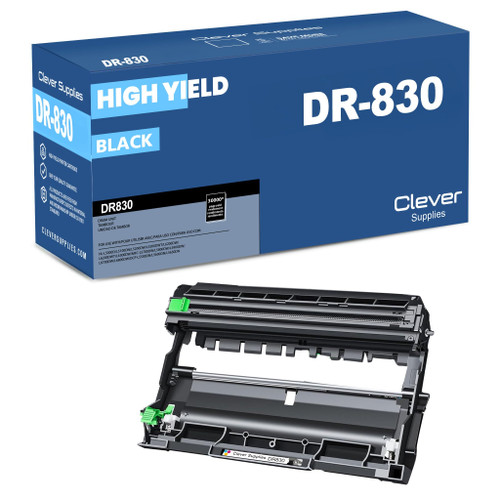 brother dr830 dr830 toner cartridge black
 brother tn830xl dr830 black drum and toner set
Key takeaways
- The top cartridge here is rated at 3,000 pages — fewer swaps, lower cost per page.
- Lowest cost per page in this family: ~1¢ with the highest-yield cartridge.
- Toner and drum are separate parts on this printer — replace only the one the printer asks for.
Other Printers That Use TN830, TN830XL and DR830
A final convenience of this generation: one cartridge inventory serves eighteen models, so mixed fleets need only one spare shelf. The remaining HL machines are the HL-L2400D, HL-L2405W, HL-L2420DW, HL-L2460DW, HL-L2460DWXL, HL-L2465DW, HL-L2467DW and HL-L2480DW. DCP models adding copy and scan: DCP-L2640DW, DCP-L2647DW. MFC all-in-ones: MFC-L2760DW, MFC-L2807DW, MFC-L2820DW, MFC-L2820DWXL, MFC-L2900DW, MFC-L2900DWXL and MFC-L2980DW. Supplies for this model are gathered on the HL-L2865DW category page.