




What Toner Does the Brother HL-L2480DW Use?
Posted by Clever Supplies on Nov 7th 2026
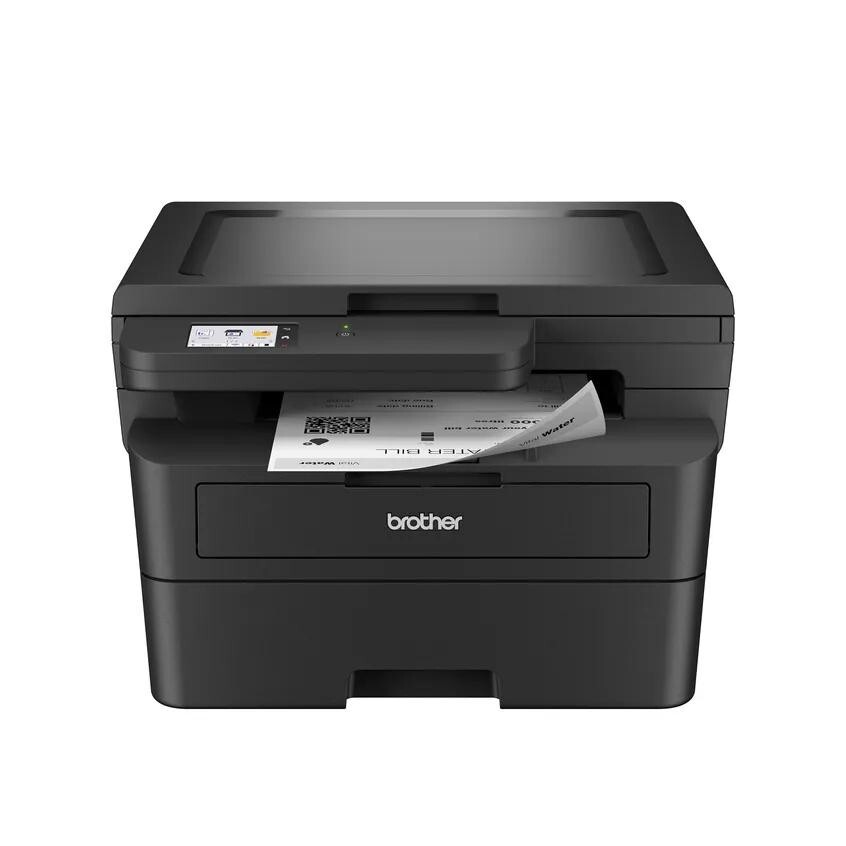
Quick answer: The Brother HL-L2480DW uses TN830 standard-yield black toner (about 1,200 pages) or TN830XL high-yield black toner (about 3,000 pages), plus a DR830 drum unit (about 15,000 pages) that is replaced independently. The printer is monochrome, so there is exactly one toner color to buy: black.
A note on regional names: this cartridge family is sold in Latin America under the TN860 name — TN860, TN860XL and TN860XXL. It is the same cartridge line under a regional name: if the cartridge in your printer is labeled TN860, the TN830 cartridges on this page are its US equivalents.
A Touchscreen, a Scanner, and a Cloud Connection
The HL-L2480DW is the most connected machine in this cartridge family. Start with what sits on top: a flatbed scanner that turns this nominally "HL" printer into a print, copy and scan device. On the front, a 2.7-inch color touchscreen replaces the button-and-tiny-display arrangement of its siblings, and Brother uses that screen for something genuinely useful — printing from and scanning to cloud services such as Google Drive, Dropbox, Evernote and OneNote directly from the panel, no computer involved.
The engine underneath keeps pace: up to 36 pages per minute, automatic duplex printing, a 250-sheet tray, and connectivity that covers dual-band wireless, Ethernet and USB. It is, in short, the family member aimed at a busy home office that treats its printer as a small document hub. Hubs print a lot, and that brings us to the consumables.
What the Toner Bill Looks Like
| Part | Rated yield | Our compatible price | Cost per page |
|---|---|---|---|
| TN830 standard toner | ~1,200 pages | $23.60 | ~2.0¢ |
| TN830XL high-yield toner | ~3,000 pages | $28.98 | ~1.0¢ |
| DR830 drum unit | ~15,000 pages | $25.60 | ~0.2¢ |
At the standard 5% coverage rating, the per-page story favors the XL decisively for a machine of this appetite: for about $5 more per purchase, toner cost per page drops from roughly two cents to roughly one. One nuance for a scanning household — scanning itself consumes no toner. Only pages that come out of the printer count, whether they arrive as prints or as copies made on the flatbed.
The Drum Deserves a Plan, Not a Panic
Because the HL-L2480DW reports itself so helpfully through its touchscreen and app, you will get fair warning of both consumable clocks: the toner counting down its pages and the DR830 drum counting toward roughly 15,000. When the drum's turn approaches, consider how we package the parts. Alongside the separate items, there is a set pairing a TN830 with a DR830 drum and a TN830XL-and-drum set. Buying the pair together means one shipment, a toner and drum that arrive as a matched set, and — the benefit owners mention most — a drum already in the building when the printer's message turns from advisory to insistent mid-job. Stock-keepers can scale further with drum-and-two-toner or two-drum-two-toner combinations.
The honest limit bears repeating in every one of these guides: a drum lasts through about five XL cartridges. If yours is early in its life, order toner on its own and save the set for later.
Swapping Supplies on the HL-L2480DW
Leave the printer switched on, open the front cover and pull the drum assembly out toward you. Press the green lever, remove the old cartridge from the drum frame, and shake the replacement gently from side to side before taking off its protective cover. Seat the cartridge until it clicks, slide the green tab across the drum's corona wire and back to its arrow, return the assembly and close up. The touchscreen will confirm the new supply level. If a cartridge is rejected or the level refuses to update, the fix is usually the counter reset described in our TN830 reset walkthrough.
Questions HL-L2480DW Owners Bring Us
Can I really scan straight to Google Drive from this printer? Yes. The touchscreen offers print-from and scan-to shortcuts for popular cloud services, including Google Drive, Dropbox, Evernote and OneNote, once the printer is connected to your network and signed in.
Does copying a document use more toner than printing it? No — the imaging process is the same, so a copy and a print of the same page consume the same toner. Scanning a document to a file uses none.
The touchscreen shows the drum percentage dropping. When do I act? The percentage is a life meter, not an alarm. Start thinking about a replacement drum — or a toner-and-drum set — in its last quarter of life; act when print quality fades or the replace message appears.
Is the TN830XL worth it if I mostly scan? If your paper output is genuinely small, the standard TN830 is a reasonable, cheaper purchase today. The XL earns its premium through printed pages, so let your actual print volume — not the scanner's — decide.
Why does the printer have Ethernet if it has Wi-Fi? Choice and stability. A wired connection suits a printer that lives beside a router or serves several office computers; wireless suits everywhere else. Supplies are unaffected either way.
 brother tn830 laser toner cartridge black
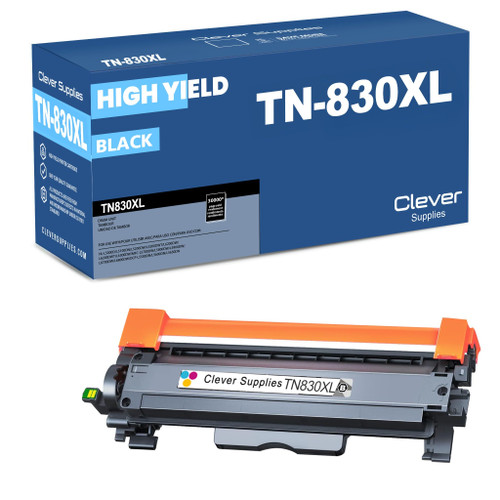 brother tn830xl laser toner cartridge black
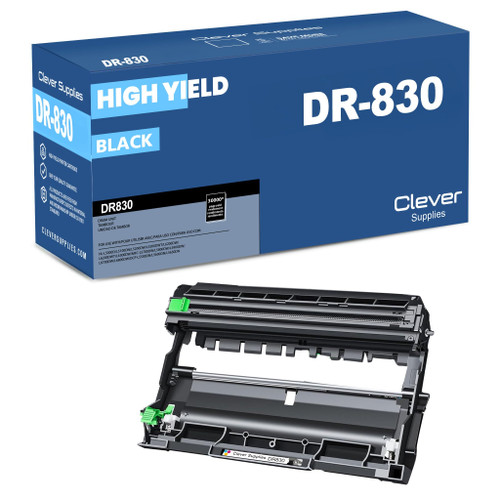 brother dr830 dr830 toner cartridge black
 brother tn830 dr830 black drum and toner set
Key takeaways
- The top cartridge here is rated at 3,000 pages — fewer swaps, lower cost per page.
- Lowest cost per page in this family: ~1¢ with the highest-yield cartridge.
- Toner and drum are separate parts on this printer — replace only the one the printer asks for.
Other Printers That Use TN830, TN830XL and DR830
The same three supplies cover an eighteen-model generation, so a spare bought for the HL-L2480DW fits all of the following. HL print-focused models: the HL-L2400D, HL-L2405W, HL-L2420DW, HL-L2460DW, HL-L2460DWXL, HL-L2465DW, HL-L2467DW and HL-L2865DW. DCP models with copy and scan: the DCP-L2640DW and DCP-L2647DW. MFC all-in-ones: the MFC-L2760DW, MFC-L2807DW, MFC-L2820DW, MFC-L2820DWXL, MFC-L2900DW, MFC-L2900DWXL and MFC-L2980DW. This model's own supplies are on its HL-L2480DW page.