




What Toner Does the Brother HL-L2395DW Use?
Posted by Clever Supplies on Nov 7th 2026
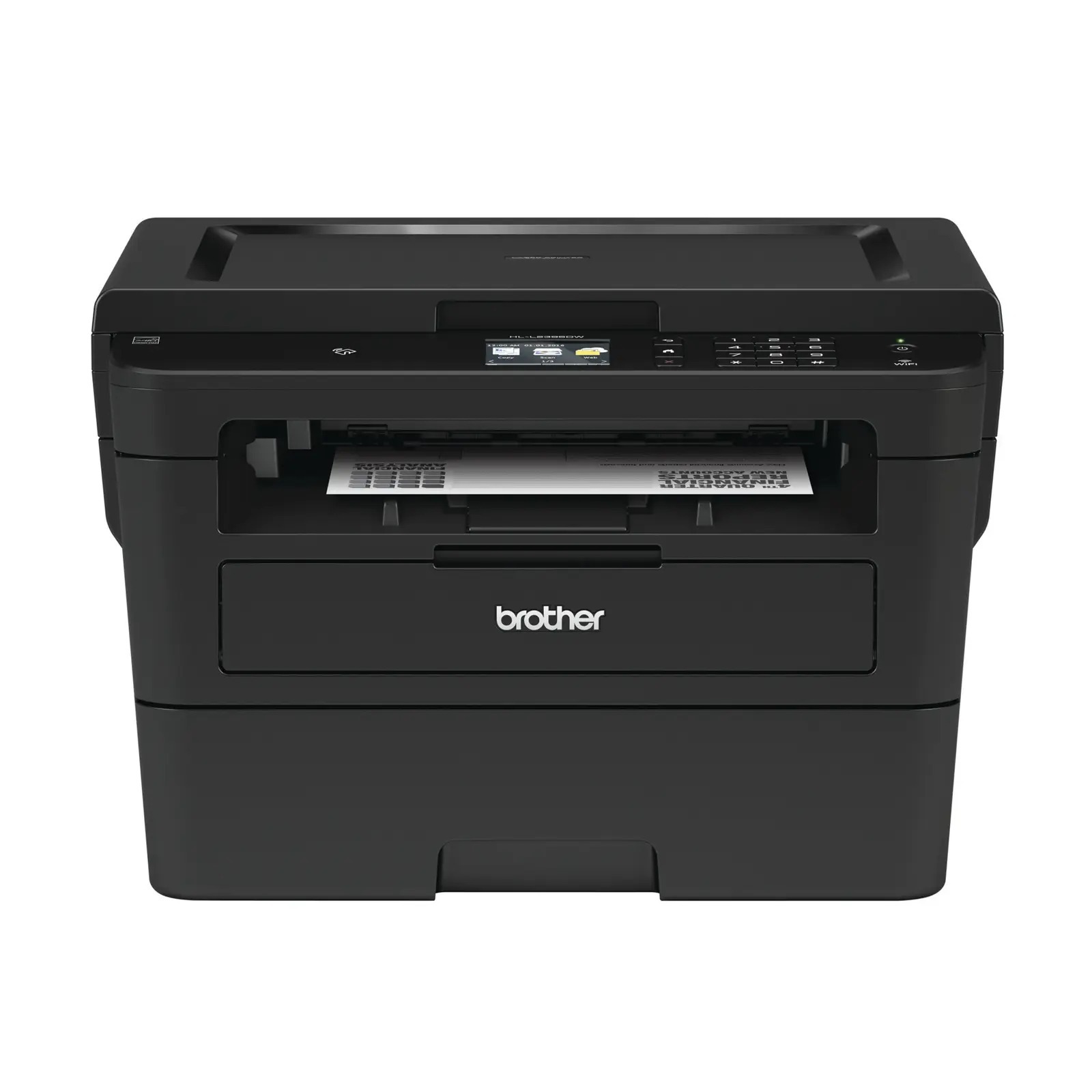
Quick answer: The Brother HL-L2395DW feeds on TN730 standard-yield toner (about 1,200 pages) or TN760 high-yield toner (about 3,000 pages), with a DR730 drum unit (about 12,000 pages) serving underneath. Black toner only, and the drum is changed on its own long schedule.
The Touchscreen Brother
Among the print-led models in this family, the HL-L2395DW is the one that feels like a phone. Its 2.7-inch color touchscreen hosts shortcuts and talks directly to cloud services — print from or scan to Dropbox, Google Drive, Evernote and OneNote without a computer in the loop. NFC adds tap-to-connect printing and scanning from a mobile device, and beneath the glass there is a flatbed for copying and scanning single sheets.
The engine is the quickest of the household models here: up to 36 pages per minute, automatic duplex, a 250-sheet tray, and Wi-Fi, Ethernet and USB all present. Brother has since discontinued the model, which changes nothing about its appetite — the cartridges below remain current across the whole family still in production.
Yield and Price, Side by Side
| Supply | Rated yield | Our compatible price | Cost per page |
|---|---|---|---|
| TN760 high-yield toner | ~3,000 pages | $25.26 | ~0.8¢ |
| TN730 standard toner | ~1,200 pages | $25.26 | ~2.1¢ |
| DR730 drum unit | ~12,000 pages | $28.55 | ~0.2¢ |
Cloud printing has a quiet effect on consumption: when printing from a phone takes ten seconds, people print more. Owners of this model tend to land in the middle of the family's volume range, which is precisely where the high-yield cartridge pays — about 0.8 cents of toner per page at the verified price, against the same shelf price as the standard listing. Yields are rated at 5% coverage, so photo-heavy phone printing will trim them somewhat.
How a Cartridge Change Goes
With the printer powered, open the front cover and slide the drum assembly out. A press of the green lever releases the old toner cartridge. Rock the replacement gently to loosen the powder, remove the protective cover, and click it into the drum. Clean the corona wire by moving the green tab fully across and back to its arrow, slide the assembly home and shut the cover. If the touchscreen still shows a toner complaint after a genuine change, the supply counter needs resetting — our TN760 reset and recognition guide explains how, before you spend anything on a second cartridge.
The Drum Conversation, and the Set That Settles It
The DR730 under your cartridge is rated for about four high-yield toners' worth of pages. Its decline announces itself in print quality — repeating spots, a grey wash — rather than in scanning or copying, which can confuse owners of this model: scans stay perfect while prints deteriorate, because the scanner and the print engine are separate systems.
When the drum's turn approaches, the TN760 toner and DR730 drum set replaces both wear parts in a single order — $37.73 at the prices checked on November 2, 2026, versus $53.81 for the pair separately. A drum-and-two-toner set extends the runway, and the two-drum, two-toner combination covers years for most homes.
The familiar restraint applies: none of this is needed while the installed drum is young. Toner alone, ordered as required, is the correct pattern until the drum is past the halfway mark of its rated life.
Questions From HL-L2395DW Owners
Brother discontinued this printer. Should I stockpile cartridges? No need. The TN760, TN730 and DR730 are shared with models Brother still sells, so supply is not tied to this printer's production run. Buy at your normal pace.
How does NFC printing work with toner levels? NFC only establishes the connection — tap, and the job sends. It does not change yields or consumption; it just makes sending jobs easier, which is its own kind of consumption driver.
Can the touchscreen warn me before toner runs out? Yes. Supply status is shown on the panel, including toner-low warnings, and the same information is visible through Brother's mobile app over your network.
My scans look great but prints are spotty. Which part is failing? The print side. Scanning uses the flatbed and its own optics; spots that repeat down printed pages point at the drum, while overall lightness points at the toner. Test with a fresh cartridge before condemning the drum.
Does it have a document feeder for the scanner? No. Like the HL-L2390DW, it scans from the flatbed one sheet at a time. The family's feeder model is the DCP-L2550DW, listed below.
Will the cloud shortcuts still work if I use compatible toner? Yes. Cartridge choice has no effect on the printer's software features, cloud connections or touchscreen functions.
 brother tn760 tn760 toner cartridge black
 brother tn760 tn760 tn730 toner cartridge black
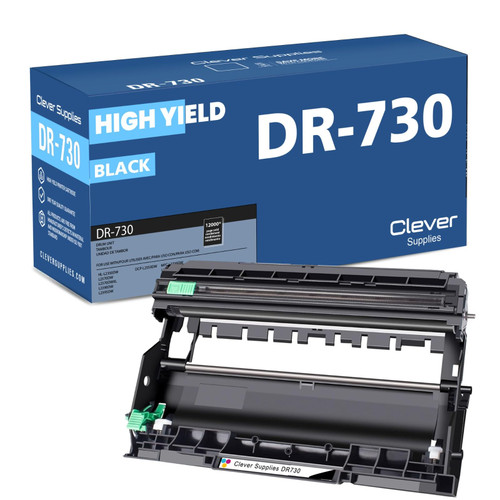 brother dr730 dr730 toner cartridge black
 brother tn760 dr730 black drum and toner set
Key takeaways
- The top cartridge here is rated at 3,000 pages — fewer swaps, lower cost per page.
- Lowest cost per page in this family: ~0.8¢ with the highest-yield cartridge.
- Toner and drum are separate parts on this printer — replace only the one the printer asks for.
Other Printers That Use TN730, TN760 and DR730
The generation spans twelve models. Fellow HL machines: HL-L2350DW, HL-L2370DW, HL-L2370DWXL and HL-L2390DW. The all-in-one with a feeder is the DCP-L2550DW. The MFC line completes the set: MFC-L2690DW, MFC-L2710DW, MFC-L2717DW, MFC-L2750DW and MFC-L2750DWXL. Supplies for this printer are gathered on the HL-L2395DW category page.