




What Toner Does the Brother HL-L2390DW Use?
Nov 6th 2026
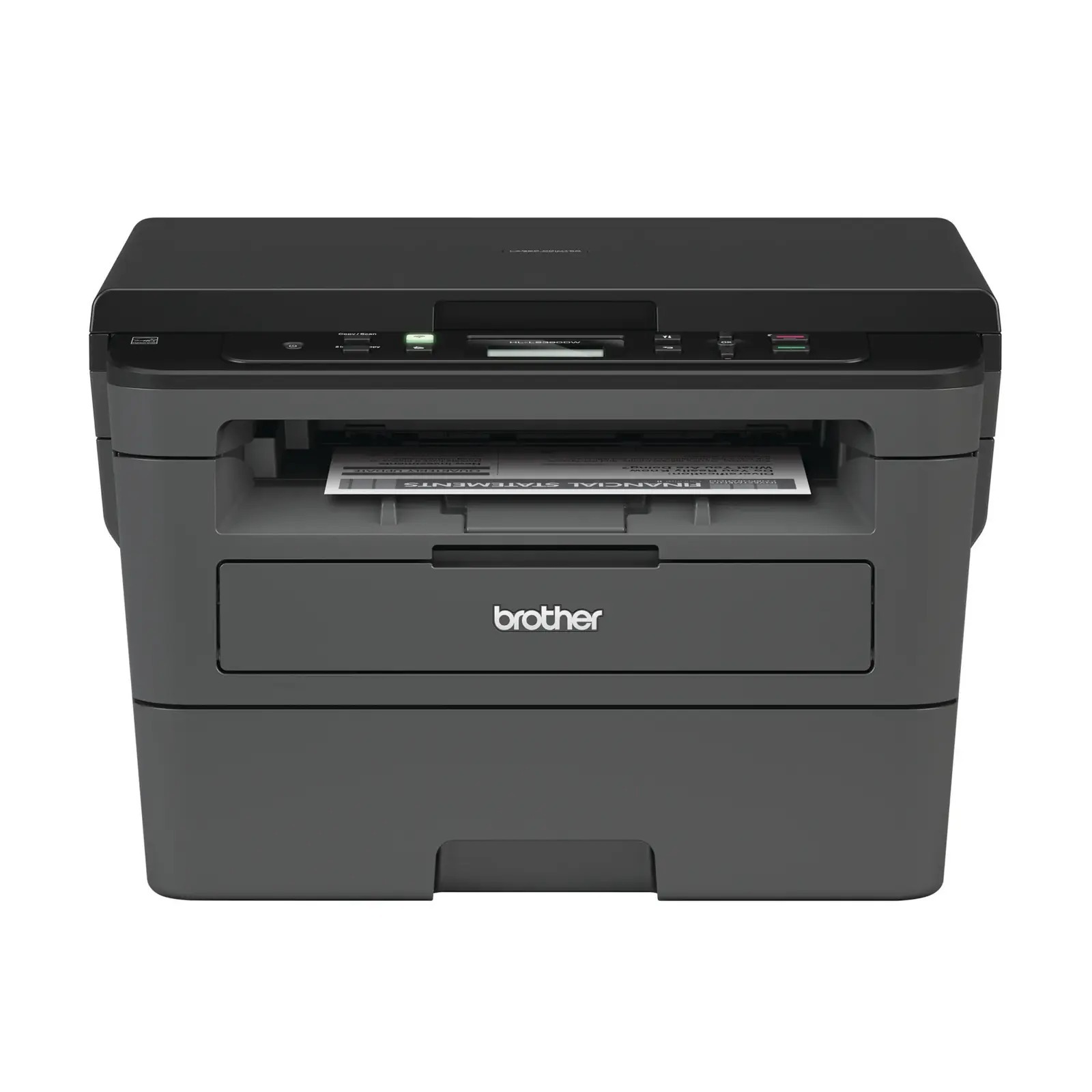
Quick answer: The Brother HL-L2390DW uses TN730 standard-yield toner (about 1,200 pages) or TN760 high-yield toner (about 3,000 pages), working with a DR730 drum unit rated near 12,000 pages. One black cartridge at a time; the drum is a separate part on a much longer replacement cycle.
An HL That Learned to Copy
The HL badge usually means print-only, which makes the HL-L2390DW the family's quiet exception: lift its lid and there is a flatbed scanner, giving it copying and scanning alongside print. What it does not have is a document feeder — every copy job is one sheet of glass at a time, which tells you its intended rhythm: the occasional contract, ID card or signed form, not a fifty-page stack.
The print side runs at up to 32 pages per minute with automatic duplex, fed from a 250-sheet tray. Connections are Wi-Fi and USB — no Ethernet on this one — and a 2-line LCD runs the panel. Scanning is in color at up to 1200 x 1200 dpi even though everything the printer puts on paper is black and white.
Supplies, Priced Out
| Supply | Rated yield | Our compatible price | Cost per page |
|---|---|---|---|
| TN760 high-yield toner | ~3,000 pages | $25.26 | ~0.8¢ |
| TN730 standard toner | ~1,200 pages | $25.26 | ~2.1¢ |
| DR730 drum unit | ~12,000 pages | $28.55 | ~0.2¢ |
Copying deserves a line of its own in the cost discussion, because copies consume toner exactly as prints do — owners who think of this machine as "mostly a copier" sometimes under-order. Count copies in your monthly page estimate and the high-yield cartridge's advantage grows: roughly 0.8 cents of toner per page at the price above, with no premium over the standard listing. Ratings assume 5% page coverage; dense scanned documents with heavy graphics will land below them.
Changing the Cartridge
Leave the machine switched on, open the front cover — not the scanner lid — and pull the drum assembly out. Press the green lever, lift the old cartridge free, and prepare the new one with a gentle side-to-side rock and by removing its protective cover. Seat it in the drum until it locks, slide the green corona tab across and back to the arrow, push the assembly in and close the cover. A toner warning that survives a genuine swap usually means the counter needs attention; our TN760 reset and recognition guide covers the fix.
Why the Drum Deserves a Thought on This Model
Flatbed machines tend to live long, quiet lives, and quiet lives end with a surprise: the drum reaches its roughly 12,000-page mark years in, often just as a toner also runs low. Buying the wear parts together sidesteps the double delivery. The TN760 toner and DR730 drum set ships both in one box, priced at $37.73 on November 2, 2026 against $53.81 for the pair bought separately. A drum-and-two-toner set suits heavier copiers, and a two-drum, two-toner set covers two full drum lifetimes of printing.
Keep the usual discipline, though: a drum with little mileage does not need a partner. Order toner on its own until the installed drum is at least halfway through its rated life — then the set becomes foresight rather than stockpiling.
Questions From HL-L2390DW Owners
Wait — an HL model that scans? Is this really not an MFC? It really is an HL. Brother gave this one a flatbed for copy and scan work but no fax and no feeder, and kept it in the HL line. Supplies are unaffected: it uses the family cartridges.
Can it copy a stack of pages automatically? No. There is no automatic document feeder, so multi-page copying means placing each sheet on the glass. If stacks are your routine, the DCP-L2550DW below adds a 50-sheet feeder and takes identical supplies.
Does scanning in color use color toner? There is no color toner in this machine at all. Scans capture color; prints and copies render it in black and white.
Why is there no network socket? Will a USB-to-Ethernet adapter help? Brother kept this model to Wi-Fi and USB. Adapters are not a supported route to wired networking; if a fixed cable matters, the HL-L2370DW is the family's wired print-only option.
My copies have a dark line that prints don't. Toner problem? Probably not. A line appearing only on copies and scans usually traces to a mark on the flatbed glass or its narrow calibration strip — clean the glass first. Toner and drum faults show up on prints from a computer too.
 brother tn760 tn760 toner cartridge black
 brother tn760 tn760 tn730 toner cartridge black
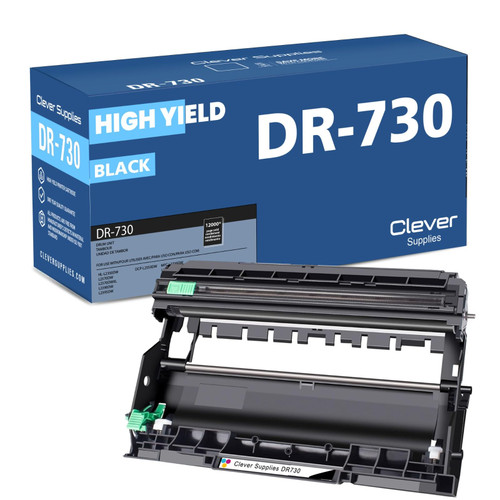 brother dr730 dr730 toner cartridge black
 brother tn760 dr730 black drum and toner set
Key takeaways
- The top cartridge here is rated at 3,000 pages — fewer swaps, lower cost per page.
- Lowest cost per page in this family: ~0.8¢ with the highest-yield cartridge.
- Toner and drum are separate parts on this printer — replace only the one the printer asks for.
Other Printers That Use TN730, TN760 and DR730
Twelve models share these supplies. Print-only siblings: HL-L2350DW, HL-L2370DW, HL-L2370DWXL and HL-L2395DW — the last adds a touchscreen and NFC to this model's formula. The feeder-equipped all-in-one is the DCP-L2550DW. MFC models round out the range: MFC-L2690DW, MFC-L2710DW, MFC-L2717DW, MFC-L2750DW and MFC-L2750DWXL. This printer's cartridges sit on the HL-L2390DW category page.