




What Toner Does the Brother HL-L2350DW Use?
Nov 3rd 2026
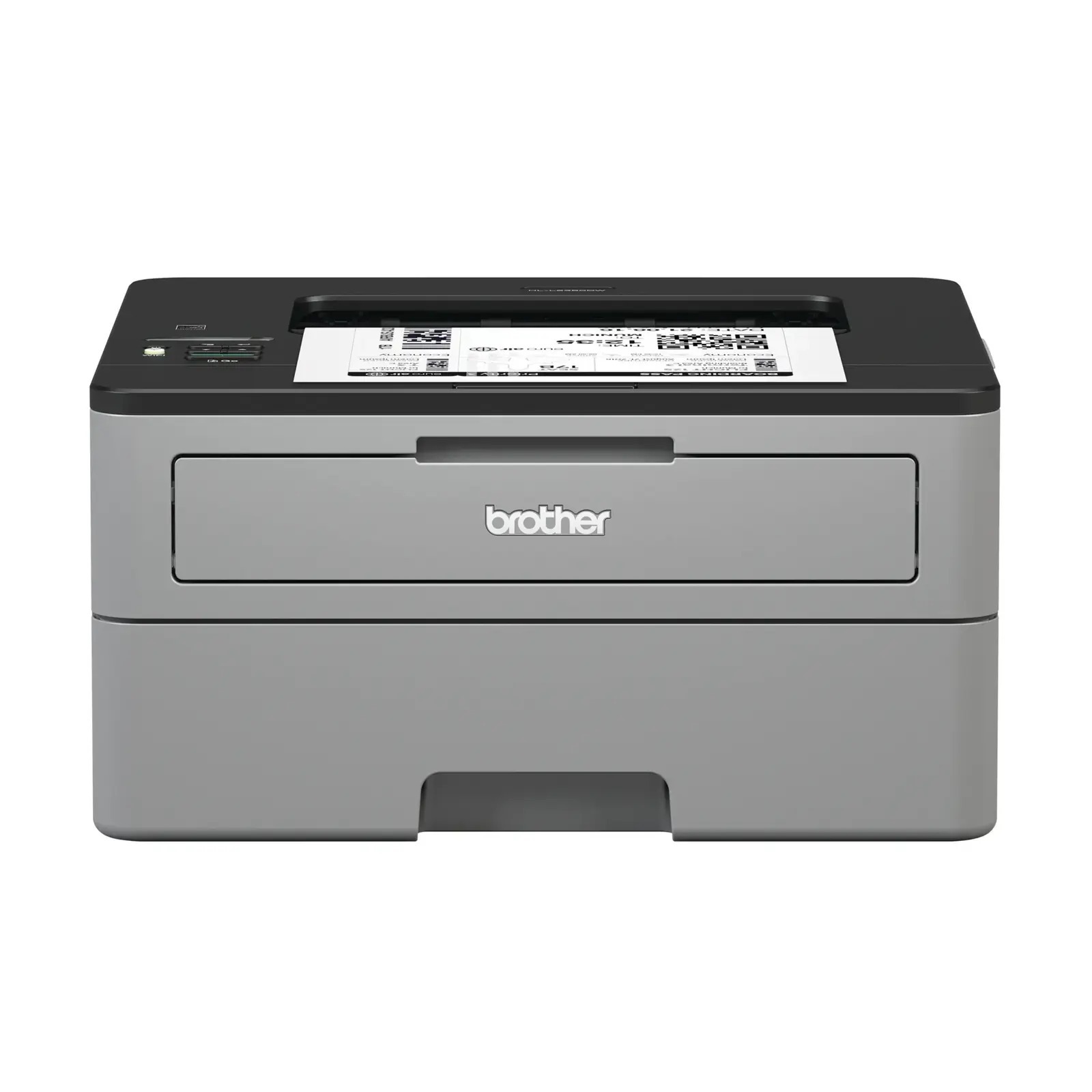
Quick answer: The Brother HL-L2350DW runs on TN730 standard-yield toner (about 1,200 pages) or TN760 high-yield toner (about 3,000 pages), and a separate DR730 drum unit rated for roughly 12,000 pages. Black only — this is a monochrome laser printer, and it holds one cartridge at a time.
The Printer That Skips Almost Everything — Except Speed
Look at what the HL-L2350DW leaves out and you understand who it was built for. There is no scanner, no copier, no fax, no Ethernet port, no touchscreen — just a 1-line LCD, a USB port, Wi-Fi, and a print engine rated at up to 32 pages per minute with automatic two-sided printing. It is a machine for one desk and one job: turning documents into paper quickly and cheaply.
That stripped-down brief shapes how it eats toner. A personal printer's cartridge lasts months, so the choice between the two cartridge sizes matters less in calendar time — but the arithmetic per page never changes, and it favors the bigger cartridge as firmly here as on any workgroup model.
What Each Cartridge Delivers
| Supply | Rated yield | Our compatible price | Cost per page |
|---|---|---|---|
| TN760 high-yield toner | ~3,000 pages | $25.26 | ~0.8¢ |
| TN730 standard toner | ~1,200 pages | $25.26 | ~2.1¢ |
| DR730 drum unit | ~12,000 pages | $28.55 | ~0.2¢ |
Yields follow the ISO/IEC 19752 standard at 5% coverage. One ownership detail worth knowing before your first order arrives: the cartridge Brother packed in the box is a starter rated at only about 700 pages. Owners who feel the first cartridge "ran out fast" are not imagining it — every replacement you buy, standard or high-yield, outlasts the one the printer came with. Given that the high-yield cartridge costs the same here as the standard listing and prints two and a half times as many pages, the TN760 is the sensible default for this model; choose the standard size only if the printer will sit unused for long stretches and you simply want the smaller commitment.
Swapping the Cartridge
With the printer on, open the front cover and pull the drum assembly straight out. Squeeze the green lever to release the spent toner cartridge, then rock its replacement gently from side to side, strip off the protective cover, and push it into the drum until it clicks. Slide the green corona-wire tab back and forth and return it to its arrow mark, reinstall the assembly, and shut the cover. Should a fresh cartridge still trigger a toner warning, the page counter is the usual culprit — our TN760 reset and recognition guide walks through clearing it.
The Drum Lives on a Different Clock
Because there is no scanner or feeder on this model, the drum's story is simple: it sits under the toner cartridge, transfers the image to the page, and quietly lasts for about four high-yield cartridges. Expect its turn somewhere near 12,000 pages, announced by a "Replace Drum" message or by marks that repeat at the same spot down every sheet. Fading alone is rarely the drum's fault — rock the toner cartridge first.
Toner and Drum in One Box
For a single-desk printer, the case for a combined set is mostly about never being caught empty. The TN760 toner and DR730 drum set brings both parts in a single shipment, and at the prices checked on November 2, 2026 it cost $37.73 against $53.81 for the two items bought separately — a saving of just over $16. A drum-and-two-toner combination exists for owners who print steadily, and a two-drum, two-toner set for the truly cautious.
Honest timing advice applies here as everywhere: the drum under your cartridge today is likely young, so a set bought on day one will sit in a drawer for a year or more. Buy toner alone while the drum is in its first half of life; switch to the set when the drum has genuine mileage behind it, so the replacement is already home when the message appears.
Questions From HL-L2350DW Owners
Can I plug this printer into a wired network? No. The HL-L2350DW connects by Wi-Fi or USB only — there is no Ethernet socket. If a wired connection matters, the HL-L2370DW in the list below is the family's wired model, and it drinks exactly the same toner.
Why did the cartridge that came with the printer finish so quickly? It is a starter cartridge of roughly 700 pages, less than a quarter of a high-yield replacement. Nothing is wrong with the printer.
My prints have a grey shadow that repeats down the page. What is that? A defect repeating at a fixed interval usually comes from the drum surface rather than the toner supply. If a fresh cartridge does not clear it, the DR730 is the next suspect.
Does two-sided printing use more toner? No — duplexing saves paper, not toner. Each printed side consumes the same amount; you simply put twice as much text on every sheet.
Can I print envelopes and labels? Yes. The manual feed slot takes single sheets of heavier stock, envelopes and label sheets, while the main tray holds 250 sheets of plain paper.
 brother tn760 tn760 toner cartridge black
 brother tn760 tn760 tn730 toner cartridge black
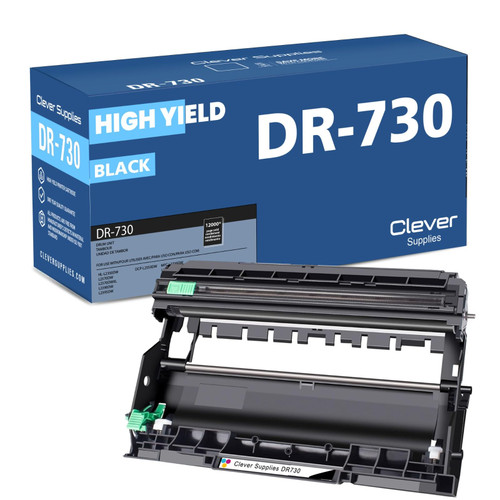 brother dr730 dr730 toner cartridge black
 brother tn760 dr730 black drum and toner set
Key takeaways
- The top cartridge here is rated at 3,000 pages — fewer swaps, lower cost per page.
- Lowest cost per page in this family: ~0.8¢ with the highest-yield cartridge.
- Toner and drum are separate parts on this printer — replace only the one the printer asks for.
Other Printers That Use TN730, TN760 and DR730
This supply family covers twelve models. Brother's other print-only machines are the HL-L2370DW, HL-L2370DWXL, HL-L2390DW and HL-L2395DW. The DCP all-in-one in this batch is the DCP-L2550DW. MFC models with fax join them: MFC-L2690DW, MFC-L2710DW, MFC-L2717DW, MFC-L2750DW and MFC-L2750DWXL. Everything this printer needs sits on the HL-L2350DW category page.