




What Toner Does the Brother HL-6180DW Use?
Posted by Clever Supplies on Nov 17th 2026
Quick Answer: The Brother HL-6180DW is one of only four printers in its generation that can use all three cartridges: the TN720 standard yield (about 3,000 pages), the TN750 high yield (about 8,000 pages) and the TN780 super high yield (about 12,000 pages) — all riding in the same DR720 drum unit (about 30,000 pages). If your office bought this flagship, the TN780 is the cartridge it was bought for.
Brother positioned the HL-6180DW at the top of the line: 42 pages per minute, a 500-sheet main tray out of the box, Gigabit Ethernet next to the Wi-Fi, and the family's only super-high-yield option. Every one of those decisions points the same direction — volume — and the supply choice should follow. This is the rare printer where the biggest cartridge is not an extravagance but the design intent.
Three Sizes, One Obvious Default
| Supply | Rated yield | Our compatible price* | Cost per page |
|---|---|---|---|
| TN720 | ~3,000 pages | $29.21 | ~1.0¢ |
| TN750 | ~8,000 pages | $29.21 | ~0.4¢ |
| TN780 | ~12,000 pages | $31.14 | ~0.3¢ |
| DR720 drum | ~30,000 pages | $36.33 | ~0.1¢ |
*Prices isolated from the product pages on November 2, 2026; they can change.
Read the first two rows again: the TN750 costs exactly what the TN720 costs, $29.21, and prints more than two and a half times as many pages. Then look at the TN780 — $1.93 more buys another 4,000 pages on top of that and takes toner cost per page to about a quarter of a cent. On a printer rated for serious monthly volume, the TN720 exists mainly as the answer to a trivia question.
Why the TN780 Only Fits Four Models
Brother restricted the super-high-yield cartridge to the HL-6180DW, HL-6180DWT, MFC-8950DW and MFC-8950DWT — the machines with the heaviest duty ratings and the largest paper capacities. The other eleven models in this family physically stop at the TN750. If you are reading this page, your printer is one of the fortunate four, and a supplier who tries to sell you a TN780 "for any TN750 printer" is telling you something about the supplier.
Replacing the Cartridge
1. Leave the printer on, open the front cover, and pull the drum-and-toner assembly out. 2. Place the assembly on a sheet of paper, press the green lock lever, and lift the spent cartridge from the drum. 3. Rock the replacement gently side to side five or six times, remove its protective cover, and seat it in the drum until the lock lever snaps up. 4. Slide the green tab on the drum across and back to clean the corona wire, returning the tab to its home position. 5. Slide the assembly back into the printer and close the cover; the machine returns to Ready on its own.
Drum Day: The One Set Worth Knowing
The DR720 outlasts about two and a half TN780 cartridges, ten TN720s or four TN750s, so its replacement is a rare event. There is no TN780 drum set in our catalogue — when both parts come due, the family's set is the TN750 + DR720 set at $49.46, which saves $16.08 against buying the two parts separately at $65.54. The honest framing holds here too: with a healthy drum fitted, a lone cartridge — TN780 included — is the complete order, and the drum is a purchase for the day its counter or its print quality says so.
Frequently Asked Questions
My HL-6180DW came with a cartridge that died quickly. Which size was it? The in-box cartridge is a modest starter unit, far below even the TN720's rating. Nearly every owner of this printer has the same experience, and the first full-size replacement — ideally a TN780 — is where the machine's real economy starts.
Is the TN780 physically bigger? Will it stick out? No. All three cartridges share the family shell and the same drum; the TN780 simply carries a larger toner fill. It installs identically and the cover closes flush.
How does the 500-sheet tray change the cartridge math? It removes paper as the interruption and leaves toner as the only routine stop. Pairing a 550-sheet total input capacity with a 3,000-page cartridge means a busy office can empty the toner before anyone notices a pattern; the TN780 stretches that interval to something manageable.
Can I step down to a TN720 in a pinch? Yes — any of the three sizes works at any time, in any order. Owners occasionally burn a TN720 found in a store-room cupboard between TN780 orders. The printer neither knows nor minds.
What does Gigabit Ethernet have to do with supplies? Throughput. A faster network interface and a 42 ppm engine pull larger jobs from more users; Brother's recommended volumes for this model assume exactly that. Volume is the input to every cartridge decision on this page.
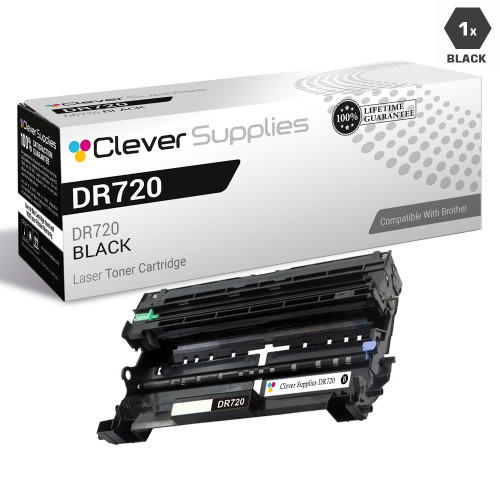 brother tn720 laser toner compatible cartridge black
 brother tn750 laser toner compatible cartridge high yield bl
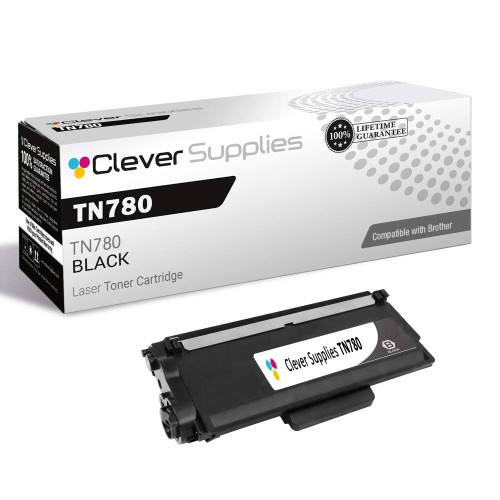 brother tn780 tn780 toner cartridge black
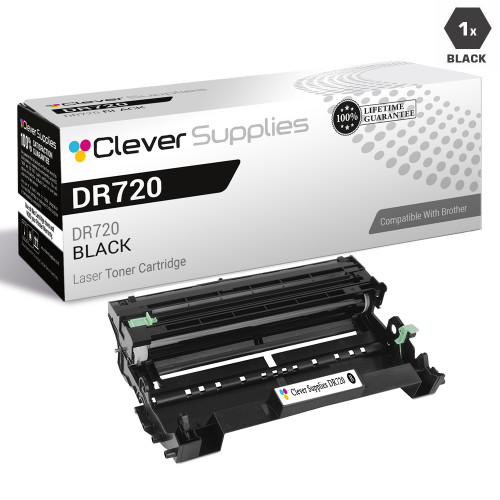 brother dr720 laser drum unit compatible cartridge
Key takeaways
- The top cartridge here is rated at 12,000 pages — fewer swaps, lower cost per page.
- Lowest cost per page in this family: ~0.3¢ with the highest-yield cartridge.
- Toner and drum are separate parts on this printer — replace only the one the printer asks for.
Other Printers That Use TN720, TN750 and DR720
All fifteen models below share the TN720, TN750 and DR720 — but note that the TN780 fits only the HL-6180DW, HL-6180DWT, MFC-8950DW and MFC-8950DWT among them:
- HL-5440D
- HL-5450DN
- HL-5470DW
- HL-5470DWT
- HL-6180DWT
- DCP-8110DN
- DCP-8150DN
- DCP-8155DN
- MFC-8510DN
- MFC-8710DW
- MFC-8810DW
- MFC-8910DW
- MFC-8950DW
- MFC-8950DWT
Ready to restock? Start from our HL-6180DW toner page, which lists every cartridge, drum and set that fits this printer.