




Six of Brother's Business Smart all-in-ones run on this ink platform, which has a small identity puzzle at its center: the color cartridges are called LC205 and fit all six printers, but Brother never made an LC205 black. In its place stand two blacks — the LC207BK and the LC209BK — and which one your printer takes is settled by the model name on its front panel, not by preference or price. This page untangles the three codes, routes every buyer to the right black by model, prices all nine offers per page, and deals openly with the one place where the shelf's pricing does something strange.
Start with the model name, because on this platform the model name is the decision. An MFC-J4320DW, MFC-J4420DW or MFC-J4620DW takes the LC207BK black; an MFC-J5520DW, MFC-J5620DW or MFC-J5720DW takes the LC209BK. The colors ask nothing of you — one LC205 cartridge in each of cyan, magenta and yellow serves all six machines. Nine offers cover the platform, five singles and four sets, and all nine are compatible cartridges: this store lists no genuine ink for this family. Every set undercuts the same cartridges bought one at a time, every cartridge carries a new compatible chip, and the figure that looks most like a misprint — the set built on the double-yield black costing less than the other group's — is real, and is handled in the open below.
Six printers, three codes, and no such thing as an LC205 black
Brother's cartridge pages draw this platform's map without ambiguity, and the printers' own pages agree line for line. The color cartridges — LC205C, LC205M and LC205Y — are listed for all six machines: the MFC-J4320DW, the MFC-J4420DW, the MFC-J4620DW, the MFC-J5520DW, the MFC-J5620DW and the MFC-J5720DW. The black side of the map is where the platform splits: the first three of those printers take the LC207BK, and the second three take the LC209BK. Brother calls all three cartridge codes Super High-yield, so the split is not a tier step: the LC209BK is no upgrade over the LC207BK, just the same rank of cartridge built for the other group and rated for twice the pages. The whole shelf for the platform sits in the store's Brother LC207/LC205 category.
Every owner of these six printers shares one experience: a first refill that arrives sooner than expected. All six machines shipped with a set of LC203 Series Starter cartridges in the box, and Brother's specification sheets state that a starter yields only about 65% of a replacement LC203 cartridge, part of its ink being spent on initializing the system. The standard LC203 tier itself is rated at 550 pages — so the cartridges these printers arrived with were the shortest-lived ink most owners will ever fit. The cartridges on this page are the platform's Super High-yield replacements, rated at up to 1,200 pages for the colors and the LC207BK, and up to 2,400 for the LC209BK: the first refill should last far longer than the starter set taught you to expect.
That split also answers the search that brings many owners here. There is no LC205 black cartridge — Brother never made one, and this store sells none — so a black cartridge under the plain LC205 name does not exist to be bought. What exists is a routing: read the model name on the printer, and it names your black for you. The two blacks are not interchangeable, and neither one fits the other group's printers; the colors, mercifully, are common to both.
Two flagship sets, one for each group — find your model before your price
Sets lead this shelf because sets are where its value sits: each one prices four cartridges below the $49.46 those same four cost as singles. But this platform keeps two Sets of 4, and they are not rivals. Each belongs to a different group of printers, so the only wrong move available here is buying the other group's box. The two cards below are labeled by the printers they serve before anything else — locate your model name on a card, and that card is your flagship.
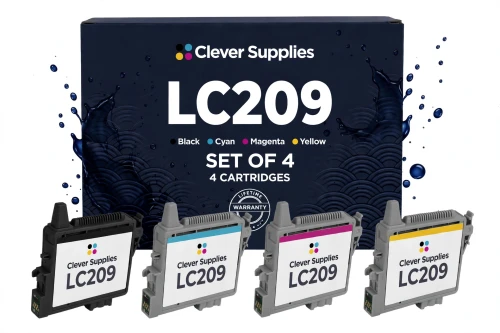
Assemble the same four slots from Brother's own singles — the LC209BK at $40.99 and the three LC205 colors at $24.99, $23.79 and $24.99 — and the total is $114.76; this box covers the same slots at the same published ratings for $35.94. If your printer belongs to the other group, this card is not a bargain you are missing — it is a cartridge your machine cannot use, and the box beside it is the same idea built around your black.
Shop the LC209 Set of 4 →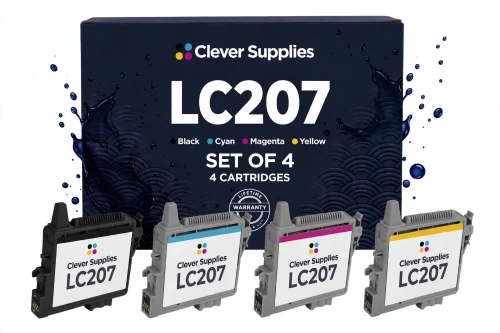
Now the oddity, stated before you find it yourself: this set costs $3.00 more than the flagship beside it, although its black is rated at half the pages — and the two black singles cost exactly the same $13.49. Neither card is mispriced against its own singles; the difference is a quirk of how the two lines are priced against each other, and nobody can exploit it, because the sets fit different printers. If your model is on this card, this is your flagship — and from Brother's own singles, the same four slots total $103.76.
Shop the LC207 Set of 4 →THE SETS OF 9 — THREE BLACKS AND TWO OF EACH COLOR, FOR EITHER GROUP
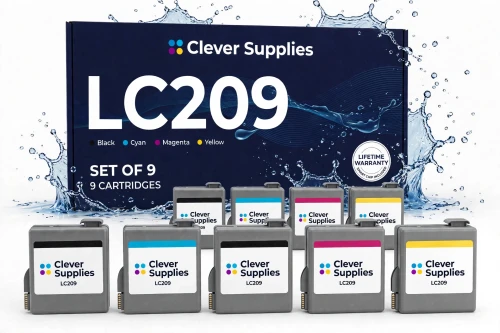
$8.99 a cartridge and 0.56¢ a page blended — the family's best per-cartridge price, shared with the box beside it, and one of only two offers on this page that clear the $49 free-shipping line on their own.
Shop the LC209 Set of 9 →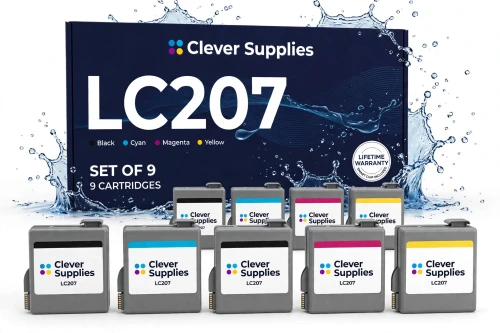
The same nine-cartridge shape for the other group at the same $80.87 — the two bulk boxes are priced identically, so this one blends to 0.75¢ a page and ships free alone, just as its twin does.
Shop the LC207 Set of 9 →THE SINGLES — BLACKS BY MODEL, COLORS FOR ALL SIX PRINTERS
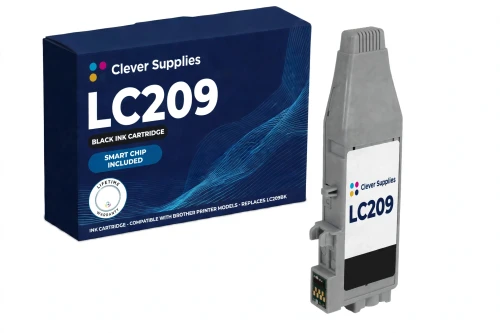
The family's per-page bargain among singles: the same ticket as the other black, at twice the rated pages — for the MFC-J5520DW, MFC-J5620DW and MFC-J5720DW only.
Shop LC209BK Black →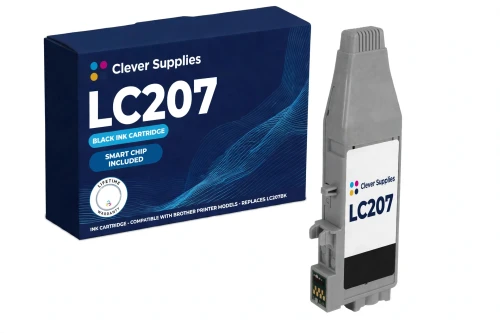
The black for the MFC-J4320DW, MFC-J4420DW and MFC-J4620DW, priced at the shelf's flat black rate — identical money to its double-yield sibling, a pricing habit rather than a claim about pages.
Shop LC207BK Black →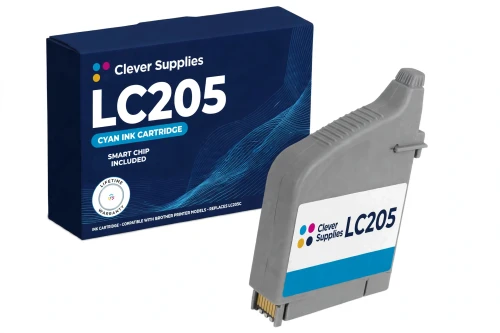
Cyan is the channel that photo and schoolwork printing drains first. One LC205C tops the slot up on any of the six printers, whichever of the two blacks its owner runs beside it.
Shop LC205 Cyan →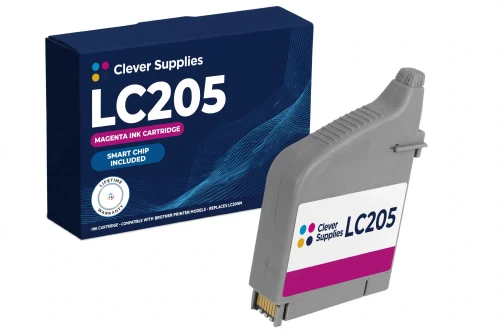
Magenta at the same flat $11.99 as the other two colors. Brother's own shelf singles this one out — $23.79 against $24.99 for cyan and yellow — and this shelf simply declines to bother.
Shop LC205 Magenta →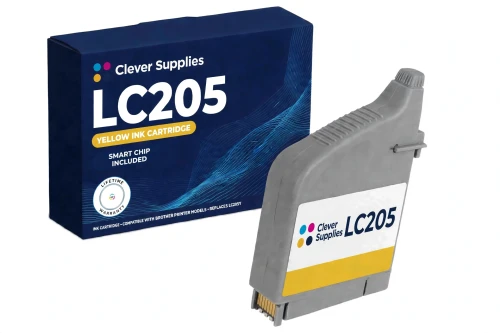
Yellow runs out quietly: pages lose their warmth and charts their contrast before the low-ink warning makes it official. One cartridge restores it, and it fits every printer on this page.
Shop LC205 Yellow →Both lines on one table: what each offer costs, and what its pages cost
Brother publishes this family's yields one cartridge at a time — up to 1,200 pages for each LC205 color and for the LC207BK, up to 2,400 for the LC209BK — each an approximate page yield in accordance with ISO/IEC 24711, with no further qualification attached. The table therefore prices pages cartridge by cartridge, blending a set's price across the rated pages of the cartridges inside it, and never adds the four colors into a single headline yield — no printed page spends all of them at once.
| Offer | Fits | Price | Yield per cartridge | Cost per page | Against its own singles |
|---|---|---|---|---|---|
| LC209/LC205 Set of 4 — the flagship | MFC-J5520DW group | $35.94 | Black up to 2,400 · colors up to 1,200 | 0.60¢ blended | SAVE $13.52 |
| LC207/LC205 Set of 4 — the other group's flagship | MFC-J4320DW group | $38.94 | Black up to 1,200 · colors up to 1,200 | 0.81¢ blended | SAVE $10.52 |
| LC209/LC205 Set of 9 | MFC-J5520DW group | $80.87 | 3 blacks + 2 of each color, rated as above | 0.56¢ blended | SAVE $31.54 · ships free alone |
| LC207/LC205 Set of 9 | MFC-J4320DW group | $80.87 | 3 blacks + 2 of each color, rated as above | 0.75¢ blended | SAVE $31.54 · ships free alone |
| LC209BK black single | MFC-J5520DW group | $13.49 | Up to 2,400 pages | 0.56¢ | The one-slot top-up |
| LC207BK black single | MFC-J4320DW group | $13.49 | Up to 1,200 pages | 1.12¢ | The one-slot top-up |
| LC205 color single, any of C / M / Y | All six printers | $11.99 | Up to 1,200 pages | 1.00¢ | Shared by both groups |
Two honest readings of that table. Within either line, the ladder behaves as a ladder should: singles cost the most per page, the Set of 4 steps down, and the Set of 9 holds the line's best blended figure. Across the lines it does not behave at all — the LC209 line matches or beats the LC207 line's price at every rung while its black is rated at twice the pages, most plainly where its Set of 4 undercuts the other set by $3.00 and its Set of 9 delivers 3,600 more rated black pages for identical money. Both readings are printed because both are true; the one that governs your order is decided by the model name on your printer, not by the arithmetic.
Set or singles: the only choice this family actually leaves open
Strip away the model question — which your printer has already answered for you — and a single decision remains: how much ink to buy at a time. On arithmetic, the sets win at every size. A Set of 4 turns a $49.46 singles bill into $35.94 or $38.94 depending on your group, and a Set of 9 turns $112.41 of singles into $80.87, at $8.99 a cartridge on either line. The sets also change the errand: a four-slot printer rarely keeps its colors level for long, and buying singles one emergency at a time means paying the shelf's highest per-page prices for its smallest boxes.
Singles keep two honest uses. The first is the uneven drain. A household that prints mostly black text will work through blacks steadily — three of them sit inside each Set of 9 for exactly that reason — while a color from the last set still has pages left in it, and topping up that single slot at $11.99 beats stocking fresh colors that will sit in a drawer. The second is the quiet printer, which will take a long while to spend even one set at these ratings; one or two cartridges on hand is capital enough for it. What singles cannot do is beat the sets on cost per page; the table above is the whole argument on that point.
Nothing about the choice is permanent, either. The cartridges inside a set are the same cartridges sold as singles — same ratings, same chip, same specification fields — so a shelf can start with a set and be maintained with singles, or step up to a set at the next full refill, and the printer will notice no difference in kind.
The chip: new on every cartridge, and read by two systems at once
Every one of the nine listings on this page carries the same specification in a dedicated field, and repeats it through its description: each cartridge — every single, and every cartridge packed inside both sets — carries a new compatible chip. On this platform the chip does not work alone. The printer reads ink level from the chip and an optical sensor working together — how these machines track what remains in a cartridge. That is the claim, it is the products' own, and this guide passes it on in their terms: a new compatible chip on every cartridge in the family, black and colors alike.
The limit that travels with the claim comes from Brother's own support guidance for this platform, and its starting point for a “Cannot Detect” message is refreshingly physical: the small green chip on top of the cartridge, whose contact must be clean and untouched. The listings build the rest of the routine around it — handle the cartridge by its housing, never touch the green chip, seat the cartridge firmly, and restart the printer if a message persists — and they state their own limit without decoration: a printer whose firmware has been updated can occasionally fail to recognize a cartridge, and no recognition guarantee is promised on any firmware version. If a cartridge still refuses to register after the routine, the lifetime warranty every listing carries is the backstop standing behind it.
One boundary is worth keeping: this is an ink family's chip story, stated at exactly the size these products make it. It says nothing about toner or drum cartridges elsewhere in the store, and nothing here should be read across to them.
The terms standing behind these nine offers
Five checks before this ink goes into the cart
Questions these six printers' owners actually ask
No — and the absence is Brother's design, not a gap in this store's shelf. Brother makes the LC205 name in cyan, magenta and yellow only. The black slot on this platform belongs to the LC207BK on the MFC-J4320DW, MFC-J4420DW and MFC-J4620DW, and to the LC209BK on the MFC-J5520DW, MFC-J5620DW and MFC-J5720DW. Any listing offering a plain “LC205 black” is mislabeled, or describes one of those two cartridges loosely; buy by your model name and the question answers itself.
It will not — the two blacks are built for different printer groups and are not interchangeable, whatever their ratings suggest. Your J4420DW takes the LC207BK, at up to 1,200 pages. The consolation is genuine, though: both black cartridges cost the same $13.49, so the rating gap at least costs you nothing at the register, and your colors — the shared LC205 cartridges — are the very cartridges the other group uses.
Because that is how the shelf is priced, and this guide would rather show you the quirk than tidy it away. The two black singles cost the same $13.49 each; the sets built on them come out at $35.94 on the LC209 line and $38.94 on the LC207 line, and the two Sets of 9 meet at $80.87. Each set is honestly priced against its own line's singles — the savings stand at $13.52, $10.52 and $31.54 — so the oddity lives only between the lines. And it cannot be arbitraged: the cheaper box fits only the three printers that take its black.
A total is the one figure this page will not print, and the listings themselves refuse it in so many words. A yield belongs to one cartridge: the box holds three blacks and two in each color, each rated individually — the blacks at up to 2,400 or 1,200 pages depending on your line, the colors at up to 1,200. Adding those ratings into one number would describe a print job draining all nine cartridges evenly at once, and no printer spends ink that way.
They are not the same cartridges. Your printer arrived holding LC203 Series Starter cartridges, and Brother's specification sheet states that a starter yields about 65% of a replacement LC203 cartridge — a standard tier itself rated at 550 pages — because part of the ink goes to initializing the system. The cartridges on this page are the platform's Super High-yield replacements: up to 1,200 pages from each color and the LC207BK, up to 2,400 from the LC209BK. Judge their stamina by those ratings, not by the starter set's short life.
Start where Brother's own guidance for this platform starts: at the small green chip on top of the cartridge. Its contact has to be clean and untouched, so handle the cartridge by its housing, take it out, seat it again firmly, and restart the printer. Know the limit that comes with these cartridges as well — the listings state plainly that a printer running updated firmware can occasionally fail to recognize one, and they promise no recognition guarantee. The new compatible chip is the claim, the reseat routine is the remedy, and the lifetime warranty stands behind both.