




Versalink C400 D
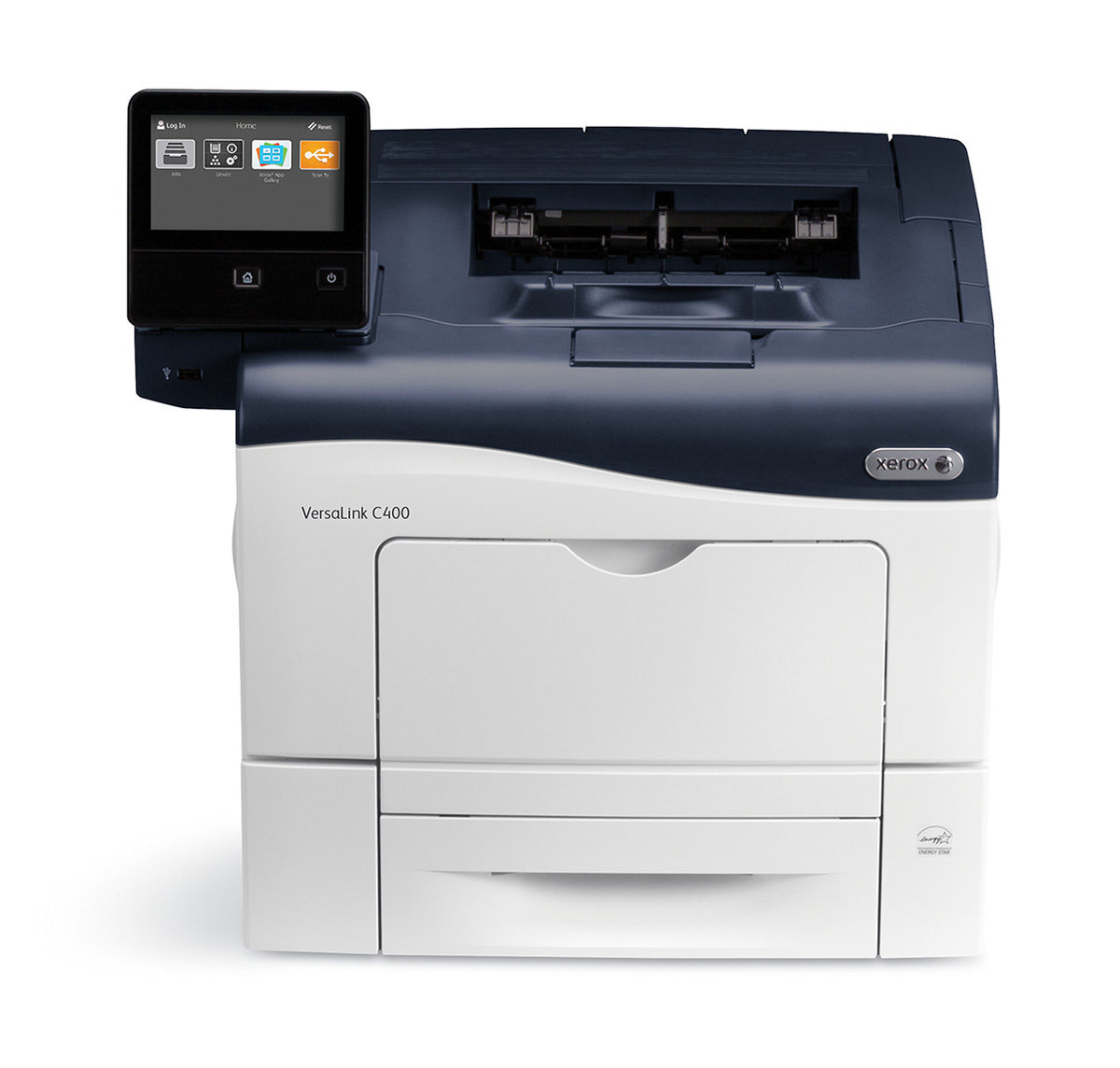
Paper costs shrink when every color job prints two-sided: the VersaLink C400 D adds automatic duplexing to the compact C400 color laser printer. Its cartridges are the 106R03500 series: black 106R03500, cyan 106R03502, magenta 106R03503, yellow 106R03501, each good for roughly 2,500 pages.
Toner Cartridges for Xerox Versalink C400 D
| Cartridge | Color | Page Yield | OEM # |
|---|---|---|---|
| Xerox 106R03500 (Compatible) | Black | 2,500 | 106R03500 |
| Xerox 106R03502 (Compatible) | Cyan | 2,500 | 106R03502 |
| Xerox 106R03503 (Compatible) | Magenta | 2,500 | 106R03503 |
| Xerox 106R03501 (Compatible) | Yellow | 2,500 | 106R03501 |
Frequently Asked Questions
What toner does the Xerox Versalink C400 D use?
The Xerox Versalink C400 D uses the Xerox 106R03500 toner family: black 106R03500, cyan 106R03502, magenta 106R03503, and yellow 106R03501.
How many pages does a Xerox 106R03500 toner cartridge print?
Each cartridge in the 106R03500 family prints about 2,500 pages.
Are compatible Xerox 106R03500 cartridges safe for the Xerox Versalink C400 D?
Compatible cartridges are designed to work in the Xerox Versalink C400 D. Check your printer's warranty terms for specific coverage details.
How do I install a Xerox 106R03500 toner cartridge in the Xerox Versalink C400 D?
Open the front cover of your Xerox Versalink C400 D, remove the old cartridge, unpack the new Xerox 106R03500-series cartridge, gently rock it to distribute toner, and slide it into place until it clicks.