




Phaser 7500
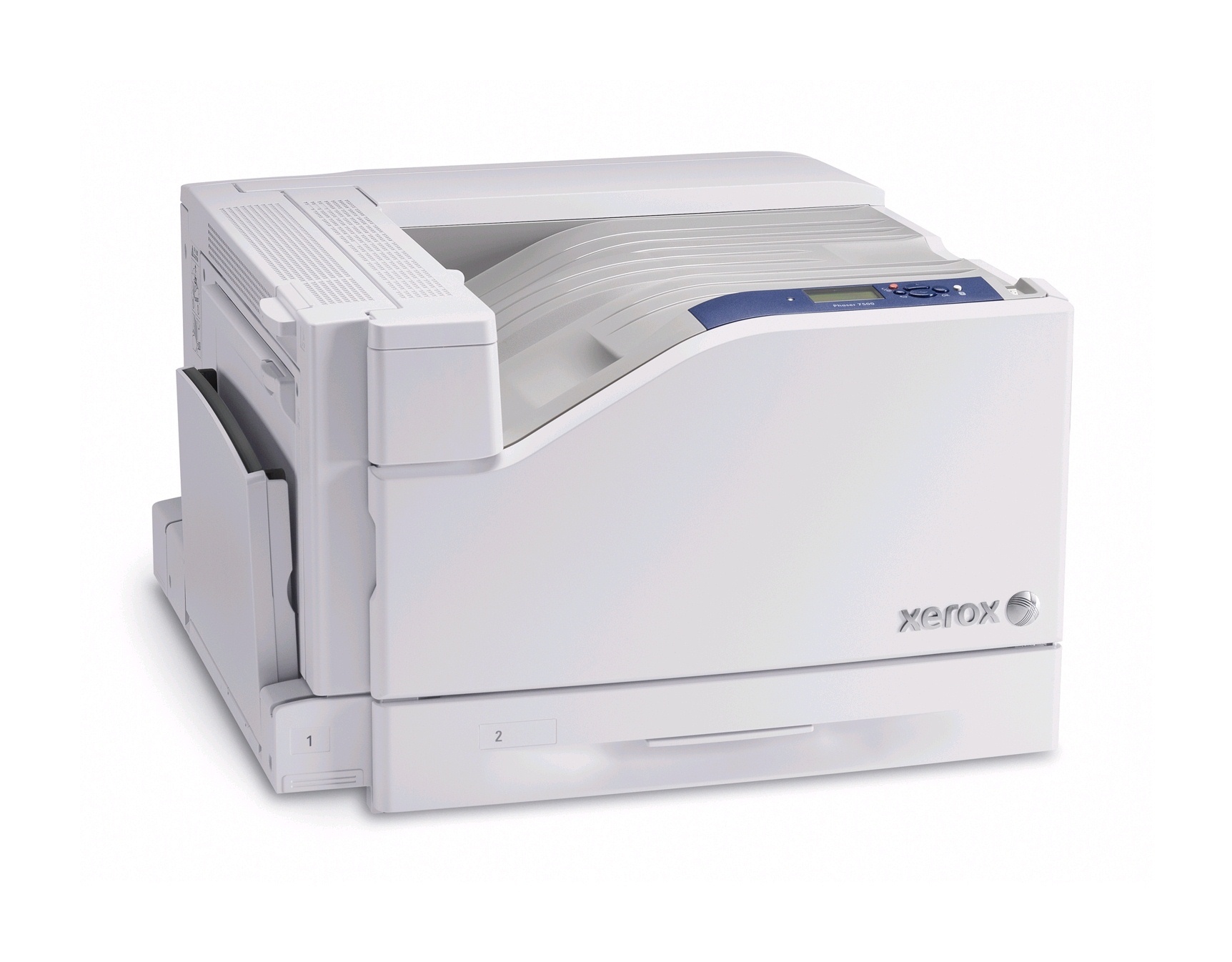
Designed for the office, the Xerox Phaser 7500 is a color laser printer that handles daily workloads with ease and keeps up with steady print volumes while remaining easy to maintain. Two capacity tiers cover it. The standard cartridges are 106R01433 in cyan, 106R01434 in magenta and 106R01435 in yellow, while the high-yield line runs 106R01436 for cyan, 106R01437 for magenta, 106R01438 for yellow and 106R01439 for black.
Two tiers give this printer a genuine decision the single-tier models do not have. Standard cartridges suit a 7500 whose color work is modest and spread out; the high-yield line suits the same machine once color becomes a daily material. Many offices drift from the first pattern to the second over time, and the printer does not care — either tier seats in the same slots, and a shelf can hold a mix while the office figures out which it has become.
Toner Cartridges for Phaser 7500
| Cartridge | Color | Page Yield |
|---|---|---|
| 106R01433 | Cyan | Standard yield |
| 106R01434 | Magenta | Standard yield |
| 106R01435 | Yellow | Standard yield |
| 106R01436 | Cyan | High yield |
| 106R01437 | Magenta | High yield |
| 106R01438 | Yellow | High yield |
| 106R01439 | Black | High yield |
Sets and black multipacks from the same lines: 7750 black cartridge, 7750 black 2 pack, 7750 black 3 pack, 7750 black 5 pack, 3 color set of the standard-yield cartridges, 4 color set with high-yield black and standard colors, 5 color set with high-yield black and standard colors, high-yield 4 color set, Phaser 7500 high-yield 4 color set, Phaser 7500 premium high-yield 4 color set.
Which cartridge should you buy?
Choose the tier by how much color you truly print. Light, occasional color work is served honestly by the standard 106R01433, 106R01434 and 106R01435 — you pay less per cartridge and replace only the slot that empties. If color pages are a daily output, step up to the high-yield 106R01436, 106R01437 and 106R01438: each change interval stretches, and the per-page cost of color falls. Black exists here only as the high-yield 106R01439, and document-heavy users can stretch it further with the black multipacks. Mixing tiers across slots is fine; upgrade the color you burn fastest and leave the others standard until their usage proves otherwise.
Chip, toner and everyday use
The compatible cartridges on this page are chipped so the Phaser 7500 accepts them and tracks levels normally. When you install one, remove all of the sealing material first — a forgotten strip is the classic cause of a cartridge that prints blank. Yield comparisons between the two tiers are only fair at the same assumed coverage, conventionally 5% of the page; graphics-heavy printing draws any cartridge down faster than the rating suggests. Keep a record of which tier you installed in each slot; when a cartridge empties, that note tells you whether its real-world life justified stepping up or staying standard next time.
Frequently Asked Questions
What is the difference between the two cartridge tiers for the Phaser 7500?
Capacity. 106R01433, 106R01434 and 106R01435 are the standard-yield colors; 106R01436, 106R01437 and 106R01438 are their high-yield counterparts, and 106R01439 is the high-yield black. Both tiers fit the same slots.
Is there a standard-yield black cartridge for this model?
Not among these listings — black is supplied as the high-yield 106R01439, also sold in 2, 3 and 5 packs for document-heavy offices.
Can I run high-yield in one slot and standard in another?
Yes. Slots are independent, so a high-yield cyan beside standard magenta and yellow works without any settings change.
What warranty do these cartridges carry?
A 1-year warranty and 1-year returns cover the compatible cartridges on this page.
More printers that use the same cartridges
Nine more configurations in the 7500 family take these same cartridges: Phaser 7500DN, Phaser 7500DNZ, Phaser 7500DT, Phaser 7500DX, Phaser 7500N, Phaser 7500VDN, Phaser 7500YDN, Phaser 7500YDT, Phaser 7500YDX.