




Phaser 4500YB
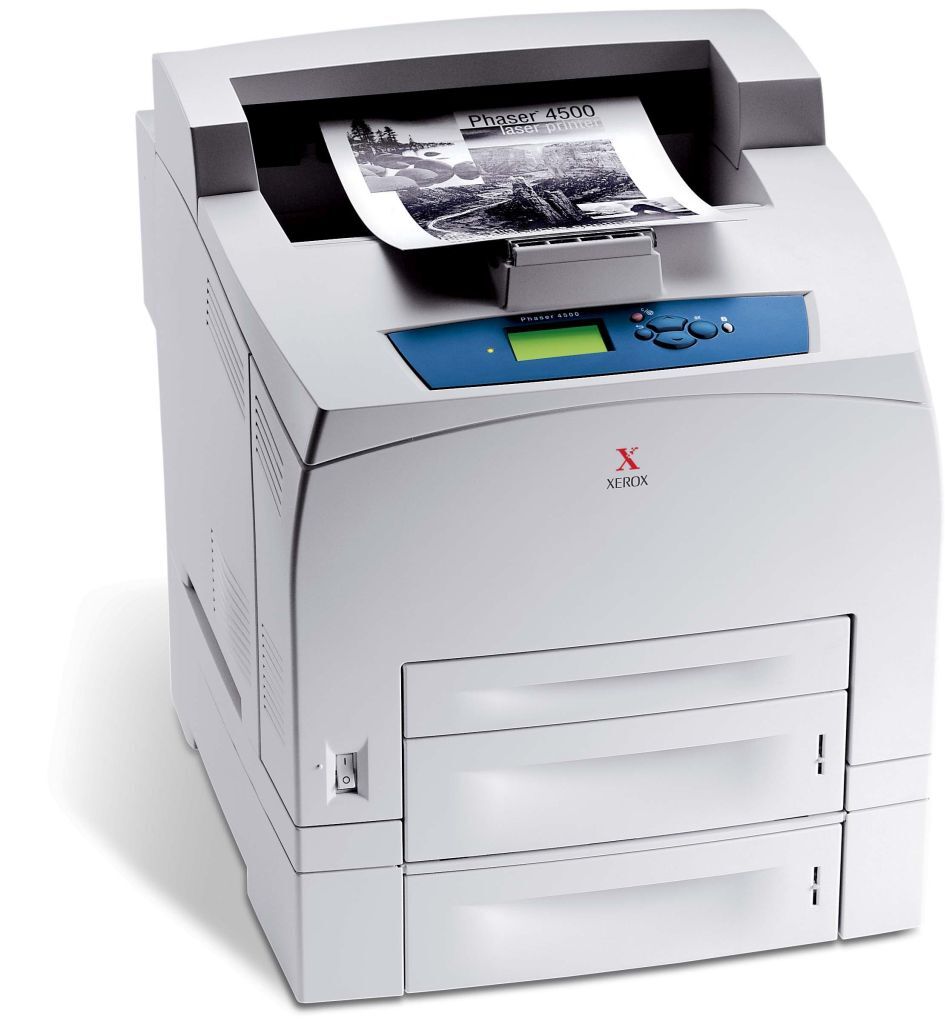
Memos, invoices and forms are the daily bread of the Xerox Phaser 4500YB, a laser printer that turns out professional-looking pages for the paperwork a business runs on. Keeping it fed is refreshingly simple, because it works with a single supply: the high-yield black 113R00657 toner cartridge, built for long runs between changes. The listings on this page are that cartridge as a single, in 5 packs, and in a MICR version.
Documents like invoices do double duty: they carry information and they represent the company that sent them. The Phaser 4500YB keeps that output looking professional — clean black text, consistent from the first page of a run to the last — which is exactly what you want on paperwork a customer or an auditor will read closely. One cartridge, changed rarely, is all the maintenance that output asks for.
Toner Cartridges for Phaser 4500YB
| Cartridge | Color | Page Yield |
|---|---|---|
| 113R00657 High Yield Black, single cartridge | Black | See product page |
| 113R00657 MICR High Yield Black, single cartridge | Black | See product page |
| 113R00657 High Yield Black, 5 Pack | Black | See product page |
| 113R00657 Premium Quality High Yield Black, 5 Pack | Black | See product page |
| 113R00657 High Yield Black, single cartridge (Phaser 4500YB listing) | Black | See product page |
| 113R00657 High Yield Black, 5 Pack (Phaser 4500YB listing) | Black | See product page |
Which cartridge should you buy?
Most Phaser 4500YB owners should start with the standard 113R00657 single and keep a second one as the shelf spare; when the installed cartridge runs out, the swap takes minutes and ordering the next spare can happen the same week. If this printer handles a monthly invoice run or steady form printing, a 5 pack or the premium 5 pack is the calmer way to buy — one order covers a long stretch. The MICR listing earns its place in one situation: an office that prints its own checks on this machine. For memos and invoices it offers nothing extra. Every compatible cartridge listed here comes with a 1-year warranty and 1-year returns.
Chip, toner and everyday use
The Phaser 4500YB confirms its supply through the cartridge chip, and a compatible cartridge is made to be recognized without warnings or workarounds. Two small habits keep print quality steady: rock a new cartridge gently side to side before it goes in, so the toner bed settles evenly, and store the spare somewhere dry and out of direct light rather than on top of the warm printer. Because invoice day never moves, the practical rule is to reorder when the spare goes into the machine, not when it runs out.
Frequently Asked Questions
What toner is compatible with the Phaser 4500YB?
The high-yield black 113R00657. It is the one cartridge this model uses, and it is stocked here as a single cartridge, in two different 5 packs, and as a MICR version for check printing.
What is the MICR cartridge for?
MICR toner contains magnetic particles so that bank equipment can read the routing and account line printed along the bottom of a check. If the Phaser 4500YB prints your company checks, choose the 113R00657 MICR listing; for invoices, memos and forms, the standard cartridge is the correct and cheaper choice.
How do I make sure I am ordering the correct cartridge?
Compare the number on the cartridge currently in the printer with the listings here. Open the cover, read the label, and look for 113R00657 — if that is what is installed, anything on this page will fit.
How do I replace the toner in the Phaser 4500YB?
With the printer powered on, open the toner access cover and pull the used cartridge out. Rock the new cartridge gently side to side, slide it in firmly until it seats, and close the cover. The printer is ready as soon as the cover shuts.