




SCX-5935NX
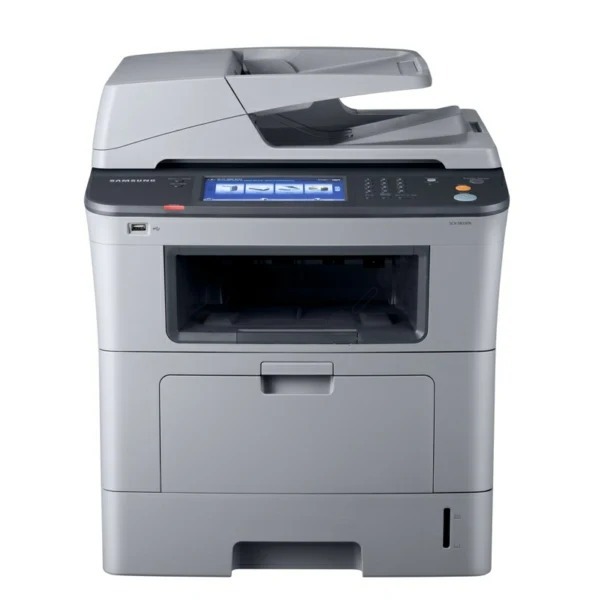
The SCX-5935NX adds network expansion capability to the 5935 workgroup multifunction, aimed at offices planning to grow their print infrastructure.
It uses the same MLT-D206S or MLT-D206L toner as the rest of the line. We stock compatible and genuine OEM versions of both.
Toner Cartridges for SCX-5935NX
This printer works with the following toner cartridges:
- Samsung MLT-D206S
- Samsung MLT-D206L
More Samsung Printers
Frequently Asked Questions
Will shaking help if the SCX-5935NX shows streaks rather than overall fading?
Be gentle with the MLT-D206S outside the SCX-5935NX: rock it side to side rather than whipping it around, and keep it away from clothing — toner stains stubbornly. Work over a trash can or old newspaper to catch stray dust. If toner touches your skin, wash with cool water.
How should I date-mark my spare MLT-D206S cartridges for the SCX-5935NX?
For the SCX-5935NX, the chip on a MLT-D206S isn't what limits shelf life — the mechanical seals and photosensitive drum age instead. A cartridge that sat sealed for years usually either prints normally or shows obvious defects on the first pages. There's little middle ground, so a quick test settles it.
Can I recycle the packaging from a new MLT-D206S for the SCX-5935NX?
Many SCX-5935NX owners overlook that the cartridge box doubles as the return package: install the fresh MLT-D206S, slide the empty into the box it came in, and attach the prepaid label if one was included. That single habit keeps nearly every spent cartridge out of the trash.