




B930DN
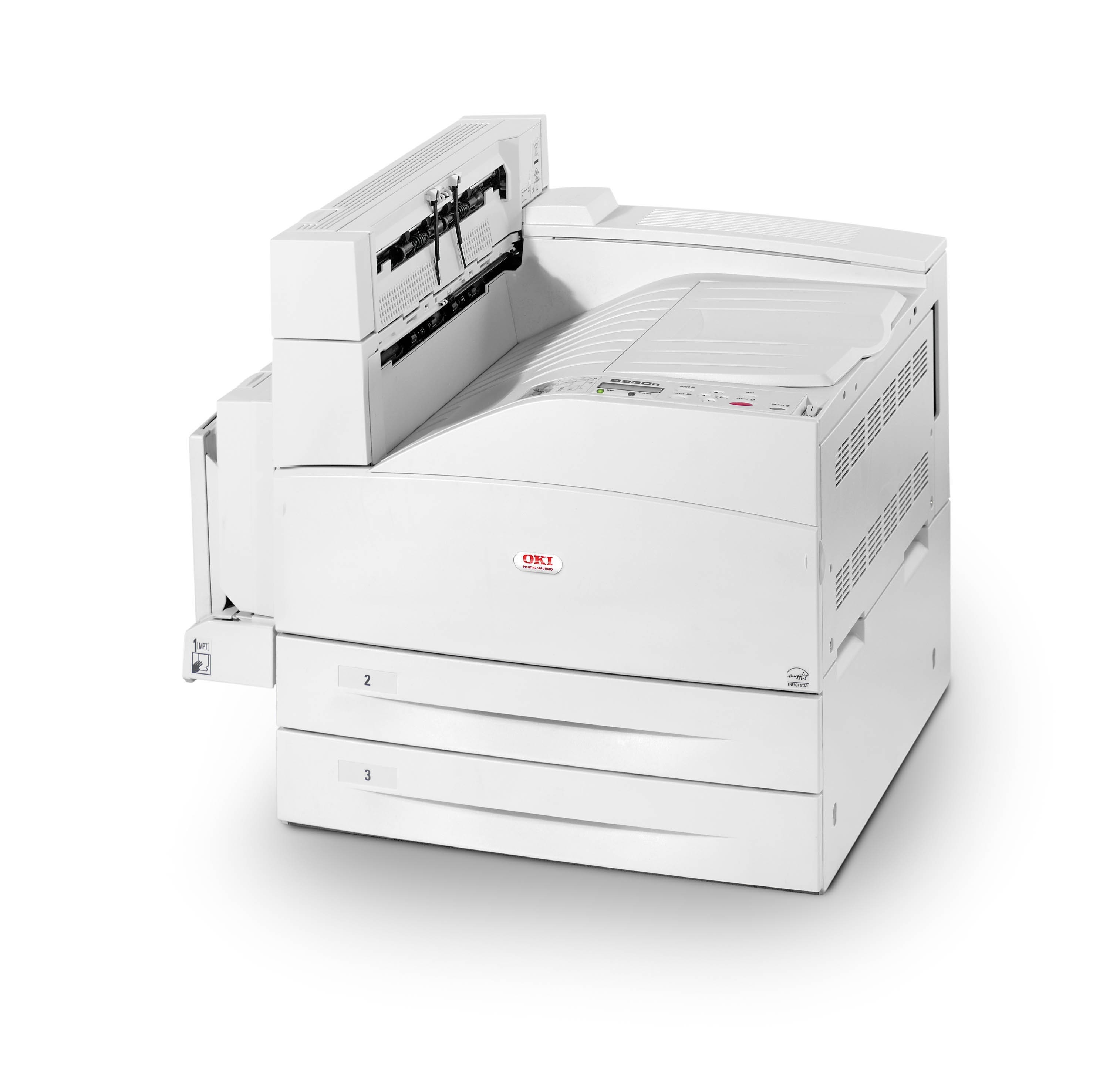
Built on the B930 engine, the Okidata B930DN adds duplexing and network readiness to a departmental monochrome laser, for offices that need fast black-and-white printing shared across a whole floor. It takes one toner cartridge, the 52117101, and a compatible version of that cartridge is what keeps a machine of this size affordable to run.
Departmental printers earn their keep by being available — every workstation on the network can send work to the B930DN, and two-sided printing trims paper costs on the long documents departments produce. The toner side of that bargain is simplicity: a single cartridge number to stock, a swap that takes moments, and no color supplies to track at all.
Toner Cartridges for B930DN
The full stocked range for this model is below; confirm the yield on the product page of the listing you choose.
| Cartridge | Color | Page Yield |
|---|---|---|
| 52117101 | Black | See product page |
| B930DN Black | Black | See product page |
| B930DN Toner Cartridge Black (52117101) | Black | See product page |
| 52117101 5 Pack | Black | See product page |
| B930DN Black 5 Pack | Black | See product page |
| B930DN Toner Cartridge 2 Black (52117101) | Black | See product page |
| B930DN Toner Cartridge 3 Black (52117101) | Black | See product page |
| B930DN Toner Cartridge 5 Black (52117101) | Black | See product page |
| B930DN Toner Cartridge 10 Black (52117101) | Black | See product page |
Which cartridge should you buy?
Every listing on this page is the same 52117101 cartridge, so the choice is purely how many to hold. A single cartridge suits a department with a predictable reorder routine; the 2, 3 and 5-packs suit sites that never want the spare shelf empty, and the 10-pack serves multi-printer floors standardizing on this engine. Because the swap itself is a quick front-loading job with no tools, even a mid-run change costs the office only a minute or two.
Chip, toner and everyday use
A toner-low warning on the B930DN is a planning prompt, not a stop order: rock the cartridge gently to redistribute the remaining toner, and make sure the replacement is on hand for when quality actually drops. Once the B930DN is cabled to the network, every PC on it can print — no dedicated print server is required. Seat each new cartridge fully so the printer registers it cleanly, and keep spares sealed and stored flat until their turn comes.
Frequently Asked Questions
What cartridge fits the B930DN?
The B930DN uses the 52117101 toner cartridge — one black cartridge for the whole machine. Swap it when prints fade or the printer reports the toner is out.
Is the B930DN network-ready?
Yes. With onboard Ethernet, the B930DN connects to your router or switch and becomes a shared printer for every computer on the network.
Should I replace the cartridge the moment it warns toner is low?
Not right away. The warning means start planning: shake the cartridge for extra life and have a fresh 52117101 ready for the day output quality drops.
How involved is a cartridge change on the B930DN?
It is a quick front-loading swap with no tools — open, exchange, close. The printer is back in service in about the time the old cartridge takes to reach the recycling bin.
More printers that use the same cartridges
The whole B930 family shares this one cartridge: