




B6200DN
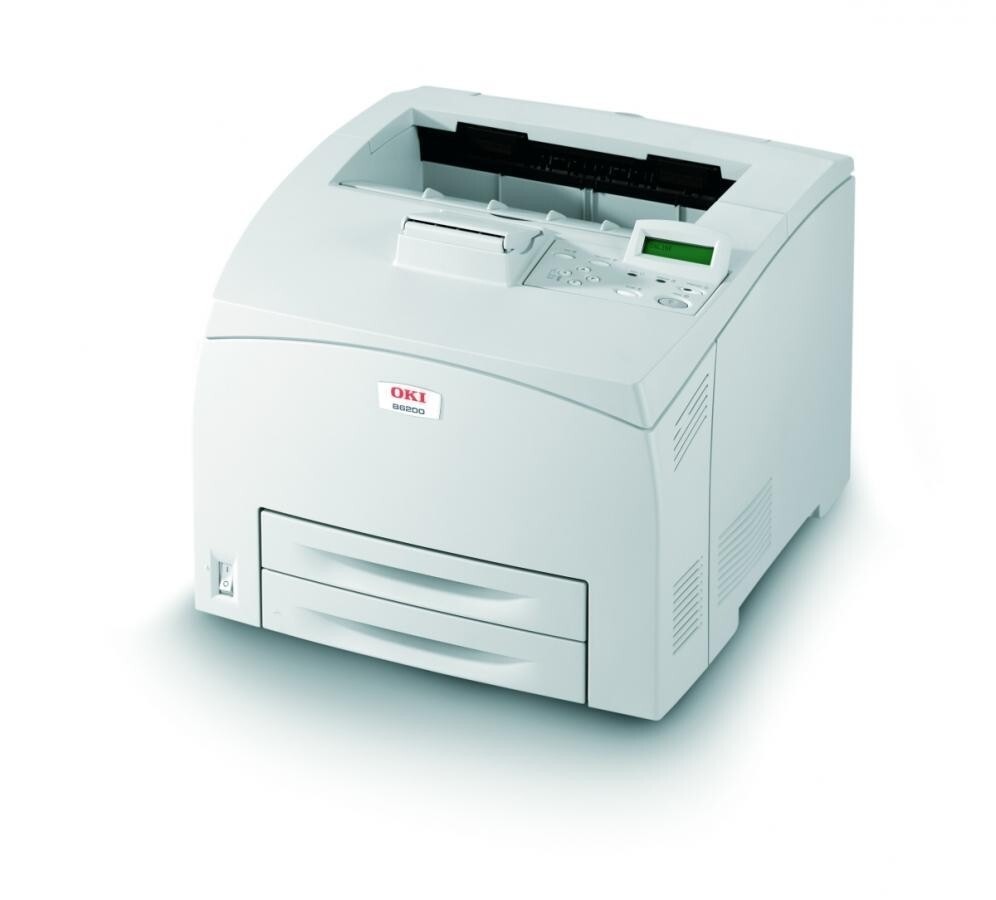
The OKI B6200DN pairs network printing with automatic duplexing in a monochrome laser aimed at cost-conscious departments. It runs on a single cartridge type, the 52114501 black toner, shared with the rest of the B6200 line — so there is exactly one consumable to stock, track and reorder for this machine.
One-cartridge discipline is the B6200DN's appeal in a department setting. There are no colors to balance and no set-versus-single debate; the printer asks for toner, you fit the 52114501, and work resumes. Duplexing stretches the paper budget on long two-sided runs like policy documents and meeting packs, and the network interface means one machine absorbs the whole team's monochrome volume instead of a desk printer each. For offices that print checks, this page also carries the MICR version of the same cartridge, loaded with magnetic toner that check readers can scan.
Toner Cartridges for B6200DN
| Cartridge | Color | Page Yield |
|---|---|---|
| 52114501 | Black | See product page |
Also on this page: the 52114501 Black 3 Pack for shelf stock, the 52114501 MICR Black for check printing, and the same cartridge under the printer's own name — B6200DN Black and the B6200DN Black 3 Pack.
Which cartridge should you buy?
Buy the standard 52114501 single if the printer is asking now and your volume is modest; a department that prints steadily should hold the 3-pack instead, because a single-cartridge machine has no fallback when its one supply runs dry mid-job. Choose the MICR cartridge only for check runs — its magnetic toner is formulated for bank scanners, and it is the wrong thing to burn on ordinary documents. The two listings named for the B6200DN itself are the same 52114501 cartridge under the printer's name, so pick whichever listing you prefer; what matters is the part number on the box, and it should read 52114501 either way.
Chip, toner and everyday use
A monochrome machine makes toner care simple: one cartridge, one chip, one level to watch. When output turns light, lift the cartridge out and rock it gently from side to side to redistribute the toner — on a departmental printer that trick can carry you to the end of the week, but order the replacement the same day rather than making the rock a ritual. Keep the spare somewhere dry and out of sunlight, and swap cartridges with the printer powered on so the machine registers the new chip and resets its counter cleanly.
Frequently Asked Questions
What cartridge does the OKI B6200DN take?
One cartridge only: the 52114501 black toner, in standard or MICR form. The same cartridge serves the whole B6200 line.
Does the B6200DN's automatic duplexing save toner?
Duplexing saves paper, not toner. Each printed side uses the same amount of toner as a single-sided page, so the savings appear in the paper budget rather than in cartridge life.
My B6200DN prints fine from USB but network jobs look faded. Why?
Toner output does not change with the connection type, so faded network prints point to a setting on the networked computer. Check that its driver is not set to draft or toner-save mode while the USB machine's driver is set to full quality.
What is the MICR version of the 52114501 for?
MICR toner contains magnetic particles that let bank equipment read the routing line on printed checks. Pick the MICR cartridge for check printing and the standard cartridge for everything else.
More printers that use the same cartridges
The 52114501 cartridge also fits these related OKI mono printers: B6200, B6200N, B6250, B6250DN, B6250N, B6300, B6300DN, B6300N MX, B6300N.