




M Series
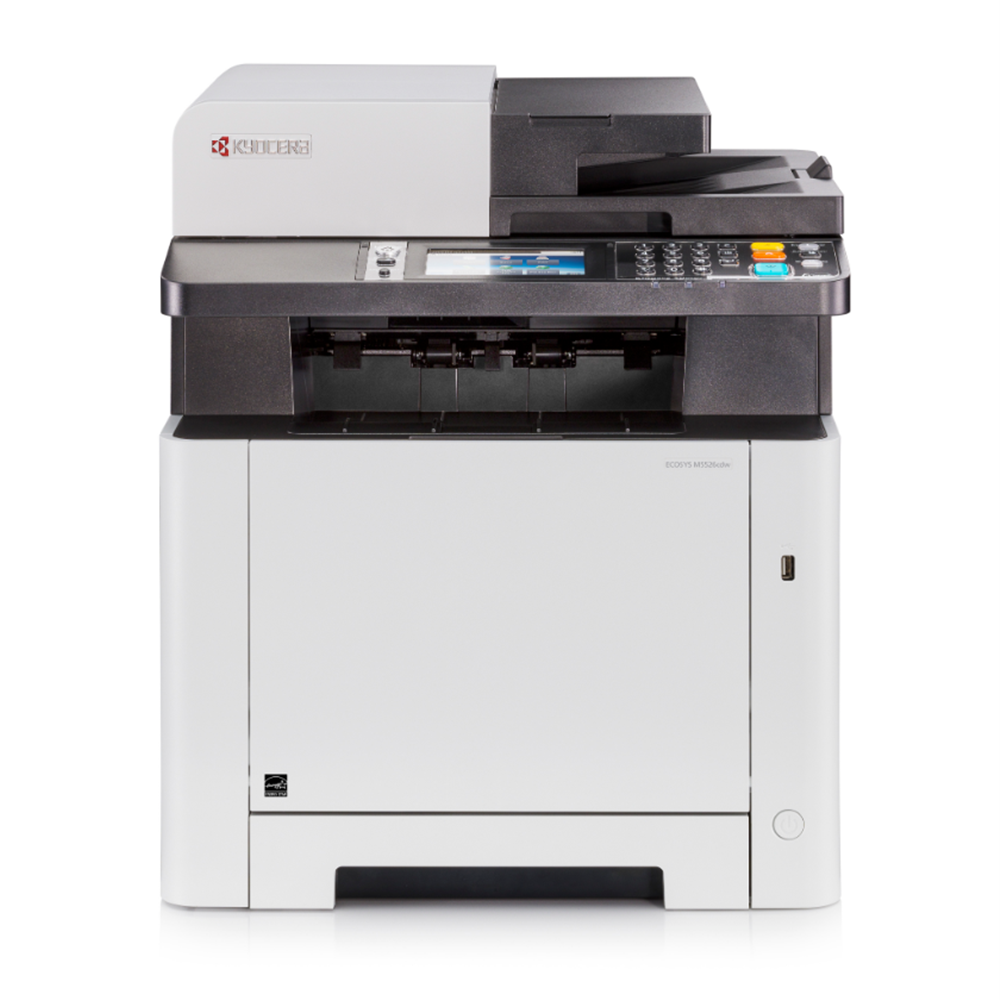
The M Series collects Kyocera's compact ECOSYS-era multifunction machines — desktop units that print, copy, scan and fax for small offices and home workspaces. Four model pages sit below. The shelf on this series page belongs to the M2635dw, whose TK1152 cartridge is listed as a single, a 2-pack and a 4-pack; the other models carry their own cartridge listings on their own pages.
The M idea is the small-office version of the ECOSYS bargain: a machine sized for a desk corner, with wireless built into the dw models so it joins the office network without a cable run, and a compact cartridge sized for lighter volumes rather than departmental throughput. Offices choose these machines when the printer serves a handful of people and lives within arm's reach of all of them — which is also why the pack sizes on this shelf top out at four.
Popular cartridges for the M Series
Every product on this series shelf is listed below — the three M2635dw listings.
| Cartridge | Color/Type | Page Yield |
|---|---|---|
| M2635dw (TK1152) Toner Cartridge Black 2 Pack | Black, 2 pack | See product page |
| M2635dw (TK1152) Toner Cartridge Black 4 Pack | Black, 4 pack | See product page |
| M2635dw (TK1152) Toner Cartridge Black | Black | See product page |
Which cartridge should you buy?
If your machine is the M2635dw, the choice is only about quantity: the single cartridge for a lightly used machine, the multi-packs when the machine is shared and a spare should always be in the drawer. If your model is one of the others in the directory — the M3550idn is the larger machine of the four — open its model page instead; M models do not all share one cartridge, and the code that fits the M2635dw is not promised to its siblings.
Chip, toner and everyday use
A compact machine is usually its own IT department, so the cartridge swap has to be foolproof: the M models read the cartridge chip at start-up, and a wrong-family cartridge is refused before it can do any harm. Seat the new cartridge until it clicks, let the machine finish warming up, and print a test page before the old cartridge goes out — at small-office volumes that one page is the whole acceptance test. Keep the spare sealed in a drawer, flat and away from sunlight. Every compatible cartridge on this page is covered by a 1-year warranty and 1-year returns.
Frequently Asked Questions
Is the TK1152 the same cartridge as the TK-1152?
Yes. The dash comes and goes between listing generations; the number is the identity. Both spellings in this catalog name the M2635dw's cartridge, and searching either form lands on the same listings.
What does the dw in M2635dw mean?
Duplex and wireless: two-sided printing as standard, and a Wi-Fi connection instead of a cable. It is the configuration letter pattern used across the ECOSYS-era range, and it describes the machine, not the cartridge — every M2635dw takes the same TK1152 whatever the letters after another model's name say.
Do all four M Series models use the TK1152?
No. The TK1152 belongs to the M2635dw, which is the model this series shelf stocks. The other three models in the directory carry their own cartridge families on their own pages, so check the model page that matches the name on your machine.
How long does a compact cartridge last in a small office?
The rating on the product page is measured at the standard 5% coverage, so text-heavy pages use a cartridge faster than the rating suggests. For a small team the practical rule is simpler than the arithmetic: keep one spare in the drawer, and reorder when the spare goes into the machine.