




Xpress M2875
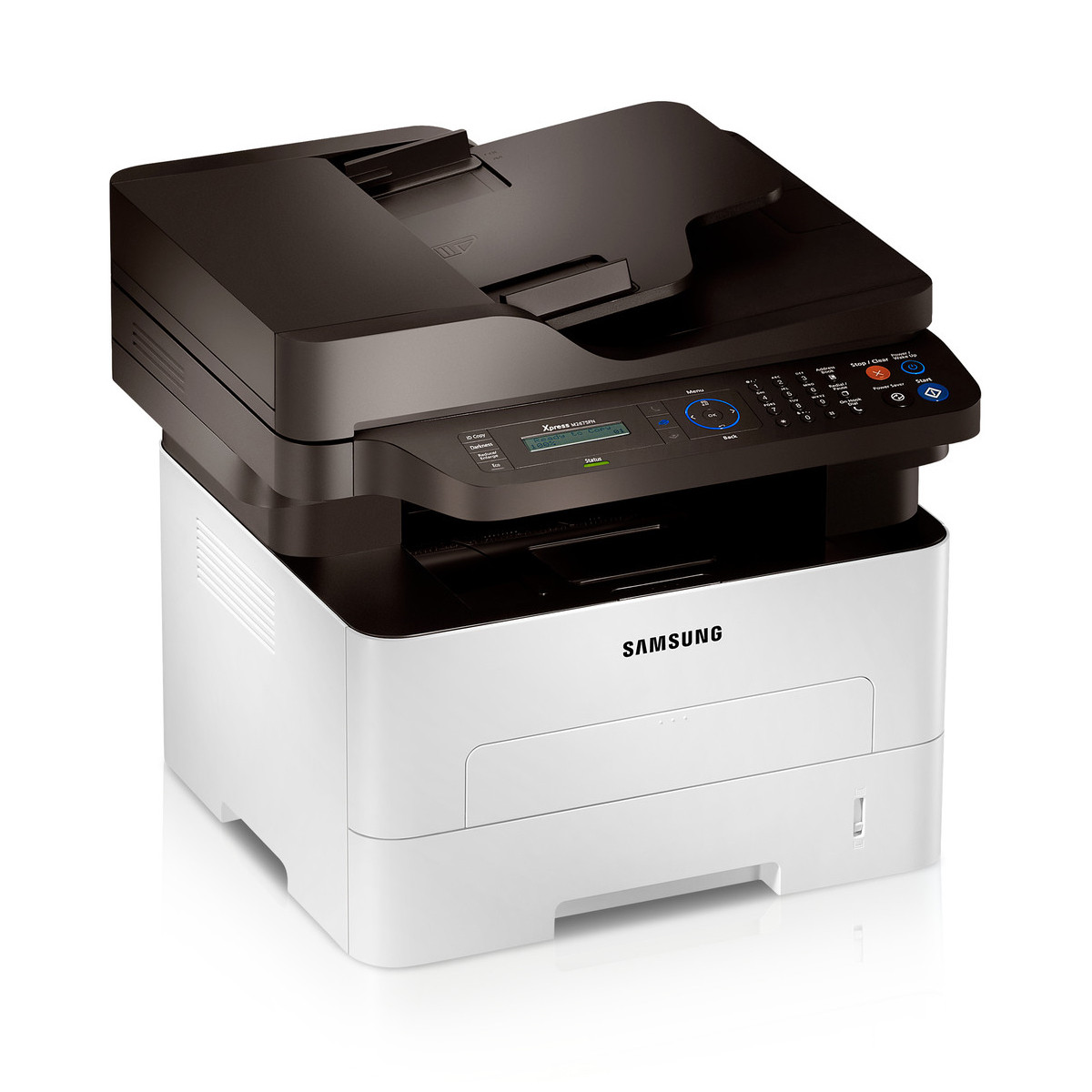
The Xpress M2875 is the fax-equipped multifunction model in Samsung's fast mono Xpress line — print, copy and scan plus a full fax suite, at up to 28 pages per minute. It feeds on the MLT-D116 cartridge family, and this page stocks the high-yield MLT-D116L. Imaging is handled by a separate MLT-R116 drum unit rated for roughly 9,000 pages, so drum wear never forces you to throw away unused toner.
Fax changes the toner equation. Every incoming fax prints whether anyone is watching or not, so an M2875 in a document-heavy office — a clinic front desk, a law office, a dispatch counter — consumes toner in the background all day long. That steady, unglamorous volume is precisely what a high-yield cartridge exists for: fewer interruptions, and no Monday-morning discovery that the fax ran dry sometime over the weekend.
Toner Cartridges for Xpress M2875
| Cartridge | Color | Page Yield |
|---|---|---|
| MLT-D116L High Yield | Black | See product page |
| MLT-D116L High Yield — 3 Pack | Black | See product page |
| MLT-D116L Premium High Yield — 5 Pack | Black | See product page |
| Xpress M2875 High Yield | Black | See product page |
| Xpress M2875 High Yield — 5 Pack | Black | See product page |
Imaging drum (replaced separately):
- MLT-R116 drum unit — Black — approximately 9,000 pages. Because the drum is separate, a worn drum never wastes the toner left in a cartridge.
Which cartridge should you buy?
For a fax machine, buy capacity. The MLT-D116L stocked here is the practical choice for the Xpress M2875 because the machine prints on its own schedule, not yours — incoming faxes do not wait for office hours. The family's standard-yield MLT-D116S fits the same slot and suits a fax line that rings twice a week, but most M2875 owners will change it often enough to erase its lower price. Offices that cannot afford an idle fax should look at the 3-pack and 5-pack listings, and remember the MLT-R116 drum is replaced on its own roughly 9,000-page cycle, not with the toner.
Chip, toner and everyday use
The chip on each compatible cartridge lets the Xpress M2875 identify the MLT-D116L and report its level, so a low reading is worth acting on promptly — a fax machine that stops printing stops receiving paper copies altogether. Keep one spare cartridge in the same room as the machine. Yield figures assume 5% page coverage, and a typical fax page of plain text sits close to that estimate, so ratings are a fair planning guide here. When output lightens near the end of a cartridge, rocking it gently side to side redistributes the remaining toner and usually buys a few more clean days. Store spares in their sealed packaging, away from radiators and sunny shelves.
Frequently Asked Questions
Why does my Xpress M2875 seem to use toner faster than our other printer?
Inbound faxes print automatically, around the clock. Your page count grows even on days when nobody in the office prints a single document deliberately, which makes a fax MFP's cartridge seem to empty ahead of schedule.
Prints from my Xpress M2875 are faded. Is it the toner or the drum?
Start with the cartridge: remove it, rock it gently to redistribute the toner, and print a test page. If bands, streaks or a gray background persist with a cartridge that still has toner, suspect the MLT-R116 drum — its roughly 9,000-page life may be spent.
Can the Xpress M2875 take the standard MLT-D116S instead?
Yes, the two are the same family and the same fit. This page stocks the high-yield MLT-D116L because fax volume rewards capacity, but the standard cartridge drops in exactly the same way when a lower upfront cost matters more.
Should I keep a spare cartridge next to a fax machine?
It is a good habit. An empty cartridge halts everything the machine does — printing, copying and fax output alike — until it is replaced. A spare on the shelf turns a stalled morning into a two-minute swap.