




Xpress M2870FW
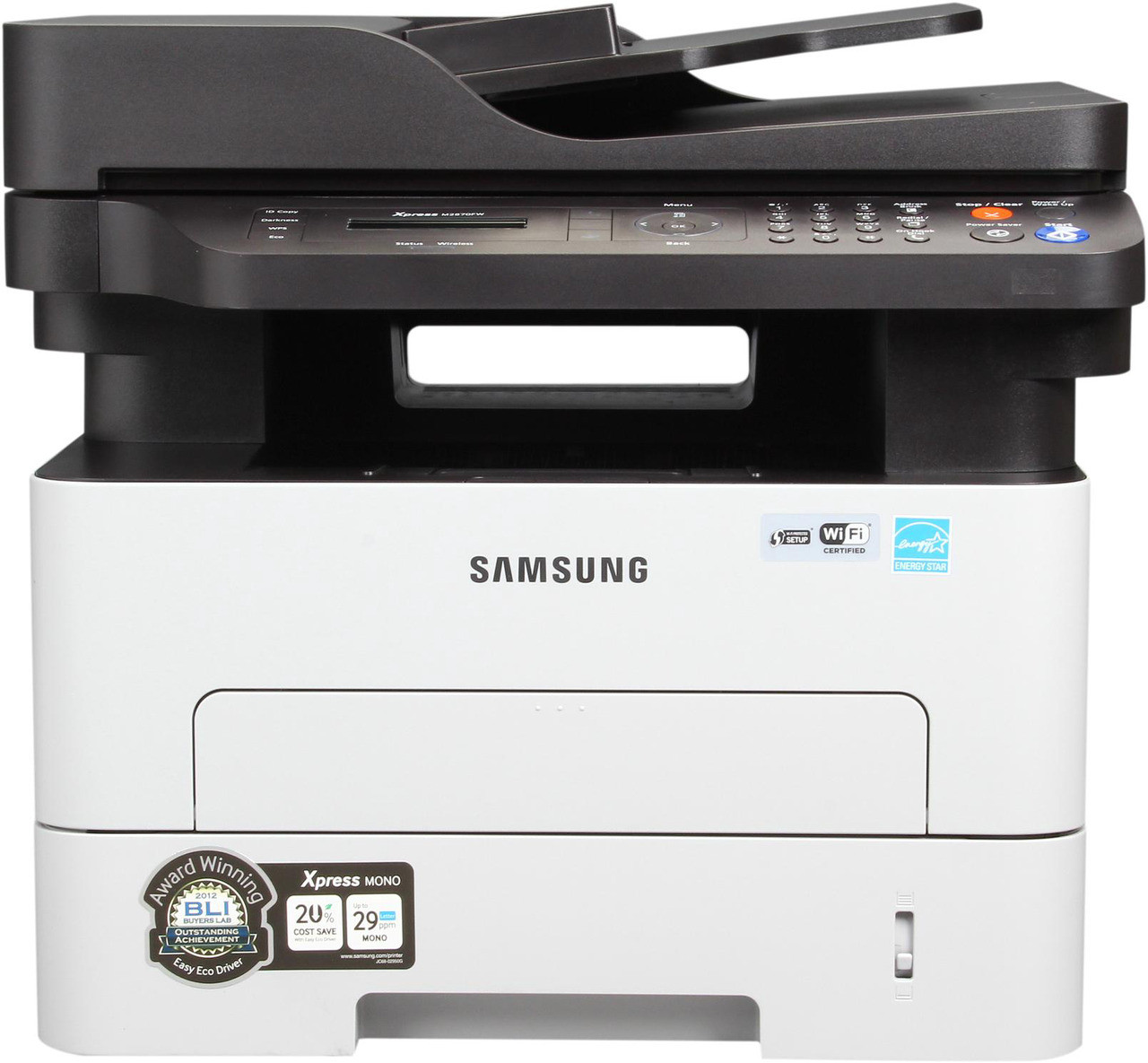
The Xpress M2870FW is the wireless fax flagship of the D115 branch: a monochrome all-in-one carrying every function in the line — print, scan, copy and fax — with no cables required. Built for sharing, it typically serves an entire office rather than a single desk. Its cartridge is the MLT-D115L high-yield black, rated at about 3,000 pages, with the standard MLT-D115S as the smaller option in the same one-piece family, drum included in every unit.
A flagship all-in-one that anyone can print to from anywhere becomes the office's default machine, and defaults accumulate volume from every direction: documents printed, copies made, faxes received. That shared duty is precisely what standard-yield cartridges handle worst — the changes come too often and always at a bad moment. The FW's specification makes sense only alongside the high-yield cartridge and a small stock of spares.
Toner Cartridges for Xpress M2870FW
| Cartridge | Color | Page Yield |
|---|---|---|
| Samsung MLT-D115L High Yield Laser Toner Cartridge Black | Black | 3,000 pages |
| Samsung MLT-D115L High Yield Laser Toner Cartridge Black 3 Pack | Black | 3,000 pages per cartridge |
| Samsung MLT-D115L Premium Quality High Yield Laser Toner Cartridge Black 5 Pack | Black | 3,000 pages per cartridge |
| Samsung Xpress M2870FW High Yield Laser Toner Cartridge Black | Black | 3,000 pages |
| Samsung Xpress M2870FW High Yield Laser Toner Cartridges Black 5 Pack | Black | 3,000 pages per cartridge |
Which cartridge should you buy?
Shared printers punish small cartridges, so choose the MLT-D115L for the M2870FW. Its roughly 3,000 pages are the longest interval this platform offers, and the cost per page is the family's lowest — the combination a whole-office machine needs. The MLT-D115S fits, but on a shared flagship it is a false economy that trades a small saving for frequent interruptions. Round out the setup with the multi-pack listings if several departments draw on the machine, and keep one cartridge sealed in reserve: with fax, copy and print traffic combined, a spare is not a luxury on this model.
Chip, toner and everyday use
Fax hygiene is toner hygiene on this machine. Every unwanted fax that auto-prints spends MLT-D115 toner on pages nobody reads, so enable the junk-fax block or caller-ID filter, and switch reception to memory-only or email forwarding for unknown numbers where you can. Should a new cartridge ever fail to register, power down, wipe the chip contacts with a dry lint-free cloth, and reseat the unit firmly — the chip is the part the printer interrogates, and a clean, fully seated contact solves most recognition complaints.
Frequently Asked Questions
Do junk faxes waste toner on the Xpress M2870FW?
Yes — each one prints automatically and consumes MLT-D115S or MLT-D115L toner for a page nobody wants. Turn on the junk-fax block or caller-ID filtering so spam never reaches the print engine, and use receive-to-memory or fax-to-email for unrecognized numbers. On a busy line, one spam-heavy week can cost more toner than a month of ordinary office printing.
The Xpress M2870FW does not recognize my new toner cartridge. What fixes it?
Switch the machine off, take the cartridge out, and wipe the chip contacts with a dry, lint-free cloth, then reinstall with a firm push until it clicks. Temperature swings in shipping can cause a temporary misread, so let a freshly delivered cartridge settle to room temperature. Print a test page immediately afterward to confirm the chip and output while the packaging is still at hand.
Which cartridge should a whole office use in the M2870FW?
The high-yield MLT-D115L, without much debate. Print, copy and fax volume from many users adds up quickly, and the roughly 3,000-page cartridge delivers the longest working interval and the lowest cost per page available for this printer. Keeping a sealed spare beside the machine covers the gap between the low-toner warning and the next delivery.