




Xpress M2835
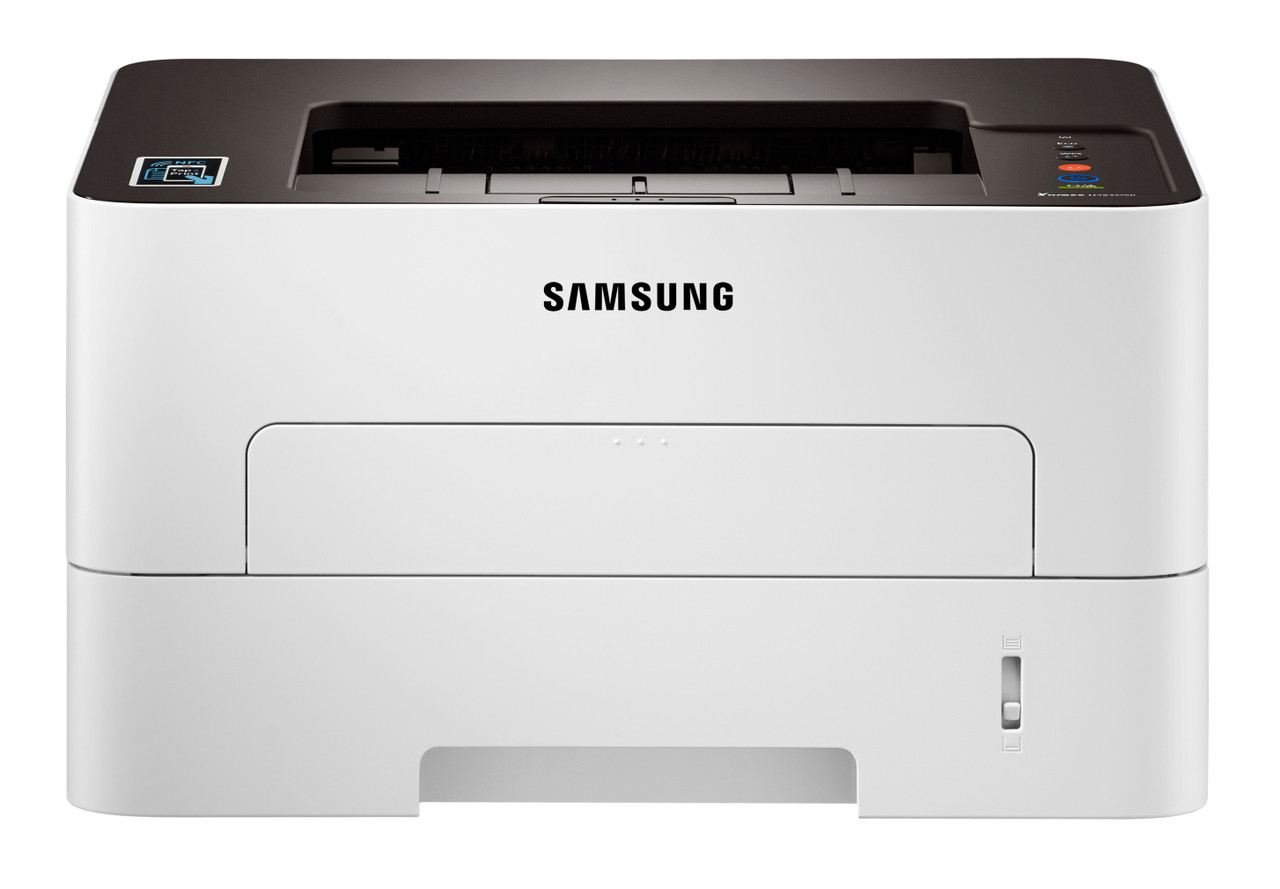
The Xpress M2835 sits at the quick end of this small-office monochrome platform, and pace changes the consumables math: a standard cartridge that feels adequate in a slow machine feels short-lived here. That is why the family pairs the standard MLT-D116S with the longer-running MLT-D116L, and why imaging sits in the separate MLT-R116 drum — about 9,000 pages — instead of being thrown away with each toner change. This page lists the compatible range for the model.
Machines at this end of a range are bought by offices with deadlines: month-end reporting, invoice runs, same-day mailings. Their printing arrives in surges, and a surge is precisely when an empty cartridge does the most damage. The buying pattern that fits is unglamorous — high-yield cartridges, one spare always on site, and a drum that minds its own longer schedule in the background.
Toner Cartridges for Xpress M2835
| Cartridge | Color | Page Yield |
|---|---|---|
| Xpress M2835 High Yield Toner Cartridge | Black | Listed on the product page |
| MLT-D116L Premium High Yield Toner Cartridge — 5 Pack | Black | Listed on the product page |
| MLT-D116L High Yield Toner Cartridge | Black | Listed on the product page |
| MLT-D116L High Yield Toner Cartridge — 3 Pack | Black | Listed on the product page |
| Xpress M2835 High Yield Toner Cartridges — 5 Pack | Black | Listed on the product page |
Imaging is a separate purchase with a longer horizon:
- MLT-R116 Drum Unit — about 9,000 pages
Which cartridge should you buy?
Lead with the MLT-D116L. On a fast machine the standard MLT-D116S is not really a budget option; it is the same pages bought in smaller, more frequent, more expensive installments, with each swap landing at an inconvenient moment. The high-yield cartridge lowers the cost per page and survives the month-end surge, and the 3-pack and 5-pack listings above convert toner into stock you manage quarterly. Choose the standard fill only if this M2835 turns out to be a secondary unit printing a few pages a week — in that case its lower upfront price is the honest saving.
Chip, toner and everyday use
Before a big run, check the toner gauge the way you would check fuel before a trip: yields are rated at 5 percent page coverage, and reports full of tables and charts burn through that assumption quickly. For internal drafts, toner-save mode stretches a cartridge meaningfully. When output starts to thin, remove the cartridge and rock it gently side to side to redistribute the powder; when even that stops helping, the cartridge is done and the spare should already be in the building. Fit replacements firmly until they click, and keep chip contacts clean. Compatible cartridges here carry a 1-year warranty and 1-year returns.
Frequently Asked Questions
Why does the rated yield feel optimistic on the M2835?
Because the rating assumes a short letter's worth of toner per page — 5 percent coverage. Dense documents, tables and graphics multiply real consumption, and a fast machine encourages exactly that kind of output. Draft and toner-save modes for internal work pull usage back toward the rating; sustained heavy printing is the argument for the MLT-D116L over repeatedly swapping standard cartridges.
MLT-D116S or MLT-D116L for the Xpress M2835?
The MLT-D116L, for almost every owner of this model. Both cartridges fit identically, but the high-yield version's lower cost per page and longer run suit a machine bought for pace. The standard MLT-D116S is the exception pick for genuinely light, occasional use.
How do I look after the MLT-R116 imaging unit in the M2835?
Leave it alone until it asks for attention — that is most of the care it needs. When a swap does come, work briskly: the MLT-R116 surface is light-sensitive and should not sit exposed under bright light, and touching the surface leaves oils that repeat as spots on later pages. Its roughly 9,000-page life spans several toner cartridges by design.