




Xpress M2830DW
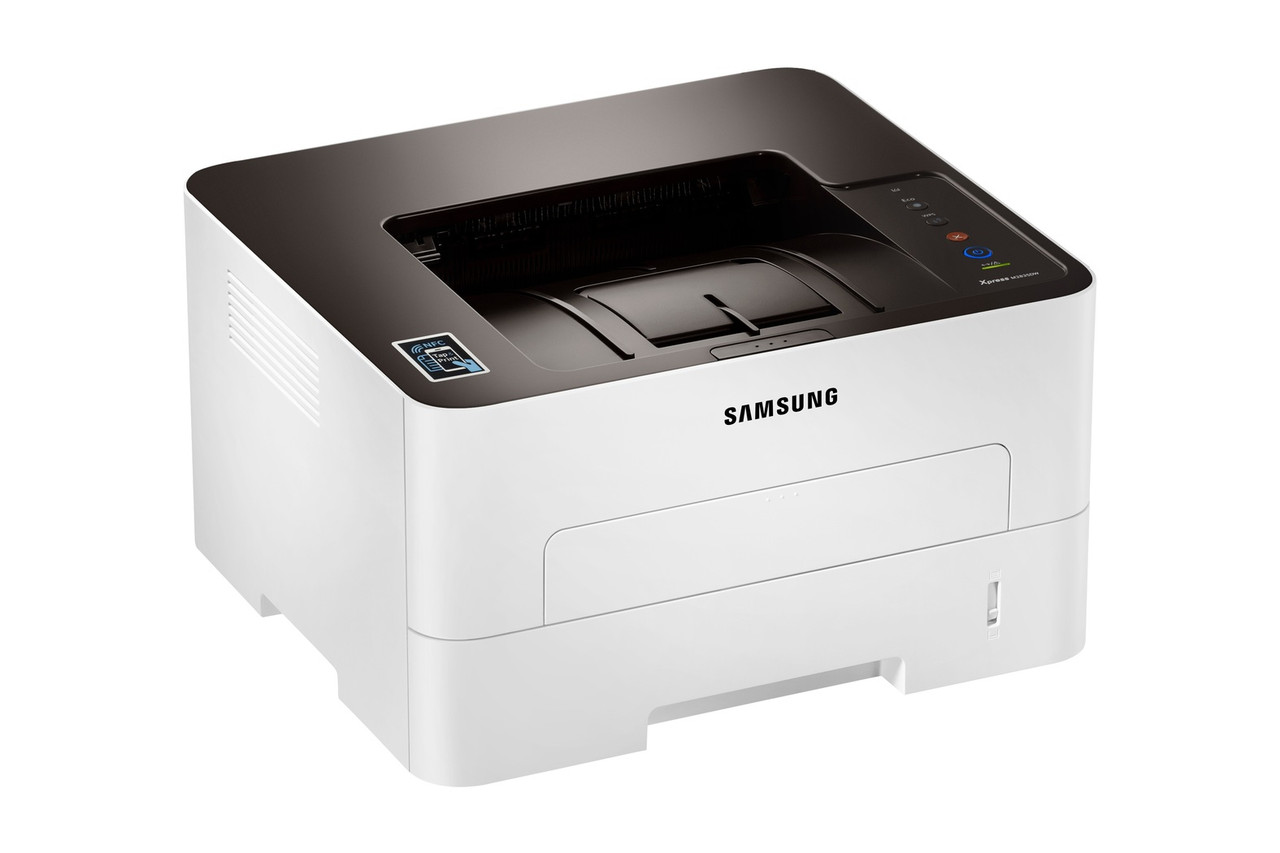
Wireless networking and automatic duplex come standard on the Xpress M2830DW, making it the most flexibly deployed version of the M2830 engine: a monochrome laser printer that can be placed wherever a workgroup needs it, printing double-sided without a cable in sight. Its consumable is the familiar one-piece unit — the MLT-D115L high-yield black cartridge, rated at about 3,000 pages, with the standard MLT-D115S as the smaller family member. One cartridge, one swap, and the drum is renewed at the same time.
Deployment freedom changes how a printer gets used. A machine that can live in a corridor cabinet or on a credenza serves people who would never walk to a central print room, so its page count climbs. The counterweight is that an out-of-the-way printer should not demand frequent visits: long intervals between cartridge changes are a feature in themselves on this configuration, and the buying advice follows from that.
Toner Cartridges for Xpress M2830DW
| Cartridge | Color | Page Yield |
|---|---|---|
| Samsung MLT-D115L High Yield Laser Toner Cartridge Black | Black | 3,000 pages |
| Samsung MLT-D115L High Yield Laser Toner Cartridge Black 3 Pack | Black | 3,000 pages per cartridge |
| Samsung MLT-D115L Premium Quality High Yield Laser Toner Cartridge Black 5 Pack | Black | 3,000 pages per cartridge |
| Samsung Xpress M2830DW High Yield Laser Toner Cartridge Black | Black | 3,000 pages |
| Samsung Xpress M2830DW High Yield Laser Toner Cartridges Black 5 Pack | Black | 3,000 pages per cartridge |
Which cartridge should you buy?
The one-piece MLT-D115L is the cartridge this configuration wants. At roughly 3,000 pages, it is long enough between swaps that a printer tucked in a corner is not constantly calling for attention, and it carries the family's lowest cost per page. The standard MLT-D115S fits and works, but its shorter life undercuts exactly the hands-off quality the DW model is bought for. Use duplex as your paper strategy and toner-save mode as your toner strategy — duplexing halves paper consumption while toner-save lightens every page — and stock the multi-packs if the printer serves a whole team.
Chip, toner and everyday use
Expect the cartridge to finish sooner than its rating if the team's documents are dense: yields are calculated at 5% coverage, roughly a short business letter, and reports with tables, borders and graphics can use several times that. Draft mode for internal pages pulls real consumption back toward the rating. When the low-toner point arrives, removing the cartridge and rocking it gently side to side redistributes the remaining powder — often enough to finish the day's work while the replacement, helped by the chip's level readings along the way, is on order.
Frequently Asked Questions
Why is my toner running out faster than expected on the Xpress M2830DW?
Coverage is almost always the reason. The roughly 3,000-page rating for the MLT-D115L assumes 5% of each page is covered; a dense report can cover three or four times that and will empty the cartridge proportionally sooner. Toner-save mode for drafts and the multi-page-per-sheet option bring consumption back in line, and stepping up from the MLT-D115S to the high-yield L cuts both cost per page and swap frequency.
The Xpress M2830DW will not recognize a new cartridge. What should I try?
Turn the printer off, remove the cartridge, wipe the chip contacts with a dry lint-free cloth, and push the cartridge back in until it clicks. Give a newly delivered cartridge time to reach room temperature as well, since temperature extremes during shipping can cause a temporary misread. A test page right after installation confirms everything while the box is still within reach.
Does the duplex function lower toner use on this model?
No — duplexing lowers paper use. The MLT-D115 cartridge lays down the same amount of toner for a printed side whether that side is one of a duplex pair or a single sheet. Toner economy comes from toner-save or draft settings, which reduce the density of every page regardless of how the paper is fed.