




Xpress M2825DW
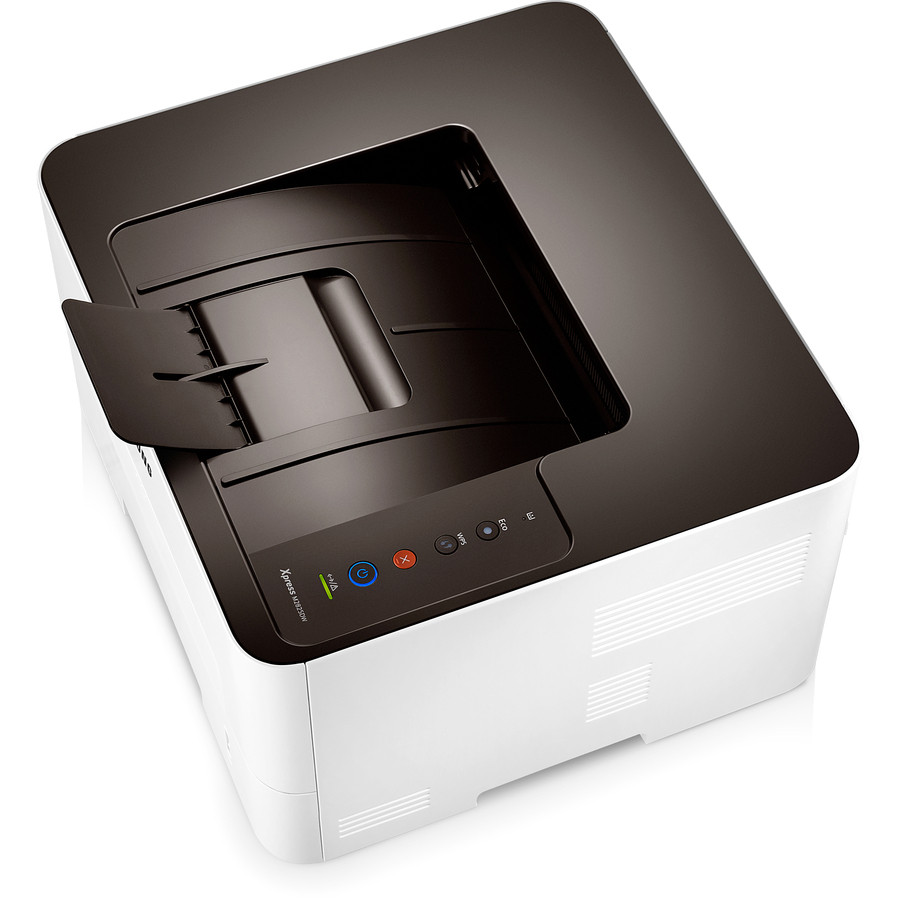
No cable run, no manual page-flipping: the Xpress M2825DW pairs automatic duplexing with wireless networking, so the printer can live wherever a workgroup actually needs it rather than wherever the wall sockets are. Its supplies are the familiar MLT-D116 toners — MLT-D116L high-yield or the standard MLT-D116S — plus the separate MLT-R116 imaging unit, each replaced on its own schedule. Everything below is the compatible range for this model.
Placement freedom changes who prints. A machine that sits beside the team instead of down the hall picks up walk-up work all day: the quick contract copy, the boarding pass, the form that needed a signature five minutes ago. Convenience volume is real volume, and it arrives in small jobs that nobody counts — until the cartridge light comes on sooner than the calendar suggested it should.
Toner Cartridges for Xpress M2825DW
| Cartridge | Color | Page Yield |
|---|---|---|
| MLT-D116L Premium High Yield Toner Cartridge — 5 Pack | Black | Listed on the product page |
| MLT-D116L High Yield Toner Cartridge | Black | Listed on the product page |
| MLT-D116L High Yield Toner Cartridge — 3 Pack | Black | Listed on the product page |
| Xpress M2825DW High Yield Toner Cartridge | Black | Listed on the product page |
| Xpress M2825DW High Yield Toner Cartridges — 5 Pack | Black | Listed on the product page |
A second supply, on a longer cycle:
- MLT-R116 Drum Unit — yield on the product page
Which cartridge should you buy?
Buy for the volume you will actually get, not the volume in the plan. Wireless, duplex machines attract work, so the MLT-D116L high-yield cartridge is the sensible default: lower cost per page, longer between swaps, and available above in multi-packs for teams that print in waves. The standard MLT-D116S fits the same slot and suits a genuinely quiet corner of the office. One clarification worth repeating when choosing: duplexing will not stretch either cartridge further — it saves paper, not toner, so size your purchase by impressions printed, not sheets used.
Chip, toner and everyday use
Machines that get moved get bumped, and a cartridge can shift just enough to confuse its chip. After any relocation, open the cover and reseat the cartridge firmly; if recognition problems appear, wipe the chip contacts with a dry lint-free cloth. Keep a sealed spare within reach of the printer rather than in a distant storeroom — the swap then takes a minute, and the empty one becomes the reminder to reorder. Near the end of a fill, rock the cartridge gently side to side to coax even output from the last of the powder.
Frequently Asked Questions
Does automatic duplexing reduce toner use on the M2825DW?
No. Duplexing halves paper consumption, but every printed side draws its full share of MLT-D116L powder, so cartridge life is unchanged. To trim toner as well, combine duplex with toner-save mode and multi-page-per-sheet for drafts. There is one indirect benefit: fewer total impressions per document set means the MLT-R116 imaging unit's life stretches further in calendar time.
MLT-D116S or MLT-D116L for the M2825DW?
Both fit identically. The MLT-D116L holds more toner and costs less per page, suiting a machine specified for convenience and steady use; the MLT-D116S costs less upfront and suits occasional printing. If the wireless printer serves a team, history says the high-yield choice ages better.
The M2825DW says to replace the imaging unit. Is that the toner?
No. Toner is the cartridge you change regularly — MLT-D116L or MLT-D116S. The MLT-R116 imaging unit is a separate component that outlasts several toner cartridges and is replaced only when the printer calls for it. A drum warning will not clear by fitting toner, and low toner is never fixed by changing the drum.